
To be able to enter absences in the calendar and in the schedule, you must create them first in the schedule settings.
Create roles
Each employee is assigned a role. This simplifies the configuration of employees and rooms and equipment (more about the importance of the role).
To create a new role for an employee:
Distribute Permissions
Employees can only receive different rights if they have a user login.
Employee lock / unlock
Blocking an employee prevents them from logging into the system or being booked. Appointments and the calendar column remain intact.
Delete team member
Deleting a team member is only possible if there are no future appointments for this person.
Add employee
To create a schedule and display your employees in the calendar, you must first add your employees.
- 1
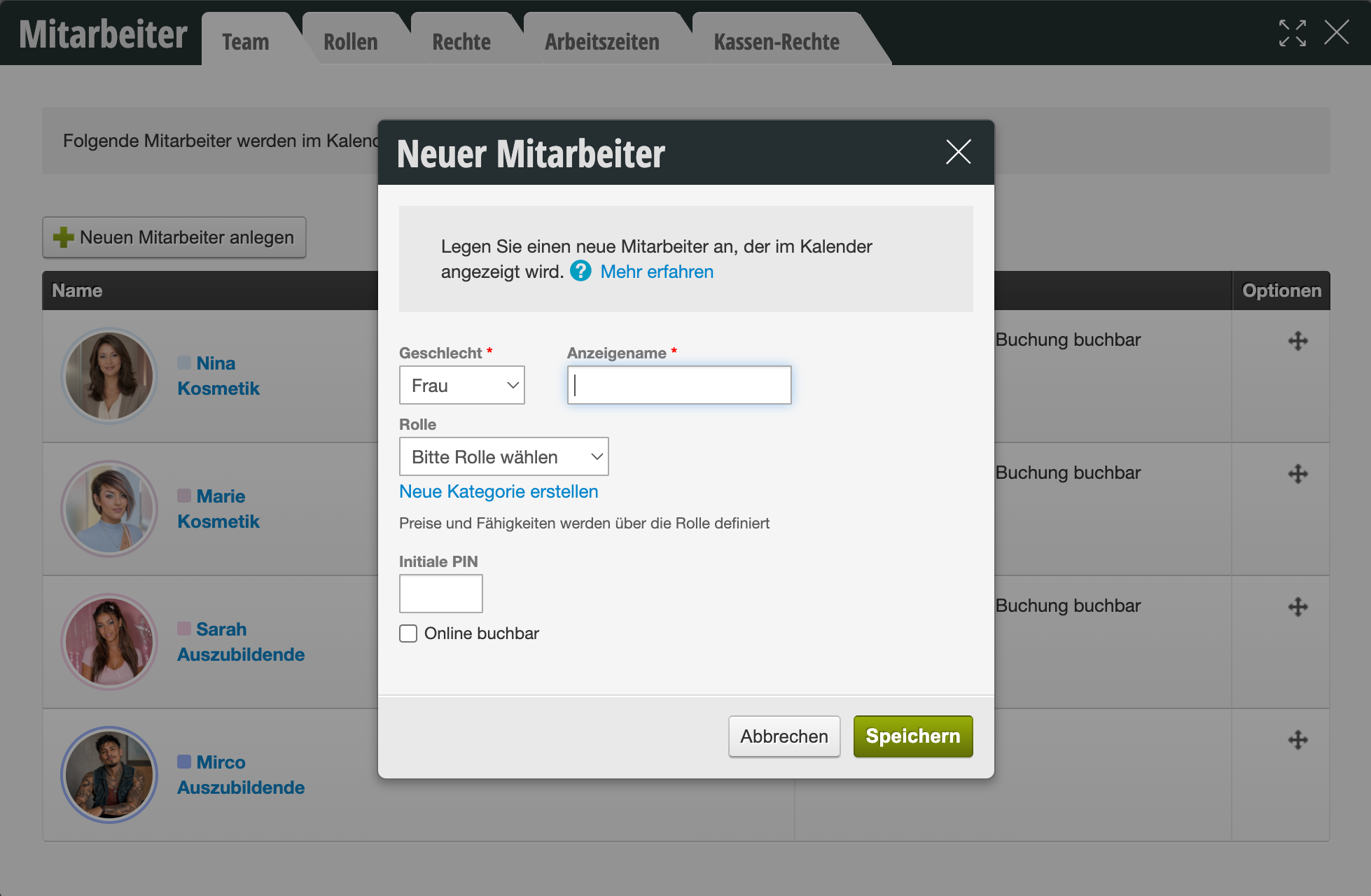
Use the + Add New Employee button to enter your new employee.
- 2
Assign the employee a role using the predefined groups or create a new role (see also: the meaning of the role).
- 3
Decide whether the employee should be available for online booking (you can also select/change these settings later).
- 4
After entering all requested data, complete the entry by clicking "Save".
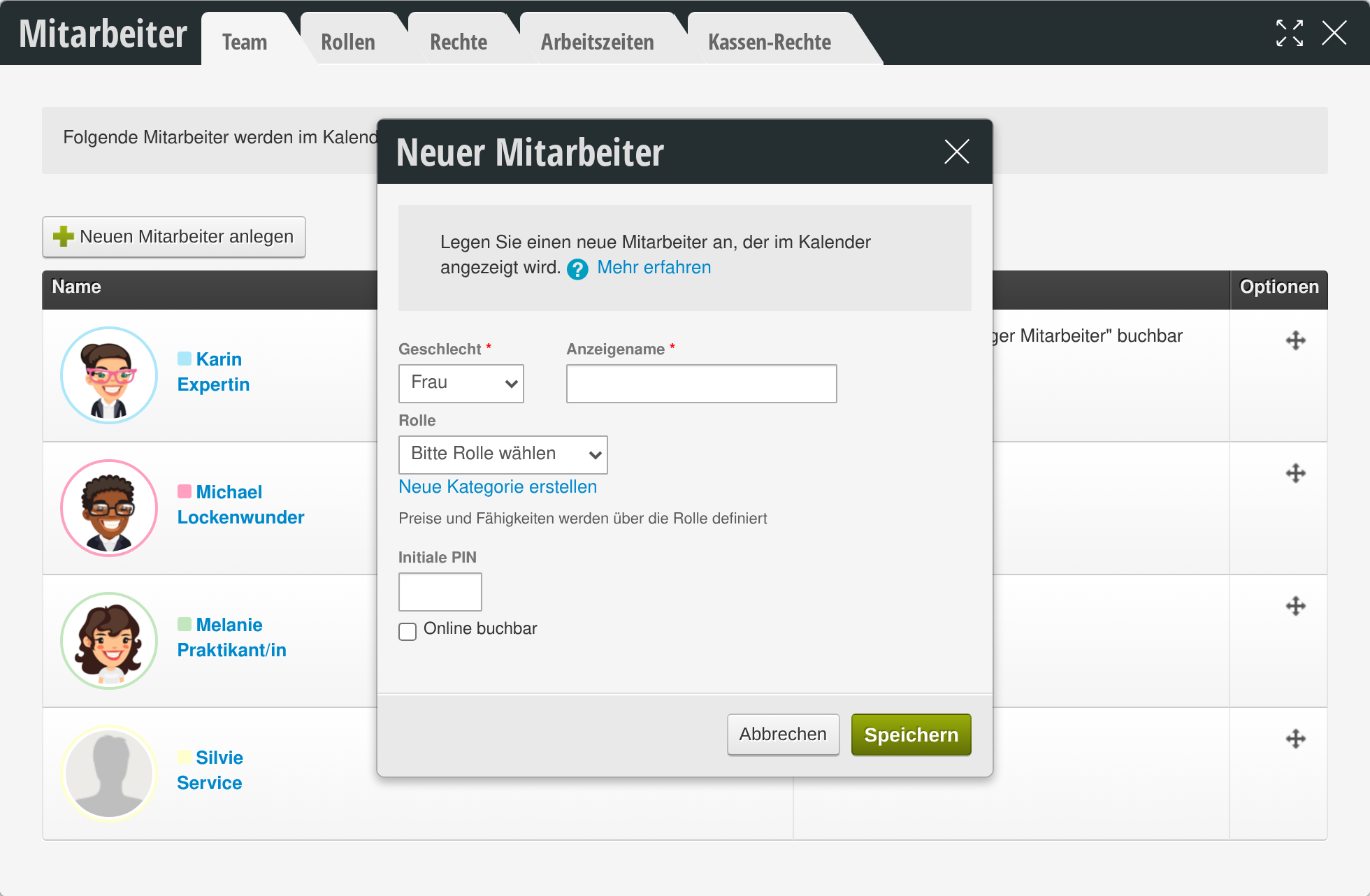
The newly added employee will now be displayed in the overview, as well as in the calendar and in the schedule.
Personal calendar view
It is possible to set up and save a personal calendar view. This means that every time you log in, you have your personal view and, for example, not all but only selected employees, rooms and devices are displayed to you.
Read more
Create new customers without appointments
In the Belbo calendar, a new customer record is created as soon as you save a new customer appointment. If you want to add individual customers without creating an appointment, you can do this in the customer overview.
Enter / release holidays
You can display statutory and religious holidays in your Belbo calendar and leave them blank during automatic shift plan transfer if you are generally closed on holidays.
Read more
Appointment Rescheduling
Moving appointments in the Belbo calendar is very simple. Whether you want to move an appointment by a few minutes or several weeks.
Read more