If your employees work in regular shifts, you can transfer the working hours entered for one week to the following weeks. This saves you from regularly entering certain working hours.
Transfer employee working hours
- Select the schedule from the navigation bar.
- Select the week you want to transfer from the horizontally displayed calendar.
- Click on the corresponding employee. An input mask opens showing the previously selected week.
- Next to the week heading and next to each employee, you will find the option "Transfer working hours" in the selection box.
- A dialog opens showing the rhythm and the number of working hours to be transferred.
- Enter your desired information and confirm your selection by clicking "save".

Transfer working hours for rooms and equipment
- Select the schedule from the navigation bar.
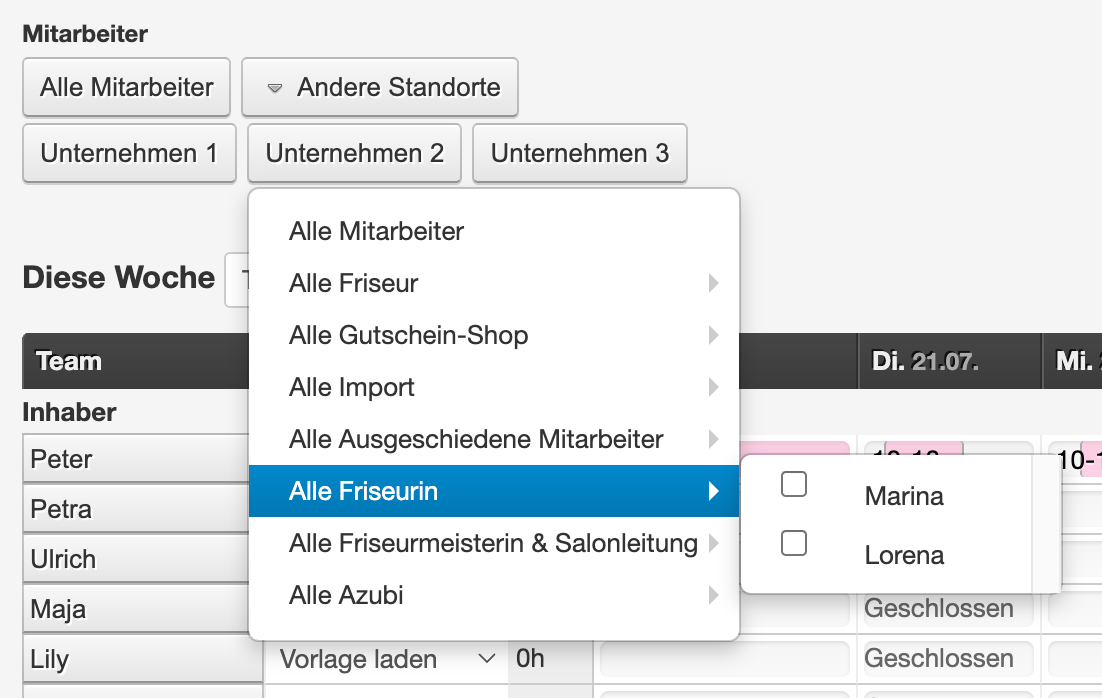
- Click on the "All Employees" button on the right and select the desired group or individual resource to be transferred.
- Select the week you want to transfer from the horizontally displayed calendar.
- Next to the week heading and next to each employee, you will find the option "Transfer working hours" in the selection box.
- A dialog opens showing the rhythm and the number of working hours to be transferred.
- Enter your desired information and confirm your selection by clicking "save".