
Blocking an employee prevents them from logging into the system or being booked. Appointments and the calendar column remain intact.
Block employee login
- Click "Settings" in the navigation bar.
- Under the "Employee" heading, select the function: "add, remove or change desired employees".
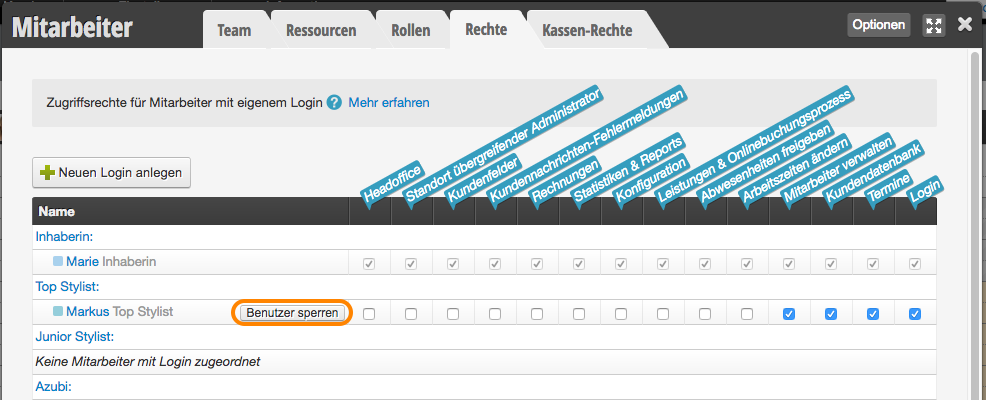
- At the end of the line of the desired employee, click the "Block user" button.
- To unblock, click the "Unblock user" button for the respective employee. All previous settings will then be available again.
Block other access
If you use a Team Login, it is advisable to change the password for this login! You can find out how to change passwords here.