
Your employees can log in to the calendar with their own login. These logins can be assigned specific permissions so you can determine which of your employees have access to certain functions. You can change the passwords of your employees entered in the calendar.
Requirements
- A requirement for changing the password is that the corresponding employee has their own login.
- To change an employee's password, you also need to know the current password. If this is no longer known, you can use the password forgotten function, which is located on your calendar's login page.
Change password
Under Settings > Employees > Permissions you can see all logins that are registered in your company.
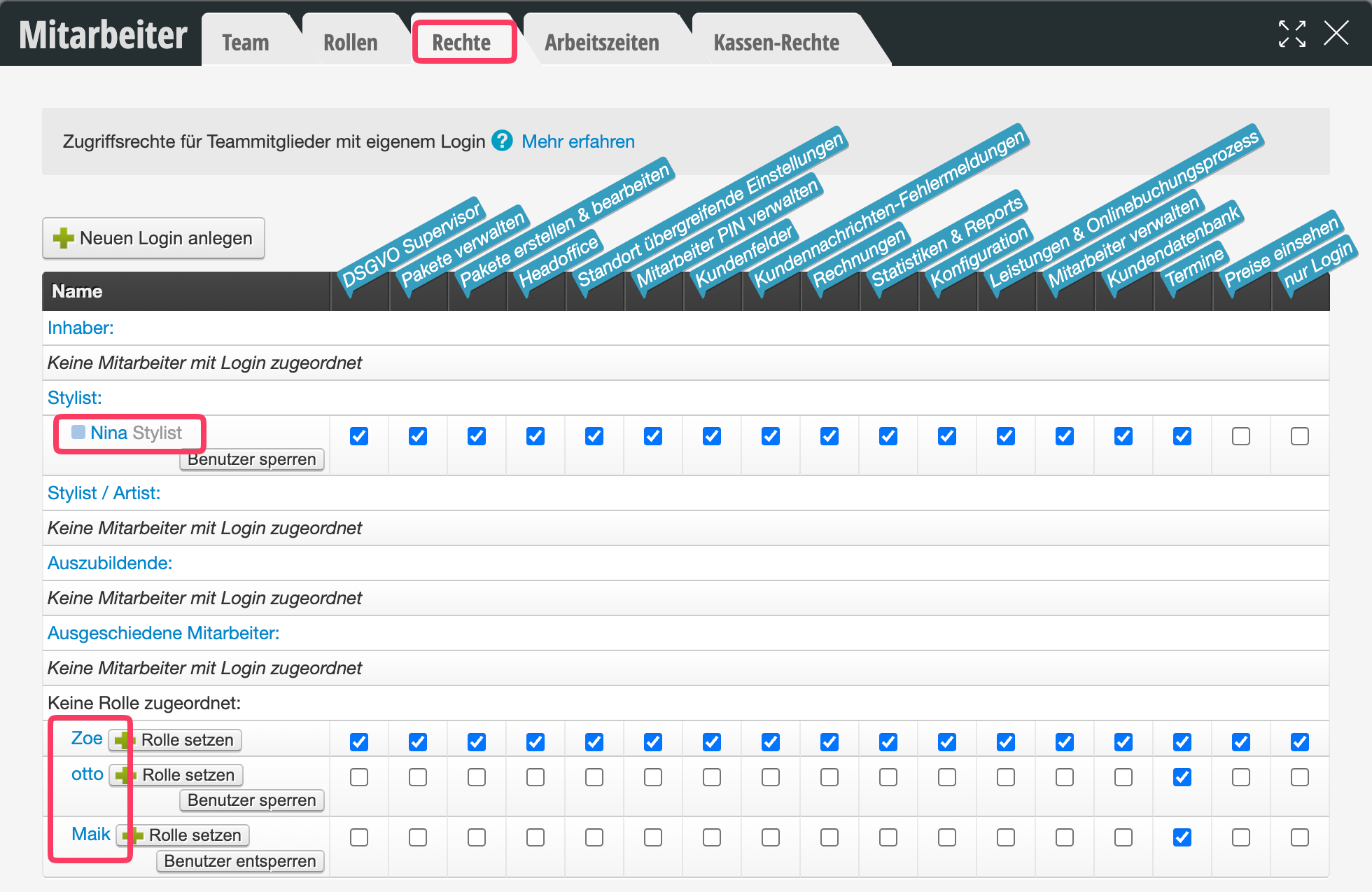
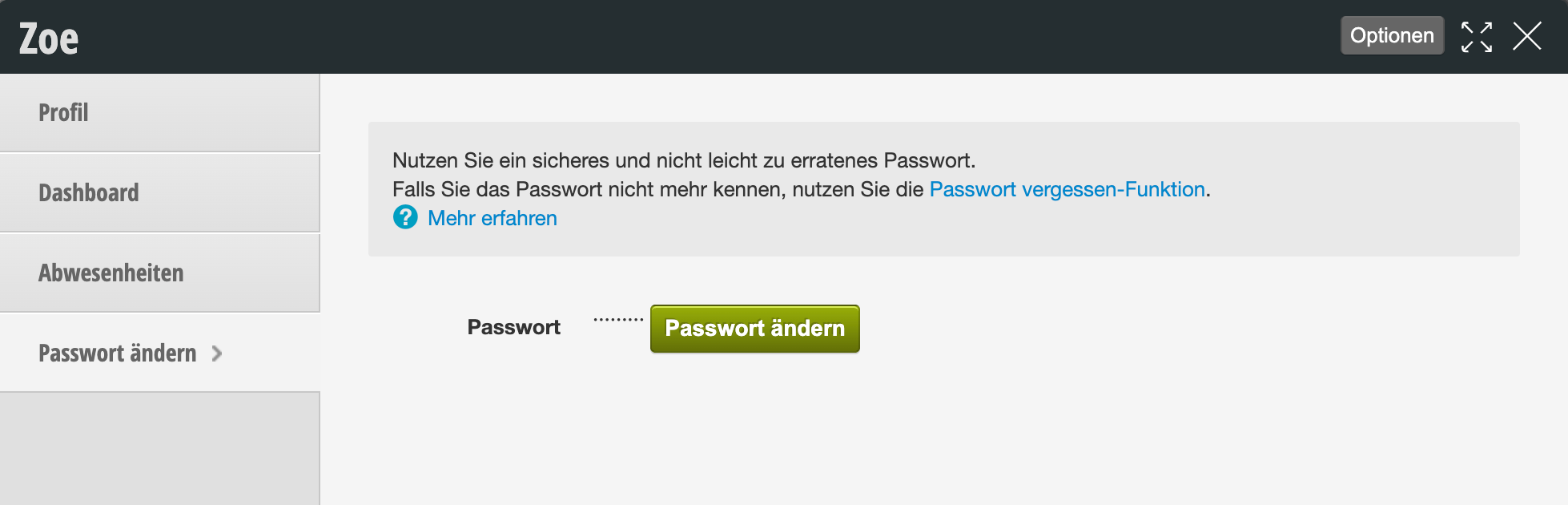
Click here on the desired login and follow the instructions in the dialog that opens when you click "Change password" to change the employee's password.
You can find out how to lock an employee here.
Additional security with 2FA
Instead of or in addition to regularly changing the password, you can secure a login with two-factor authentication (2FA). This way, the login remains protected even if the password falls into the wrong hands.