
If you use the Belbo cash register system, you can capture sales goods using a scanner during the checkout process and add them to the appointment to be checked out. Scanning helps avoid errors and save time.
Read more
Collect appointment
If you want to collect payment for an appointment that is already in the calendar, you can simply click on the appointment. You can also find current appointments in the Cash register overview.
Here you can learn how to collect payment from walk-in customers.
Read more
Charge products
Once you have created products, you can charge them at the cash register.
Read more
Rating function
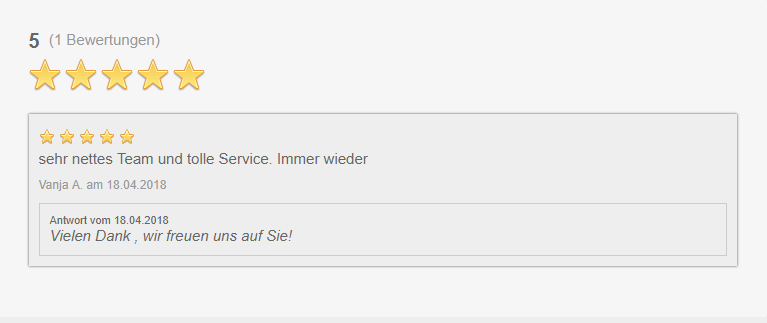
With the rating function, you enable your customers to quickly and easily rate their visit to you. Ratings show you what customers think of your business. You can use ratings for your internal quality assurance or publish them for marketing purposes on your online booking page.
Duplicate Finder
It occasionally happens that multiple customer records are created with identical values. These are duplicates. To find duplicates quickly and easily, we have developed a function for this: The Duplicate Finder.
Set bond width
With the Belbo cash register system you can print receipts. If the printout doesn't quite match your paper format, you can adjust the width and margins of the receipt yourself.
Read more
Performance and Product Report
Using the Services and Products Report statistics, you can quickly find out which service or product is very popular with your customers and which service is less popular. Furthermore, you will know which services you should promote more with your customers.
Read moreDelete employees and find former team members
To avoid having to completely delete former team members from the system, we explain how departed team members are no longer visible in the calendar and how you have access to their profiles and past appointments, revenue, and absences such as vacation and sick days.
Read moreTroubleshooting when using iPad and mPOP cash register
If you are using the Belbo cash register system on an iPad in combination with the mPOP cash drawer-receipt printer combination, you can check here how to solve any problems.
Read moreSetting up a Facebook Booking Link
If you've created a Facebook page for your business, you can link your online booking there. This gives existing and new customers who see your offers on Facebook the immediate opportunity to book a corresponding appointment at your business.
Read more