
Once you have created products, you can charge them at the cash register.
Sell product to walk-in customers
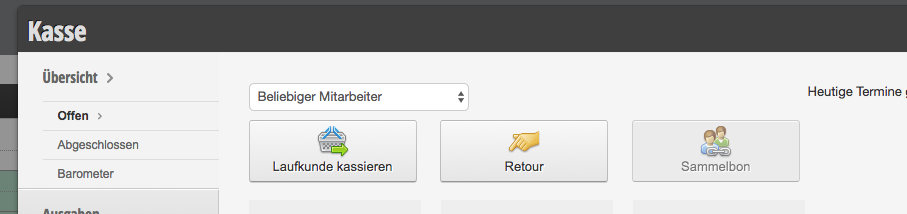
If a walk-in customer without an appointment only purchases a product, first click on Cash Register and then on Charge walk-in customer.
Sell product to appointment customers
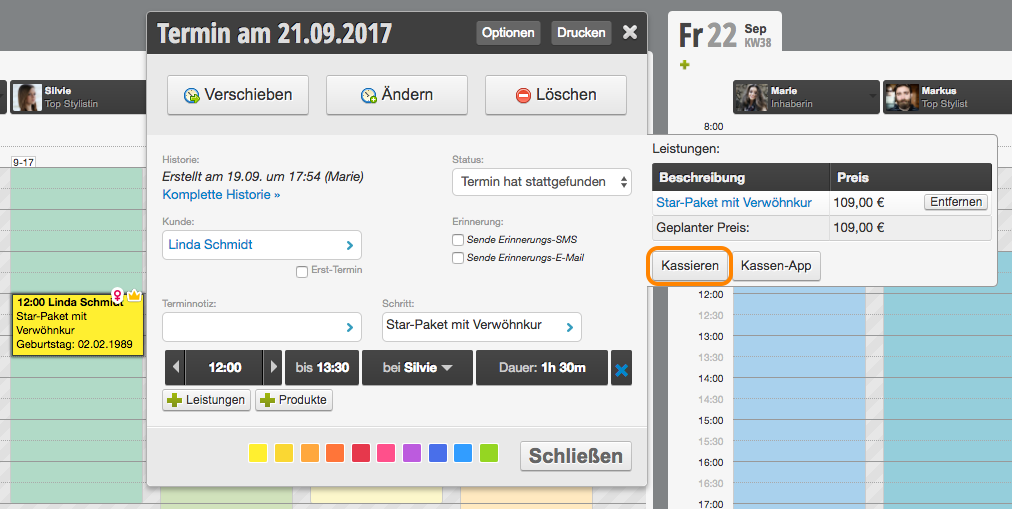
If a customer who has an appointment with you also takes a product with them, click on the appointment in the calendar and then on Charge.
Add products to the checkout process
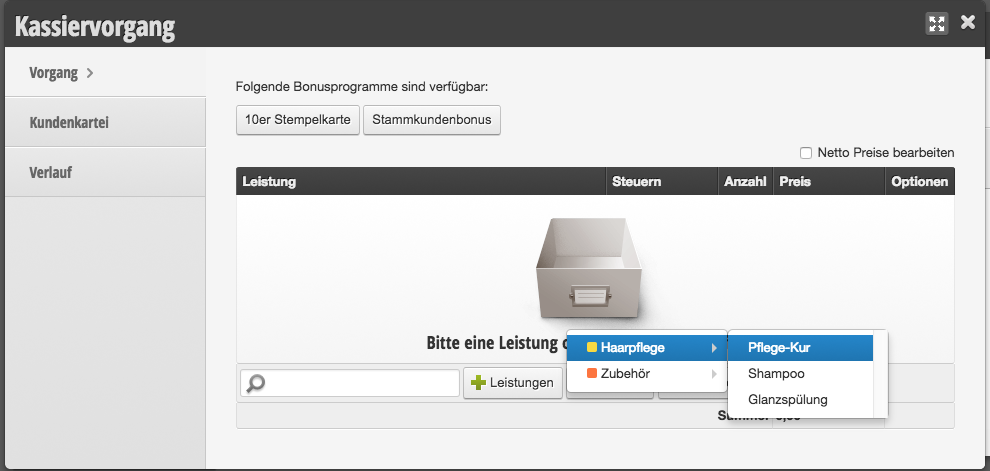
To add a product to the checkout process, you have 3 options:
- Select manually: Click the + Product button to add a product.
- Search: Use the search field to search by product name.
- Scan: Click in the search field and scan the barcode of the product to add it.
Then proceed as described in Charge appointment from step 6 onwards.