With the Belbo cash register system, you can bill appointments and regular customers directly in your Belbo calendar and send your monthly statements to your tax advisor in DATEV format. This article gives you an overview of all important cash register functions and how to use them.
Booking App for Your Customers
Offer your customers their own smartphone app! This way you're always present on your customers' favorite device that's heavily used. Publish news and information about your business and give your customers the opportunity to book appointments independently. This means service for the customer and relief for your team.
Switch to Belbo
Belbo is a management tool for hair salons, cosmetic studios and fitness studios. This includes point of sale systems for hair salons, cosmetics and sports, a calendar with online booking and comprehensive additional features that make business operations easier.
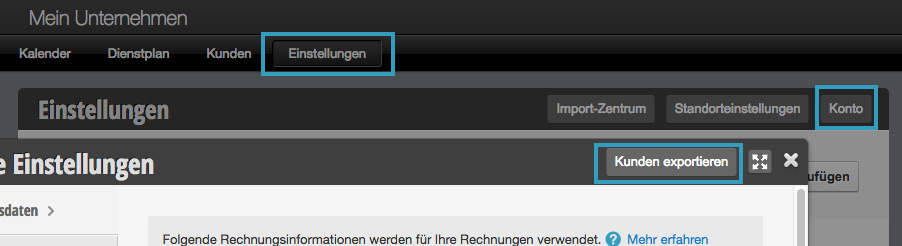
If you want to switch from another system to Belbo, you can – depending on the system – export data to import it into Belbo.
Selection of multiple employees in online booking
If you offer services that can be performed by multiple employees, you can allow customers to select more than one employee online as well.
SMS OTP
If you want to ensure that the mobile phone number provided by the customer is correct, you can activate SMS-TAN. Only after entering the TAN can the user register or book appointments. Customers can neither intentionally nor accidentally enter an incorrect mobile phone number.
Cash Register: Barometer
With the barometer, you get an overview of your revenues, broken down by your employees. This is useful, for example, for calculating commissions.
Vouchers
In the voucher module you will find an overview of vouchers you have already created or sold. If you use the cash register, you will find all vouchers sold via the cash register here.
The calendar is slow
Belbo places great importance on the performance (stability and speed) of your calendar. Should you find that the calendar is slow, you can perform the following tests: Read more
Tracking Code
If you want to track how many of your customers use your online booking from a specific source and book appointments, you can integrate a tracking code that will be displayed on the booking confirmation page.
Online Booking Overview
With Belbo Online Booking, you can give your customers the opportunity to book appointments themselves at any time. You have very precise control options for how and when your customers can book these appointments. This allows you to customize online booking to your preferences. Everything is possible, from "Any customer can book all services at any time without login" to "Only selected regular customers I choose may book specific services on specific days".