
You can export your customers at any time to import the list into third-party programs or save it locally.
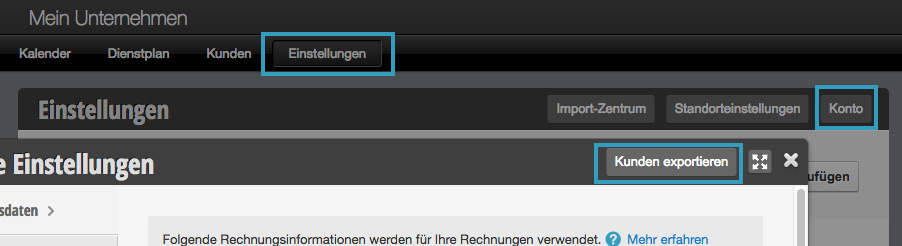
This is only permitted for employees who have the appropriate permissions.
Export Assistant
Next, you will be asked which email address the export should be sent to. Only addresses that also have administrative rights in the calendar are suggested here.
You can then select which customer fields you want to export. Please mark the desired fields:
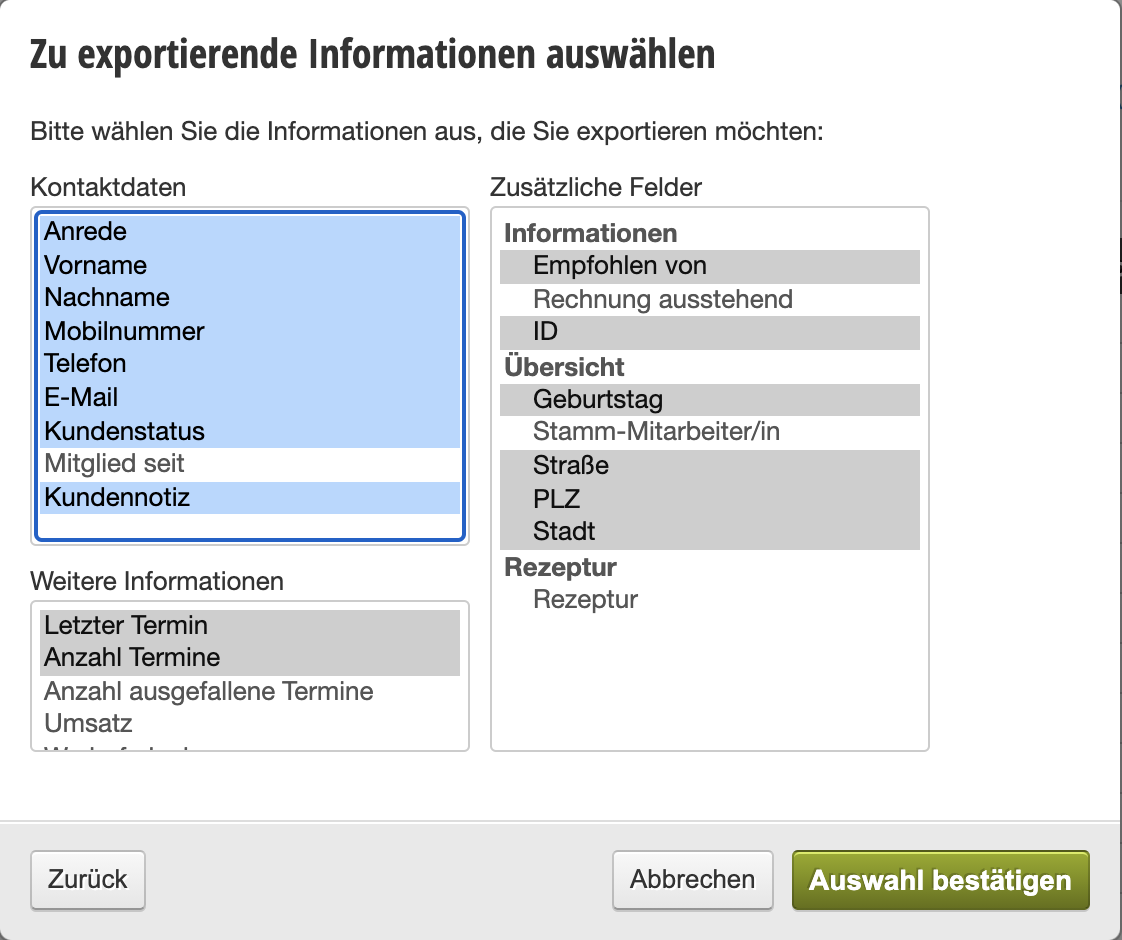
Confirm and download customer export
You will receive a confirmation email at the email address specified in step 1. Please click on the link and then enter the password valid for the specified email address in the input form. The customer export will then be calculated and you will receive another email with the download link at this address.
Further process the export
You can open the downloaded export in spreadsheet programs such as Excel or Open Office and further process it or import it into other software. Belbo adheres to international standards in this regard.
If you have problems displaying the table, you can proceed as described here.