
The CSV files exportable from Belbo are valid standard data. If you have problems setting up the desired view in Excel, you can proceed as follows.
To display the data in Excel in columns and without quotation marks, you can import the CSV file.
- Open a new blank file in Excel.
- Click on "Import" in the menu under "File".
- In the dialog that opens, select CSV:
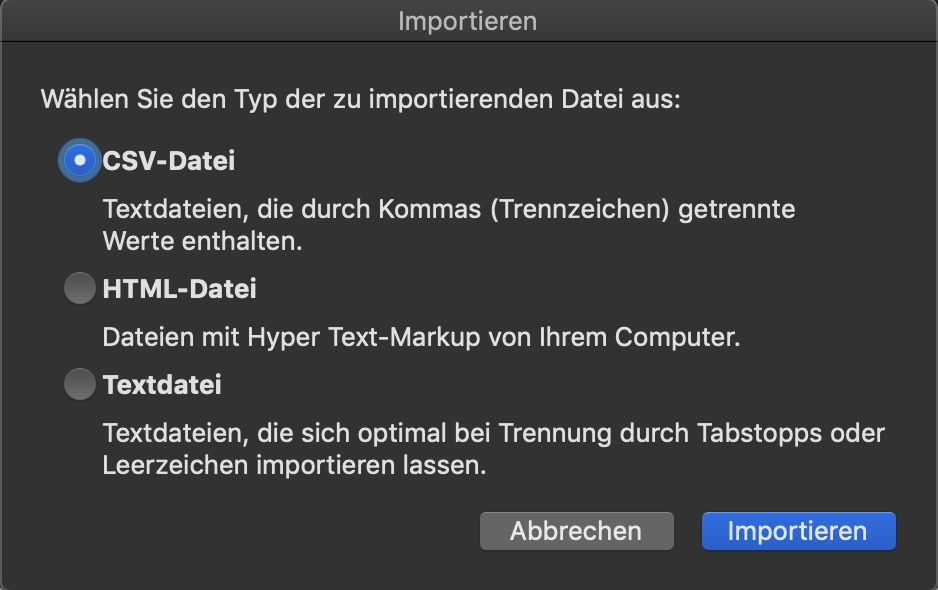
- Then select the export file saved on your computer that you downloaded from Belbo.
- Another dialog opens in which you can set the display options.
- In the first step, select "Delimited":
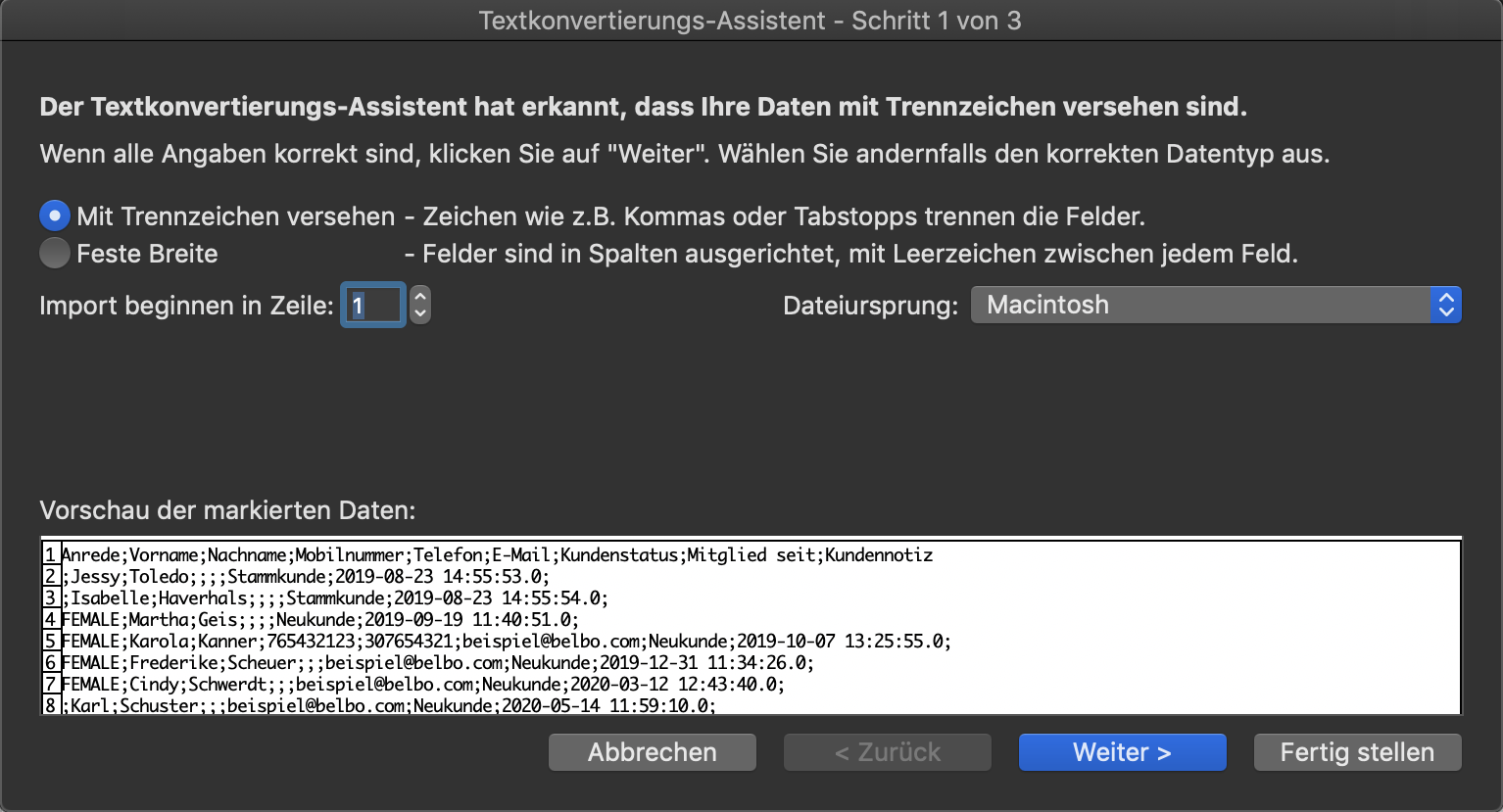
- Then click "Next".
- Important. In this step, select "Comma":
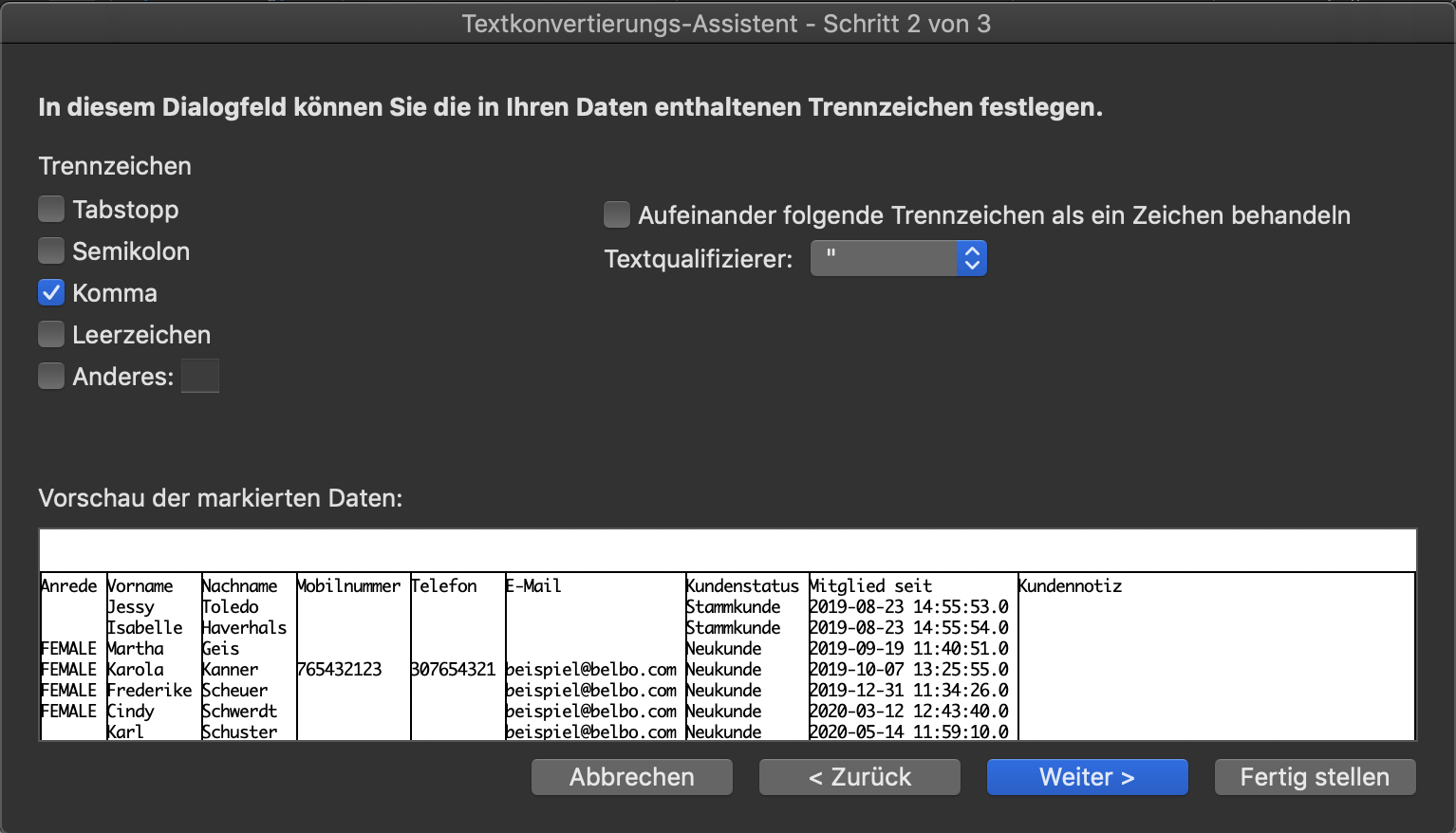
- Then click "Finish" to display the file.