
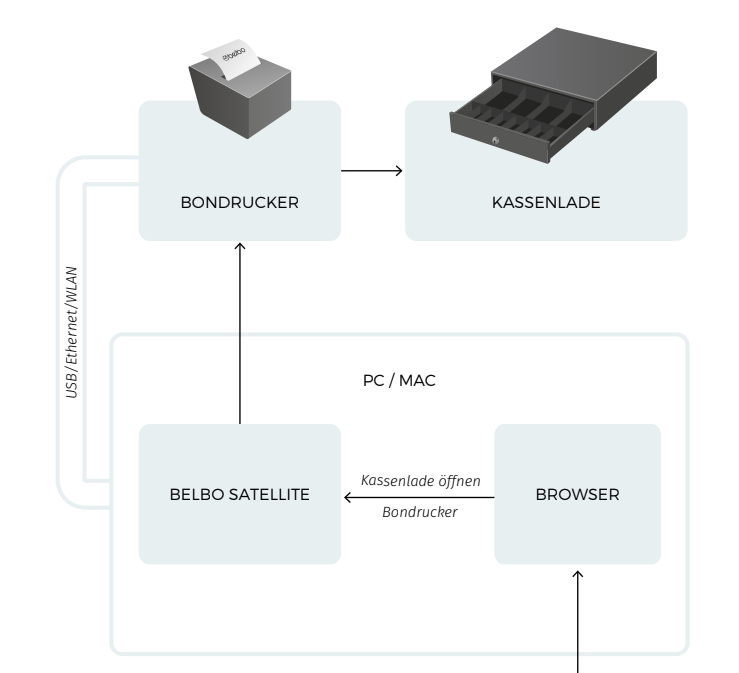
Your register can communicate with the printer and cash drawer via Belbo Satellite in addition to the simple mode. The advantage is that the cash drawer can be addressed directly without having to print via the bond printer first.
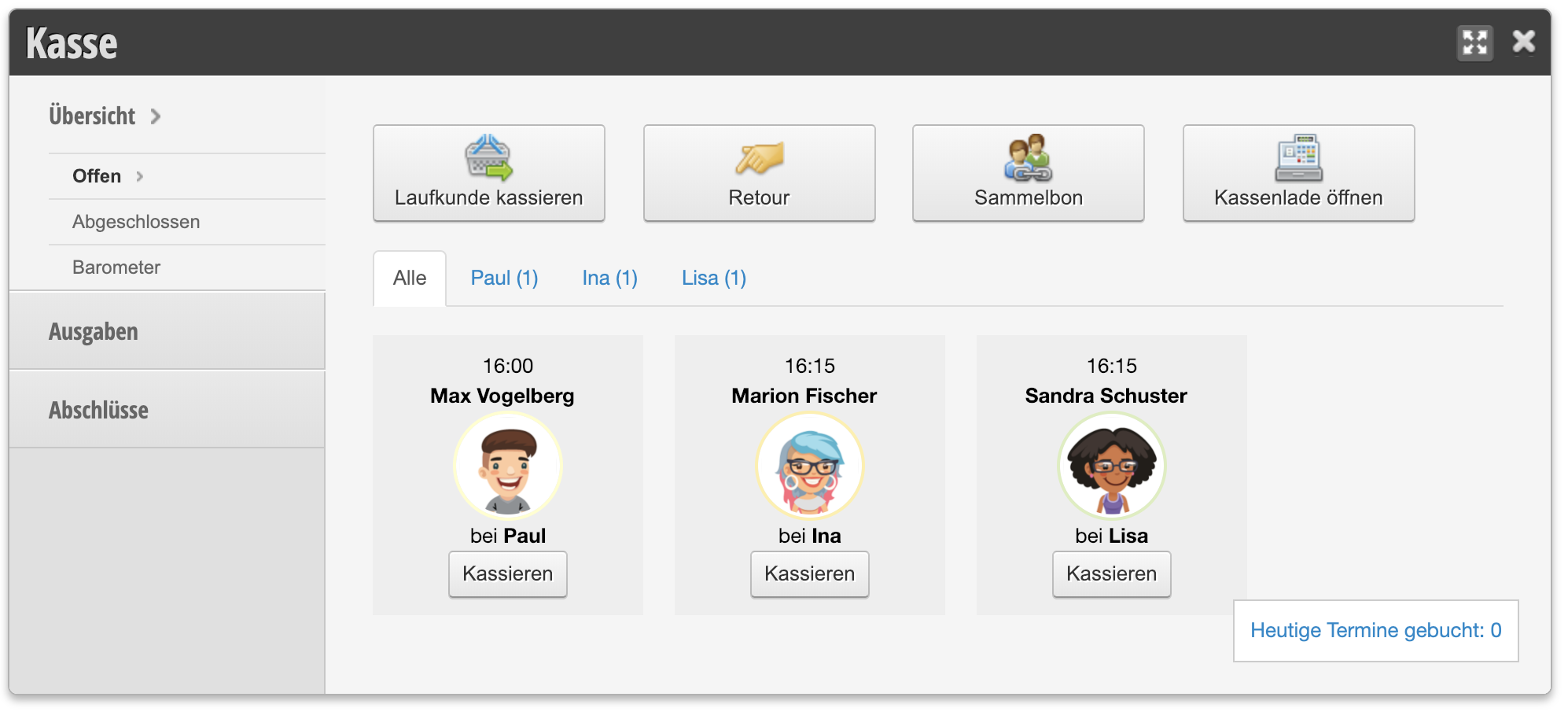
Button to open the cash drawer in the register overview:
Important: Please make sure that you can print normally with the printer. If necessary, install the printer driver and perform a test print. Otherwise the following instructions cannot work.
Star mPOP
If you are using the cash drawer bond printer combination from Star, here's how to operate the cash drawer and bond printer directly in Belbo:
Epson Bond Printer
Drivers for the Epson TM model can be found here:
- Epson TM-m30: Download driver
- Epson TM-20: Download driver
- Epson TM-88IV: Download driver
- Epson TM-88V: Download driver
The following steps must be completed:
- Install the Belbo Satellite
- Open the "Printer connection" function and go to the "Printer configuration" section. Select the type of printer. After saving, click on "Search for printer" and select the desired printer. Then save.
After that you can trigger the bond print directly in the invoicing process.