
Customers who do not show up for an appointment mean loss of earnings. With the Belbo calendar, you have the opportunity to reduce appointment cancellations.
Formulate confirmation email
In the confirmation texts you can inform your customers what a missed appointment means. This way you can point out your terms and conditions, mention a cancellation fee or describe that the cancellation represents a financial loss for you.
Use reminder functions
With reminder emails and SMS messages, you can remind customers of their appointments with you. For more information on how to compose these, see Reminder texts.
Prepayment function
You can allow your customers to pay online for services booked online. By the way, this can also be limited to expensive services or a specific customer status. A pre-paid appointment will very likely be attended. Find out more about online payment here.
Mark appointments as cancelled
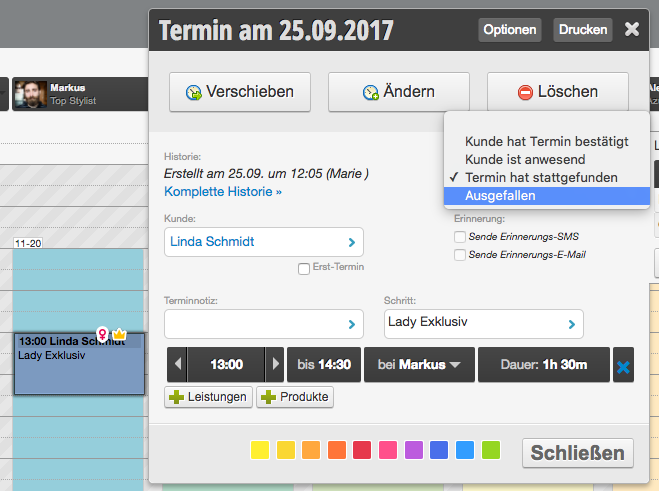
If a customer does not show up for an appointment, you can mark the appointment as cancelled. In the customer file, it will later be clear how reliable a customer is.
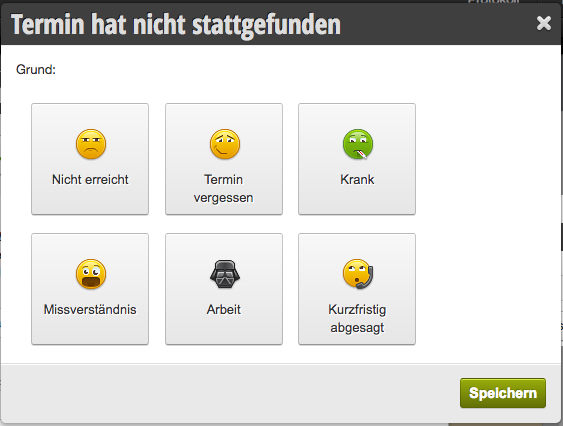
You can then specify a reason for this.
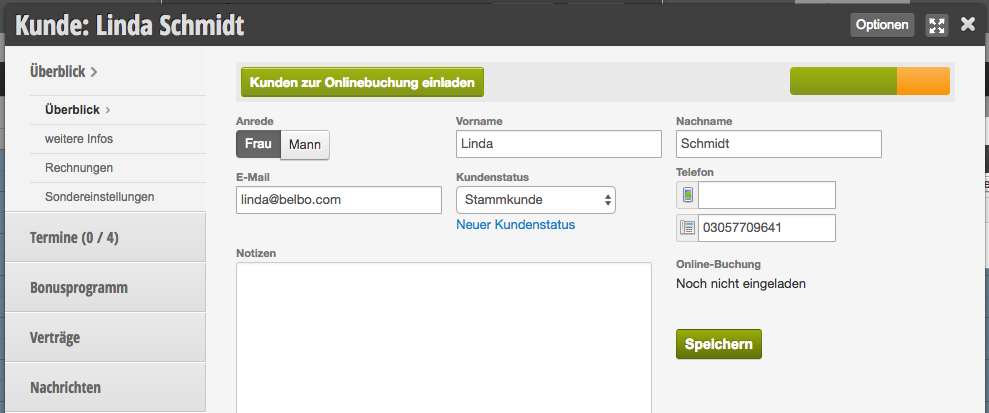
Customers who have always shown up receive a green scale in the customer file, while unreliable customers see the scale turn orange depending on the ratio of attended and cancelled appointments.
Reliability color scale for an unreliable customer:
Cancelled appointment in the customer's appointment archive:
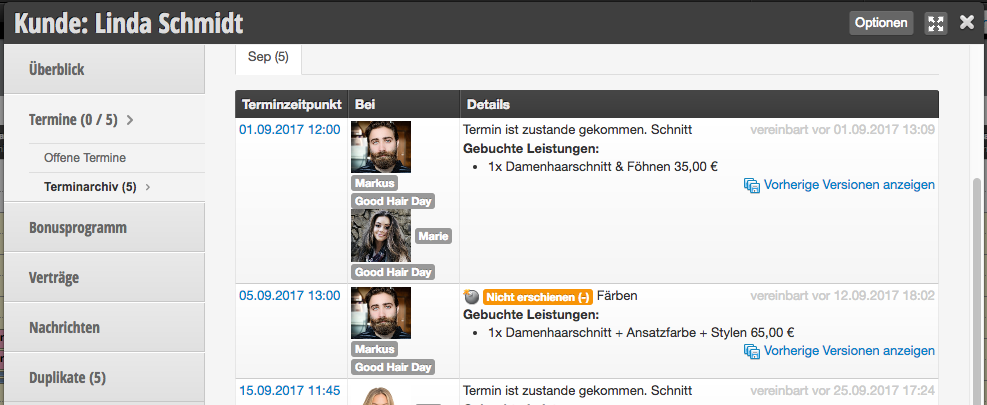
Appointments marked as cancelled can incidentally remain in the calendar. These times are bookable again for other customers without you having to delete the cancelled appointment.
Use customer status
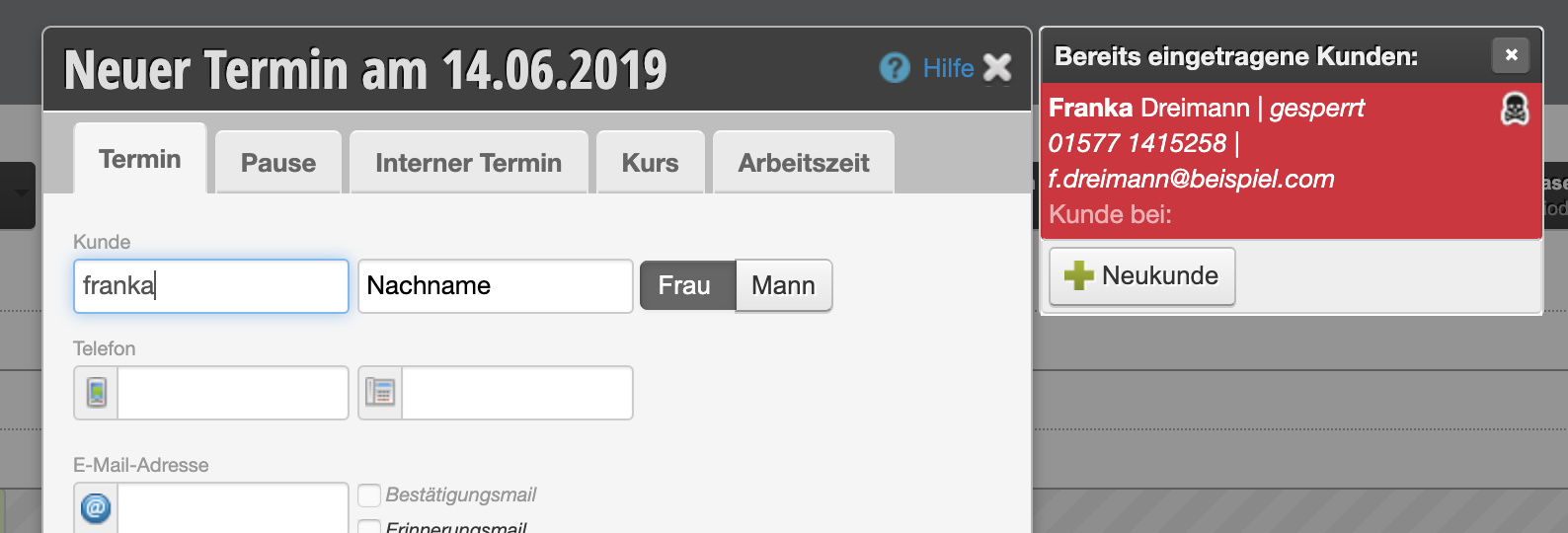
You can give unreliable customers an appropriate customer status so you can identify them immediately when entering appointments:
Draw up terms and conditions
Draft a terms and conditions text in which you alert your customers to the consequences of unannounced missed appointments. Customers who book appointments online must accept the terms and conditions before booking. This gives you legal certainty if you want to charge the customer a cancellation fee.
Block online booking
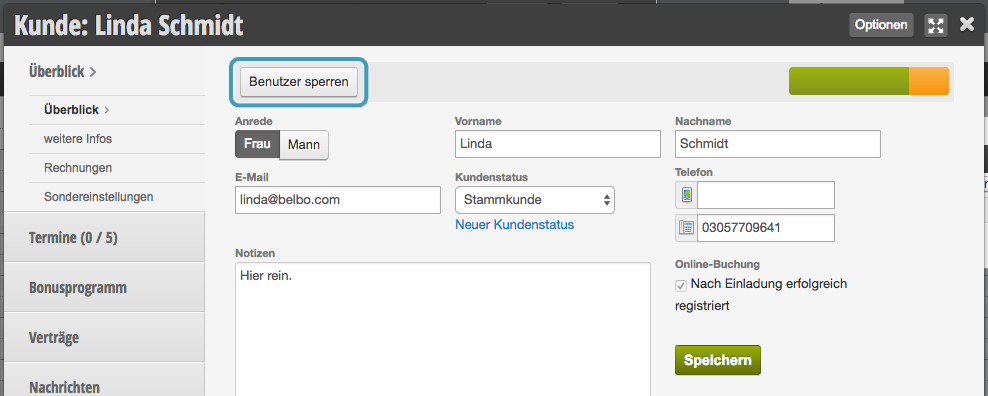
If you want to prohibit unreliable customers from booking online, you have several options:
Use SMS-TAN function
To make sure your customers enter the correct phone number when booking online, you can use the SMS-TAN function. This way customers can only book if they enter a code that is sent to their mobile phone.
This function incurs SMS costs according to your contract.