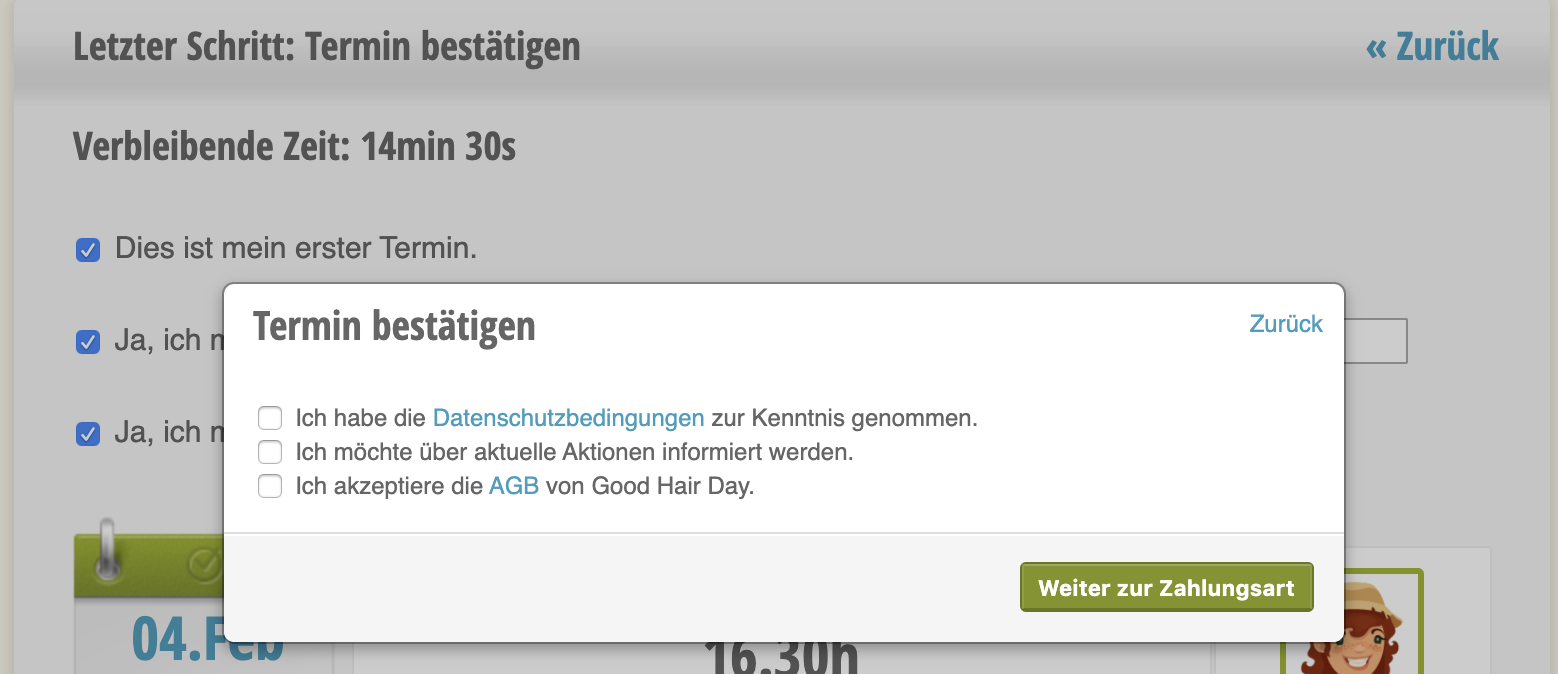
In the terms and conditions, you can specify whether your customers must accept your terms and conditions before they can make a binding appointment booking. Additionally, you can write your own terms and conditions.
Create Terms and Conditions
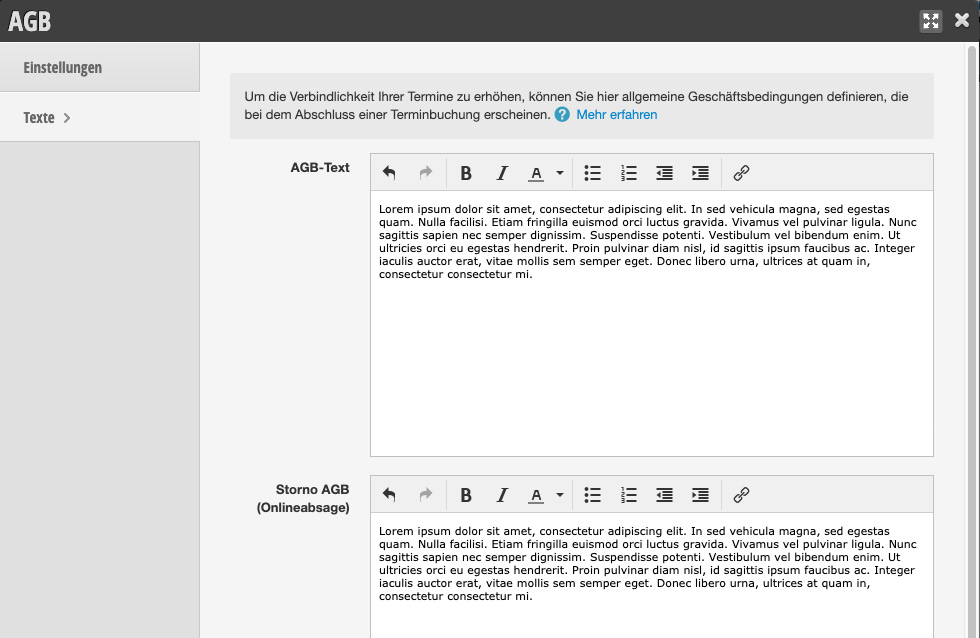
Under Settings > Terms and Conditions you can add your terms and conditions text.
Terms and Conditions in Online Booking
When the terms and conditions module is active, customers must accept the terms and conditions before they can make a binding appointment booking.