belbo
  • Overview
    • Getting to know Belbo
    • Location Settings
    • Switch to Belbo
    • Calendar View & Navigation
    • Recurring Appointments & Courses
    • Appointment Entry & Management
    • Tasks
    • Overview
    • Multiple Locations & Head Office
    • Manage Employees
    • Logins
    • Rights
    • Overview
    • Absences & Holidays
    • Working Hours
    • Time Tracking
    • Overview
    • Data Protection (GDPR)
    • Customer Communication (Email, SMS)
    • Customer Management & Records
    • Overview
    • Bonus & Loyalty Programs
    • Campaigns (Newsletter & SMS)
    • Marketing Consents (GDPR)
    • Tracking & Analytics
    • Overview
    • Services & Prices
    • Service Packages & Subscriptions
    • Vouchers
    • Products
    • Purchasing & Suppliers
    • Stock & Inventory
    • Scanning & Sales
    • Goods Used & Costs
    • Overview
    • Design & Texts
    • Setup & Settings
    • Integration (Website, Google, Instagram, Facebook)
    • Online payment
    • Overview
    • Accounting & Exports
    • Cash Register Settings & Hardware
    • Checkout process
    • Daily Closing & Reports
    • TSE & Cash Register Anti-Tampering Ordinance
    • Overview
    • Export Overview
    • Employee Utilization
    • Revenue & Reports
    • Belbo Satellite
    • Printer
    • EC Terminal & Card Payment
    • Troubleshooting Hardware
    • Scanner & POS Devices
    • General Settings
    • API & Integrations
    • Notifications & Emails
    • Contracts & Legal
Skip to content

Everything about: Logins & Rights

Cash Register Law: Creating Daily Closing Statements

You can access this area via Settings > Employees > Cash Register Rights

This right relates to the cash register system.

This right allows the creation of daily closings. If only this right is set, only the current daily closing will always be displayed.

Read more →

POS Law: Create legacy vouchers

You can access this area via Settings > Employees > Cash Register Rights

This right relates to the cash register system.

Using this right, missing vouchers can be entered in the payment step of the checkout process that were not sold via Belbo. For this, the option "Allow redemption of legacy vouchers" in the voucher module must also be active.

Read more →

Receipts Law: Void Receipt

You can access this area via Settings > Employees > Cash Register Rights

This right relates to the cash register system.

The "Cancel" button for a completed cash register transaction is only visible with this right.

Read more →

Cash Register Law: Edit prices in the invoicing process

You can access this area via Settings > Employees > Cash Register Rights

This right relates to the cash register system.

With this right, logins in the checkout process can manually change prices of stored services and products. The price is clickable and editable in the checkout process. Without this right, a price change is only possible if discount templates are stored.

Read more →

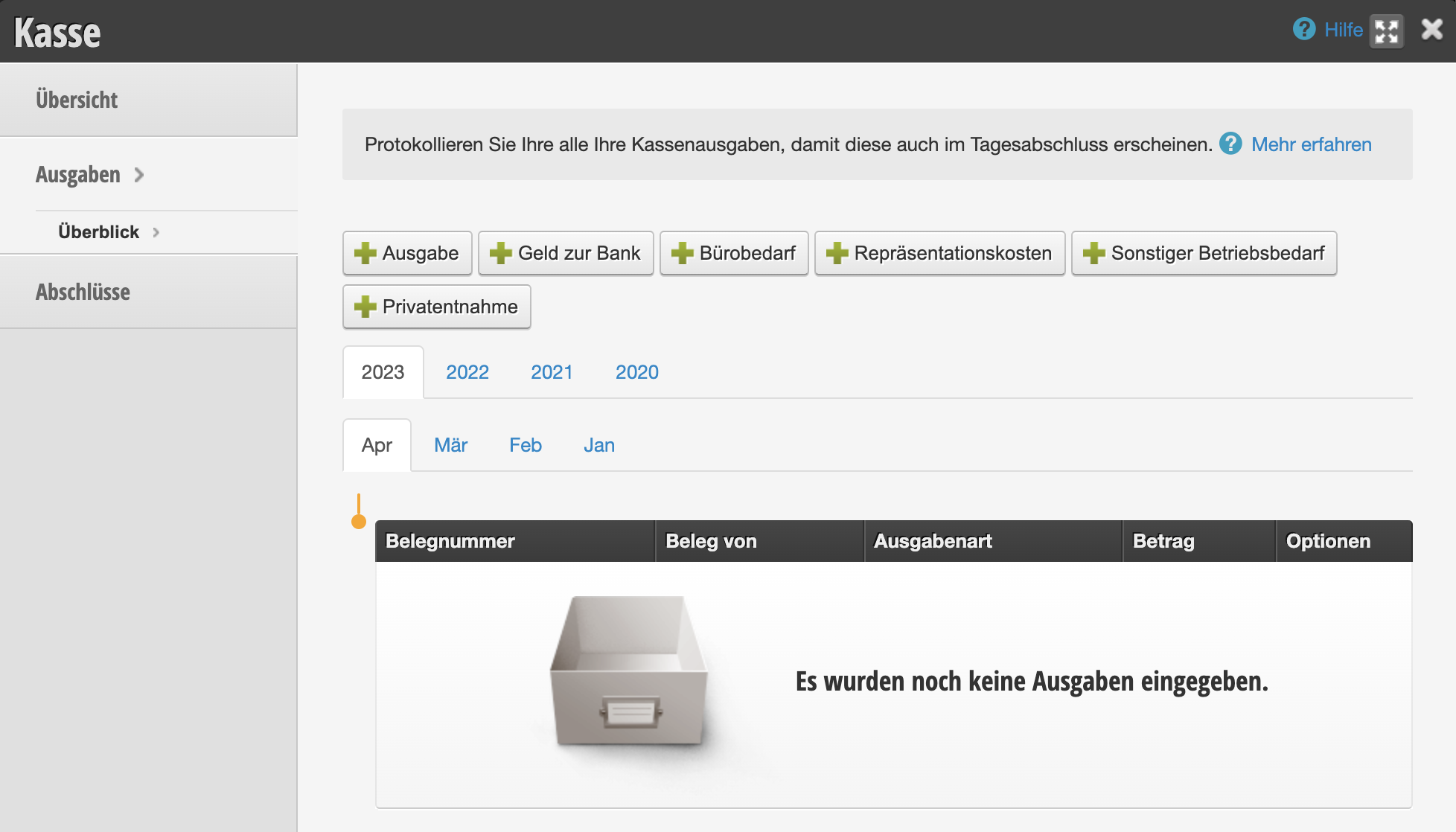
Cash register law: Manage expenses

You can access this area via Settings > Employees > Rights

This right applies to the cash register system. With this right, logins can create and edit expenses.

If the right is not set, the entire expenses tab in the cash register system is hidden.

Read more →

Cash Register Law: Create Invoice

You can access this area via Settings > Employees > Rights

This right applies to the cash register system.

With this right, logins can view the cash register dashboard and view completed transactions.

Read more →

Rights: Customer Database

You can access this area via Settings > Employees > Permissions

With this permission, logins can browse the customer database and perform exports.

Logins that do not have this permission will not see any customer files or export options in the customer overview.

Read more →

Rights: Release Absences

You can access this area via Settings > Employees > Permissions

If you have the schedule setting "Absences must be approved" this login can approve absences.

Read more →

Right: Manage Employees

You can access this area via Settings > Employees > Permissions

With this permission, employees can be created, edited and deleted.

Read more →

Rights: Work times

You can access this area via Settings > Employees > Rights

With this right, all employees can create, modify and delete working hours, breaks and absences.

Please note that with the scheduling setting "Employees can edit their own working hours", working hours can be edited even without this right.

Read more →

Post navigation

← Older posts
Newer posts →
This manual is a service by belbo. Legal notice