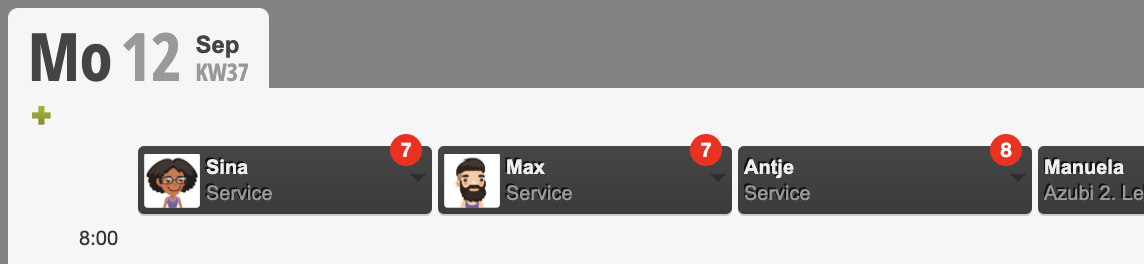
In the service plan settings you can activate various functions and customize the service plan to your needs.
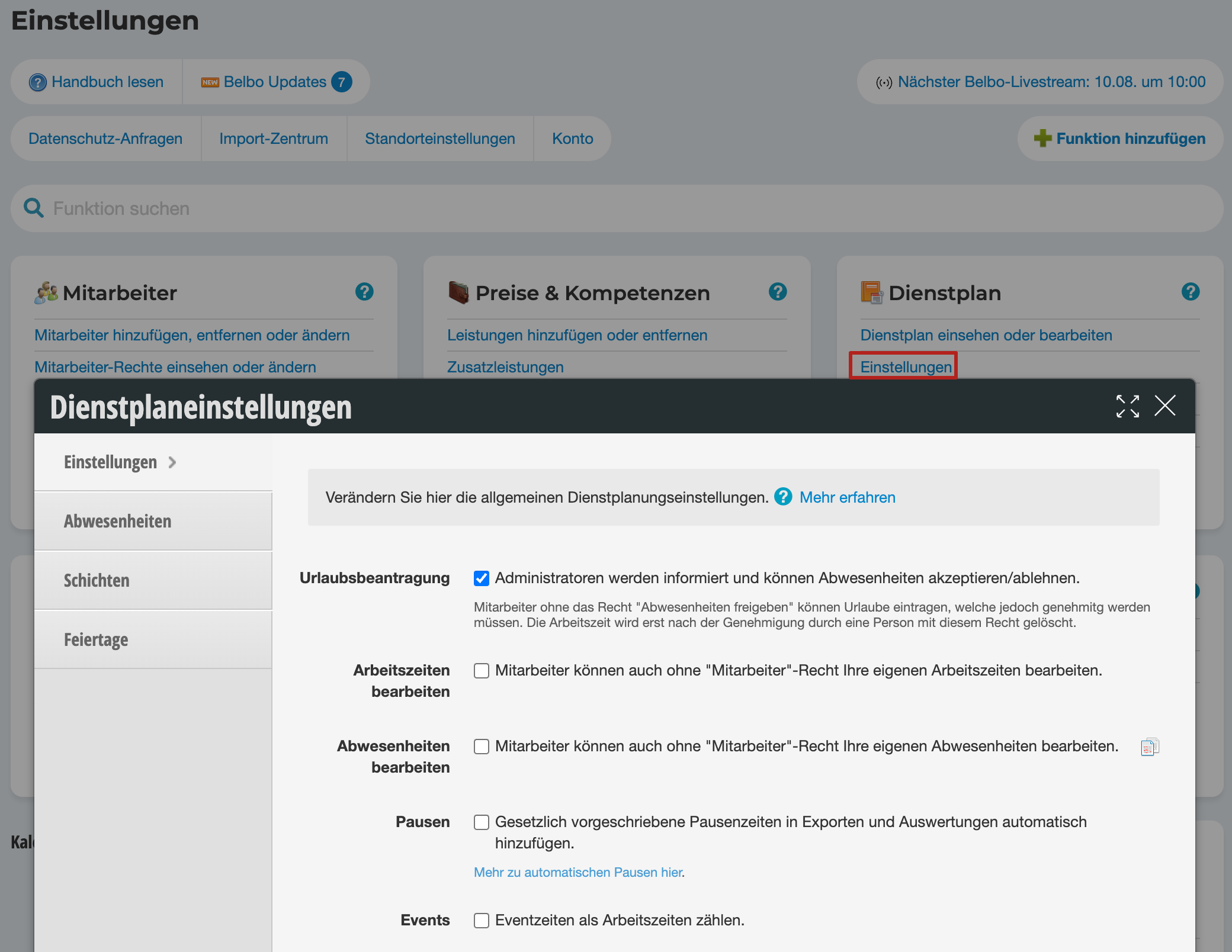
In the service plan settings you can activate the following functions:
Vacation
Administrators will be informed and can accept/reject absences. This option enables administrators to review vacation requests before they are approved. Employees without administrator rights can only create vacation requests. Please note that vacation for online booking will only be accepted once the administrator has approved it.
Edit working hours
Team members can edit their own working hours even without employee rights. This option allows employees who should not have service planning rights to still edit their own working hours.
Edit absences
Team members can edit their own absences even without employee rights. This option allows employees who should not have service planning rights to still edit their own working hours.
Breaks
If you use service plan exports, legally required break times can be automatically added to exports:
- If working time exceeds 6 hours, a 30-minute break is automatically deducted.
- If working time exceeds 9 hours, a 45-minute break is automatically deducted.
Events
So-called setup times are considered events. If you use events in the service plan, you can specify here that these are counted as working time and not break time.
Number of shifts
If you plan work shifts directly in the calendar, you can use this function to keep track of how many shifts have already been planned for individual employees.