
With Belbo, you can record your team members' working hours down to the minute. In the calendar, in addition to the shifts entered in the schedule, the actual start and end time of work for each team member is displayed. A monthly report provides information on the hours worked.
This type of recording is suitable for freelancers and hourly workers who do not have fixed target hours. For employees with fixed target hours, recording via target hours is more suitable.
Prerequisites
- You maintain the schedule for your team. Only team members who have a recorded working time in the calendar on a given day can check in and out.
- We recommend using the Employee PIN function. This ensures that your team members can only check themselves in and out.
Time Tracking
Employees now check in and out at the start and end of their working hours.
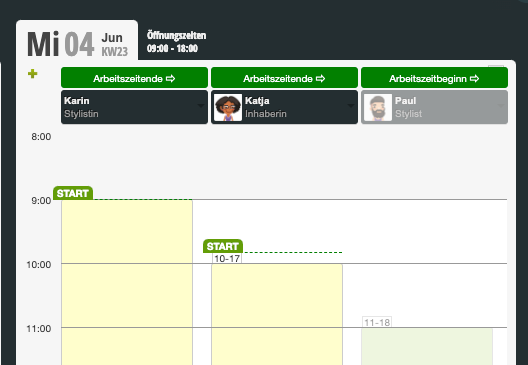
Absences for this type of tracking
For paid absences such as vacation, sick leave, office day, etc., it must be noted that they count as paid working time. A separate template must be created for each type of shift. For example, if there are employees who work 4 hours on some weekdays and 8 hours on others, separate vacation or sick leave templates must be created for each of these shift types.
These templates can be created and edited under Settings > Schedule Settings > Absences.
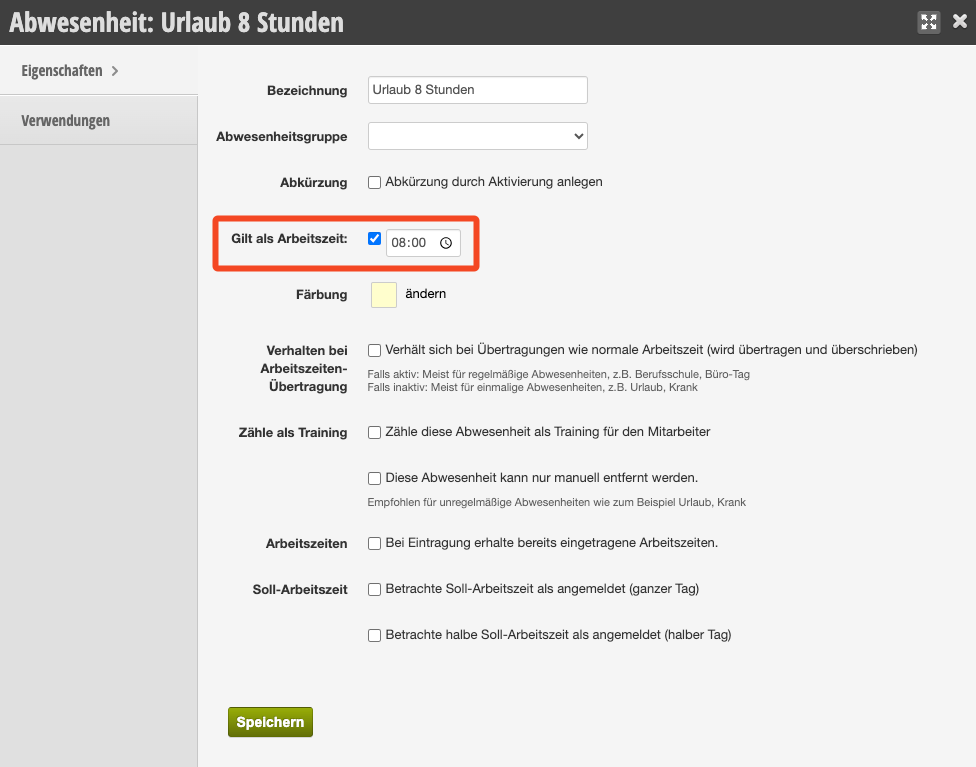
In each template, you can specify that it counts as working time by entering the desired number of hours.
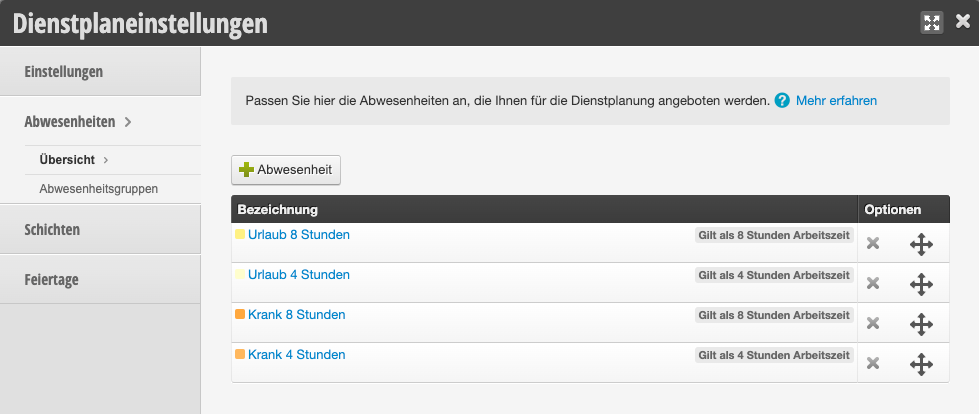
If a team member takes a week of vacation, the correct template must be entered for each day.