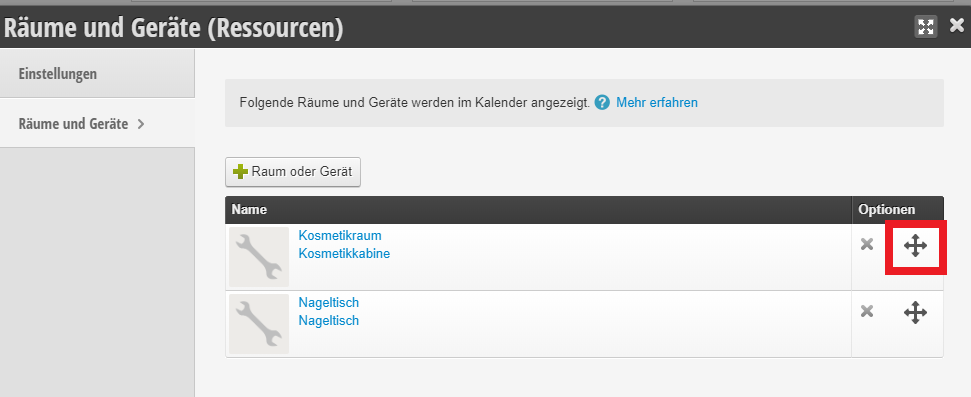
Rooms and equipment can be linked to your services. This blocks them and prevents double bookings.
First, create at least one category. To create rooms or equipment, click the + Room or Equipment button.
- Name (Example: "Cabin 1")
- Category (Example: "Cosmetic cabins")
Rooms and equipment are blocked in the background parallel to the appointment if you have set this in the respective service. Your customers won't notice anything about this during booking.
Set the availability of your rooms and equipment
Similar to your employees' working hours, availability must also be set in the schedule for rooms and equipment.
➔ Instructions for activating automatic working hours for your rooms and equipment
Group rooms and equipment together using calendar groups
Often it makes sense to group the "non-human staff" together in calendar groups to save space in the calendar. You can learn how to use calendar groups here.
Control the order of employees and rooms/equipment in the calendar
If you are not using calendar groups and want to control the order in the calendar, you can simply move them by clicking the arrows.