The function serves to provide a clear display of various employee groups. The views are particularly well suited for very large teams or industries in which rooms, beds or equipment are to be blocked.
If many employees restrict clarity, calendar views can be used here.
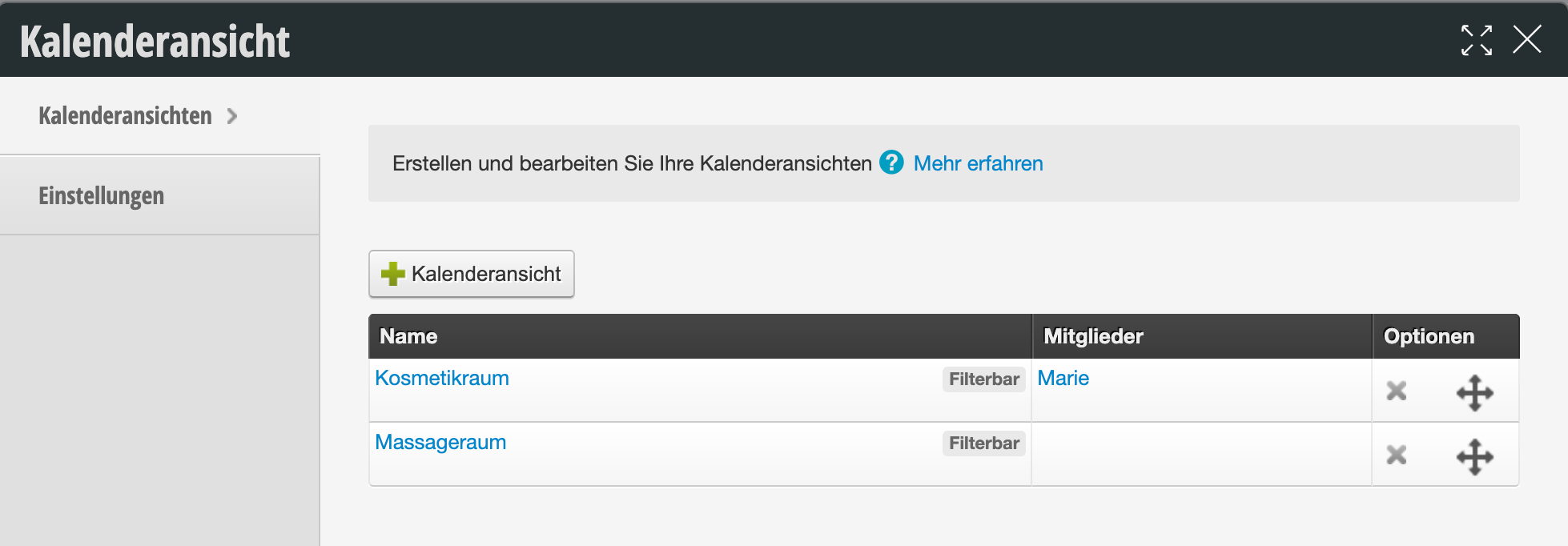
Create a new group and give it a name. For example, "Rooms". The goal is to assign all rooms to the group and thus consolidate them. Depending on the importance of the group, you decide the size of the column and whether it should appear in the calendar view and at the beginning. Then select the members of this collection column. Each individual member of this group must be clicked on.
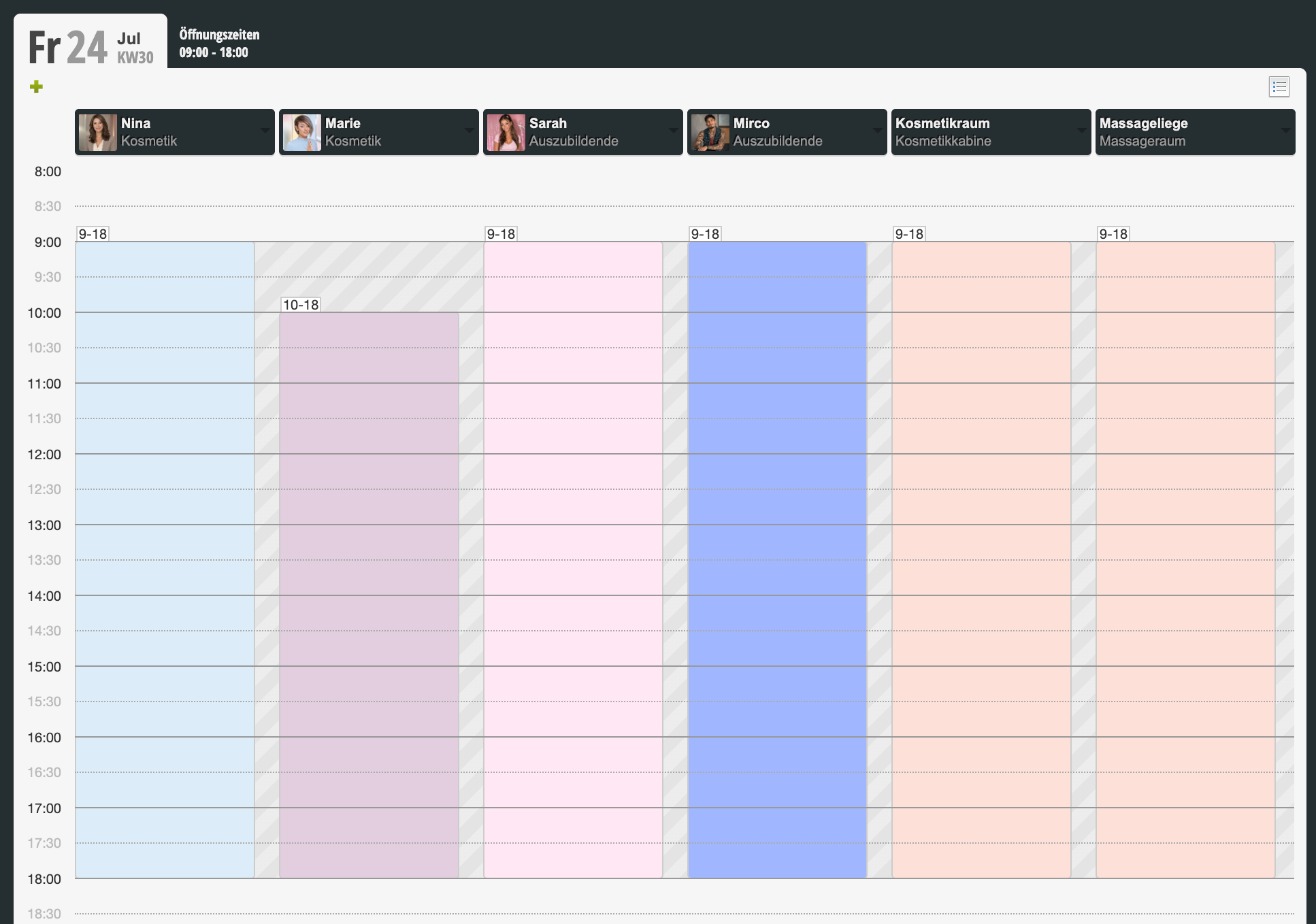
In the calendar itself you can now see the group and the employees.
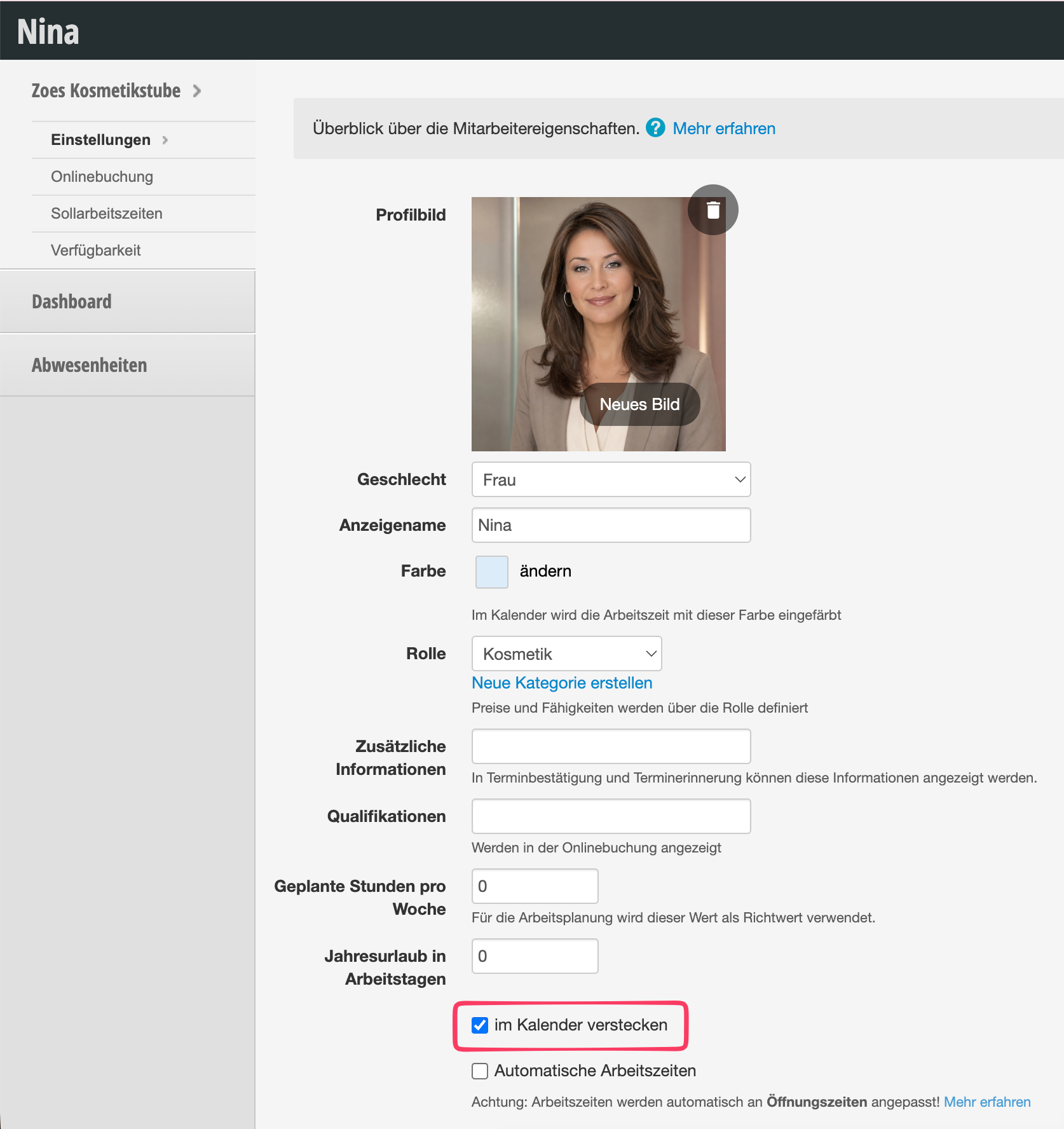
Go to the members of the group in the employee profile and finally hide them in the calendar view. Done!