
You can determine whether and how an employee is available for online booking by your customers.
Properties of Booking Availability
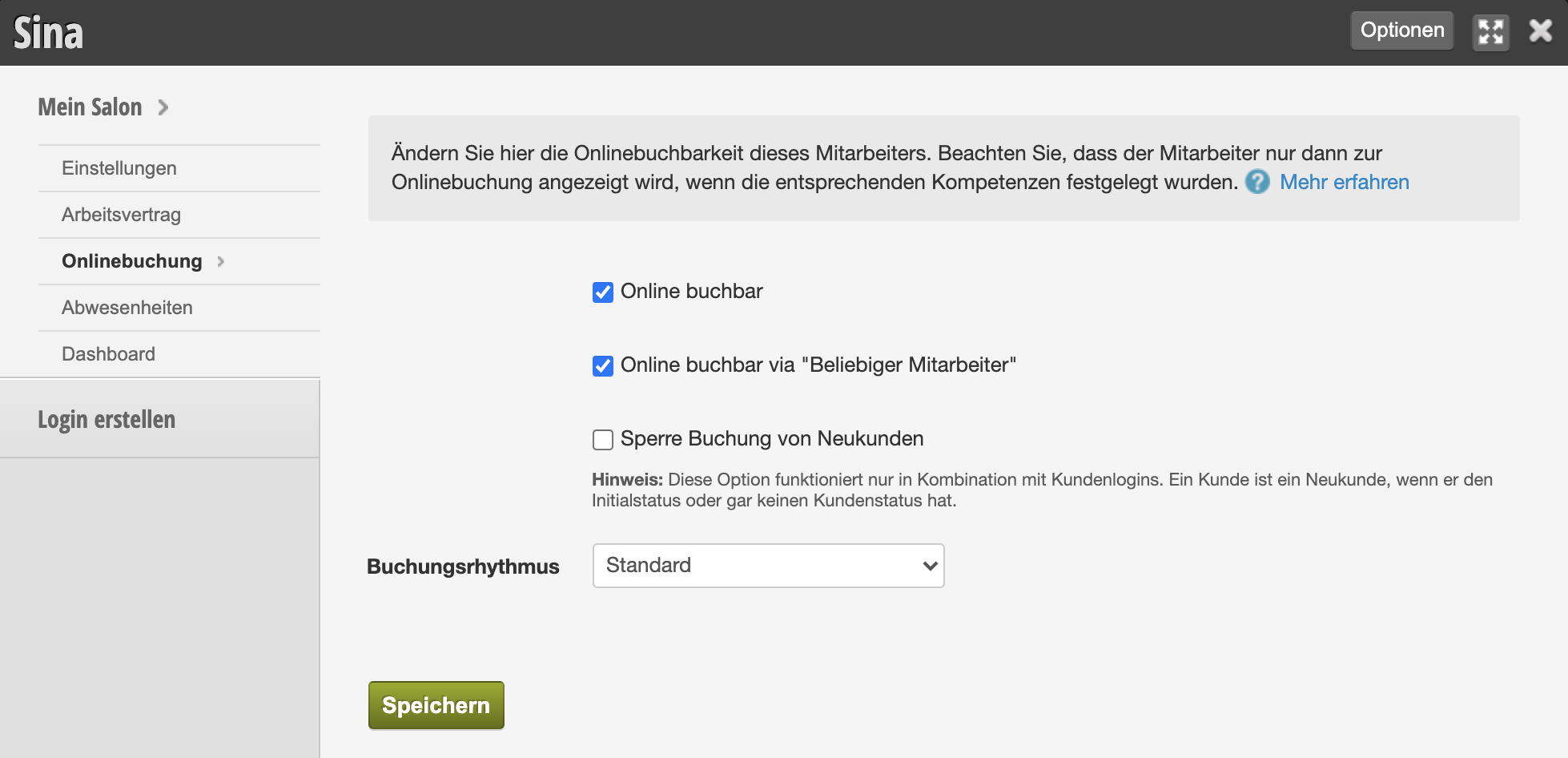
Available for online booking
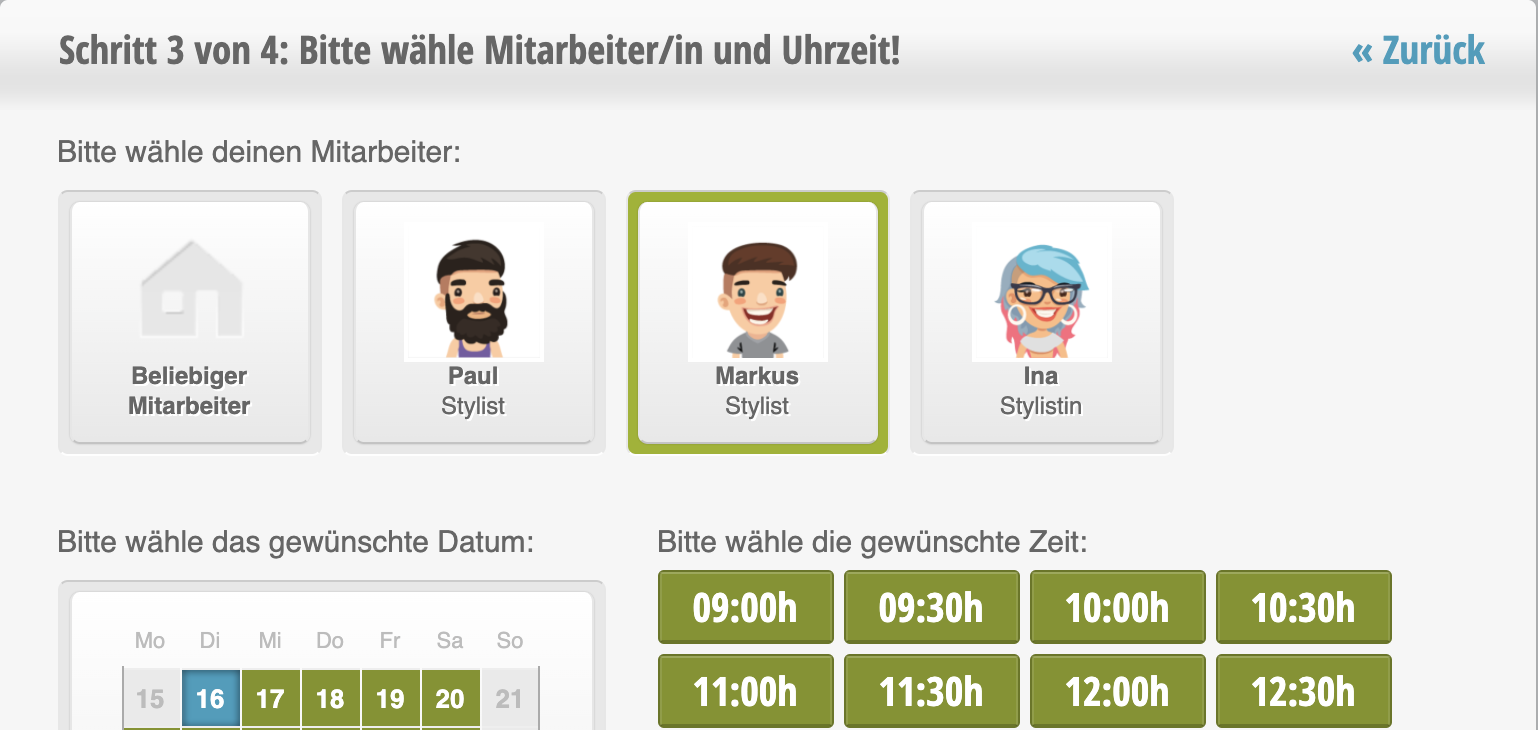
This property specifies that your employee can be selected directly by customers during the booking process. When your customer books a service online that can be performed by multiple employees, the customer will see a selection of all available employees who have this option enabled.
Example: Markus can perform the selected service and has the "Available for online booking" option enabled. He is therefore visible in the booking with a photo and can be selected directly by the customer.
Available for online booking via "Any Employee"
This employee can be considered by the automatic selection when your customer selects the "any employee" option during booking. Learn more about the "Any Employee" feature here.
Block Bookings from New Customers
If you want to prevent an employee from being booked by new customers, you can set this here. This setting is suitable for team members who are very popular with regular customers or otherwise heavily booked.
Important prerequisites for this are:
- You have set an initial customer status that all new customers receive.
- You offer booking with prior login and link only this option on your website, social media, etc.
Booking Rhythm
In the online booking settings, you can set a general booking rhythm. If an employee has a different rhythm, you can set it here. This is only recommended in exceptional cases, for example, if this employee offers special services whose duration differs significantly from the otherwise offered services.