
In the file card of every customer who has not yet registered for online booking, there is a prominent link "Invite customer to online booking", as soon as an email address is stored in the customer file card.
Tip: If you want to send an email newsletter with invitations to your entire customer base, use the marketing functions.
Using invitation emails
Compose invitation email
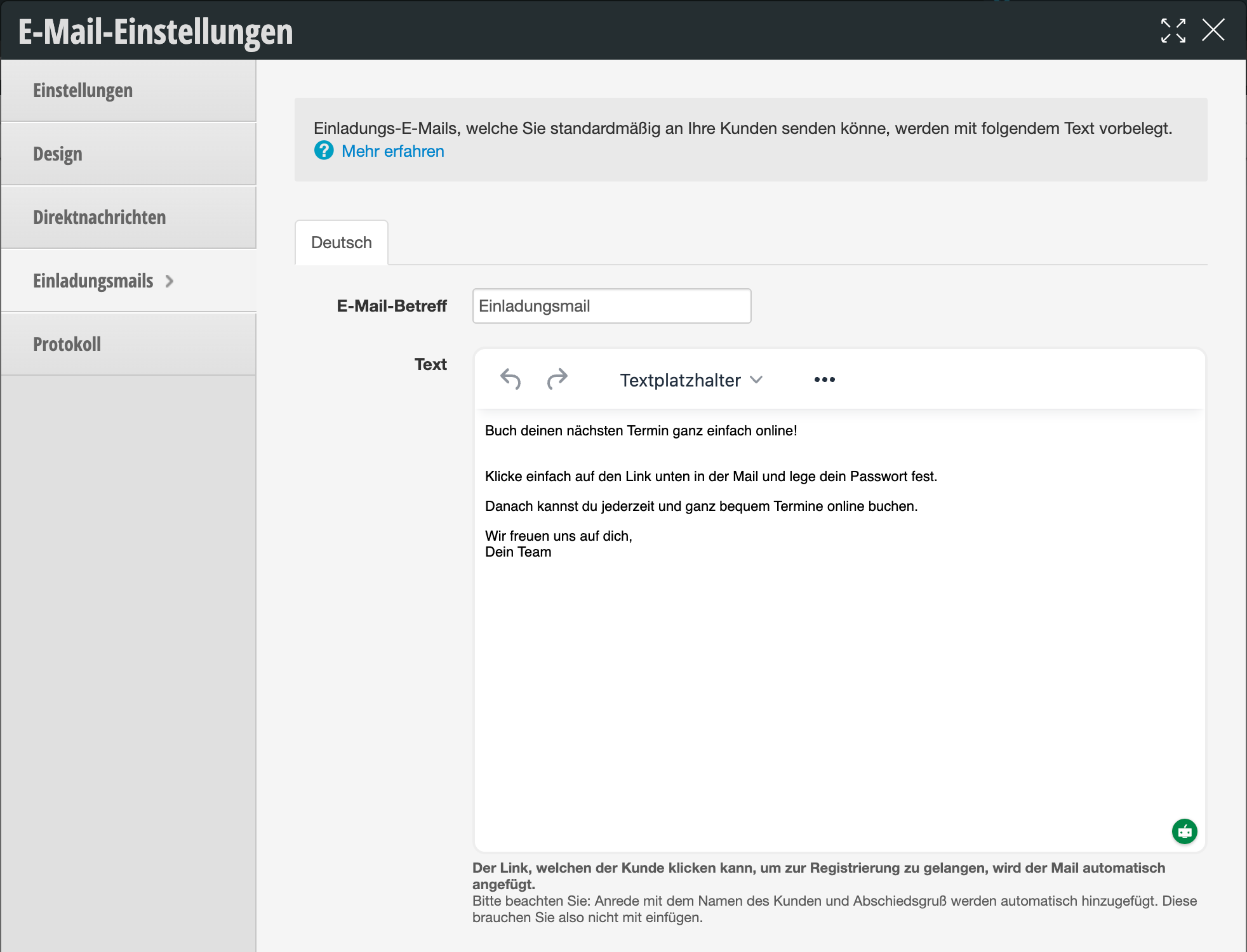
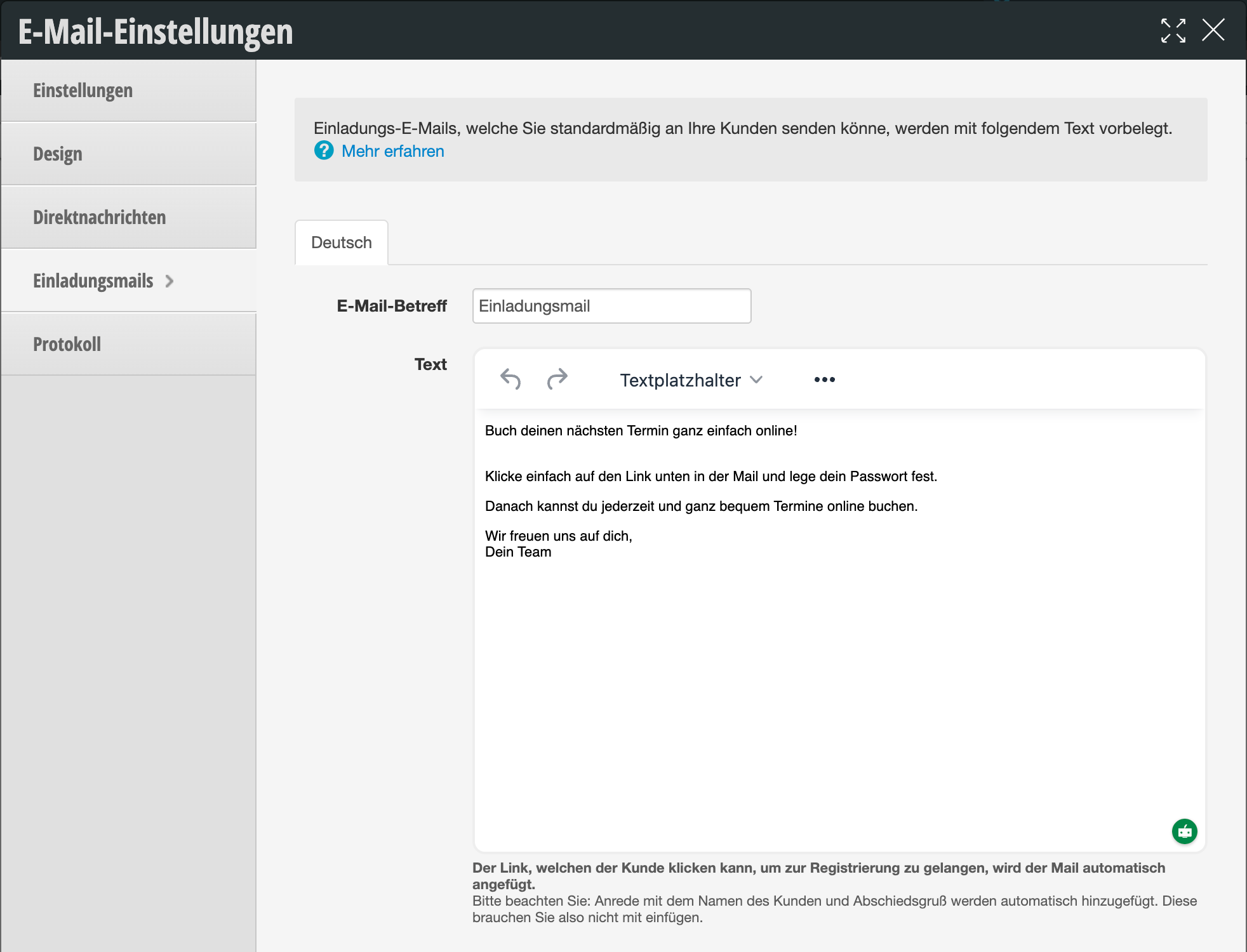
Enter the subject and text content of the email that should be sent to your customers.
Please note: Salutation with the customer's name and closing greeting are added automatically. You do not need to include these yourself.
Please note: Salutation with the customer's name and closing greeting are added automatically. You do not need to include these yourself.
Use invitation email
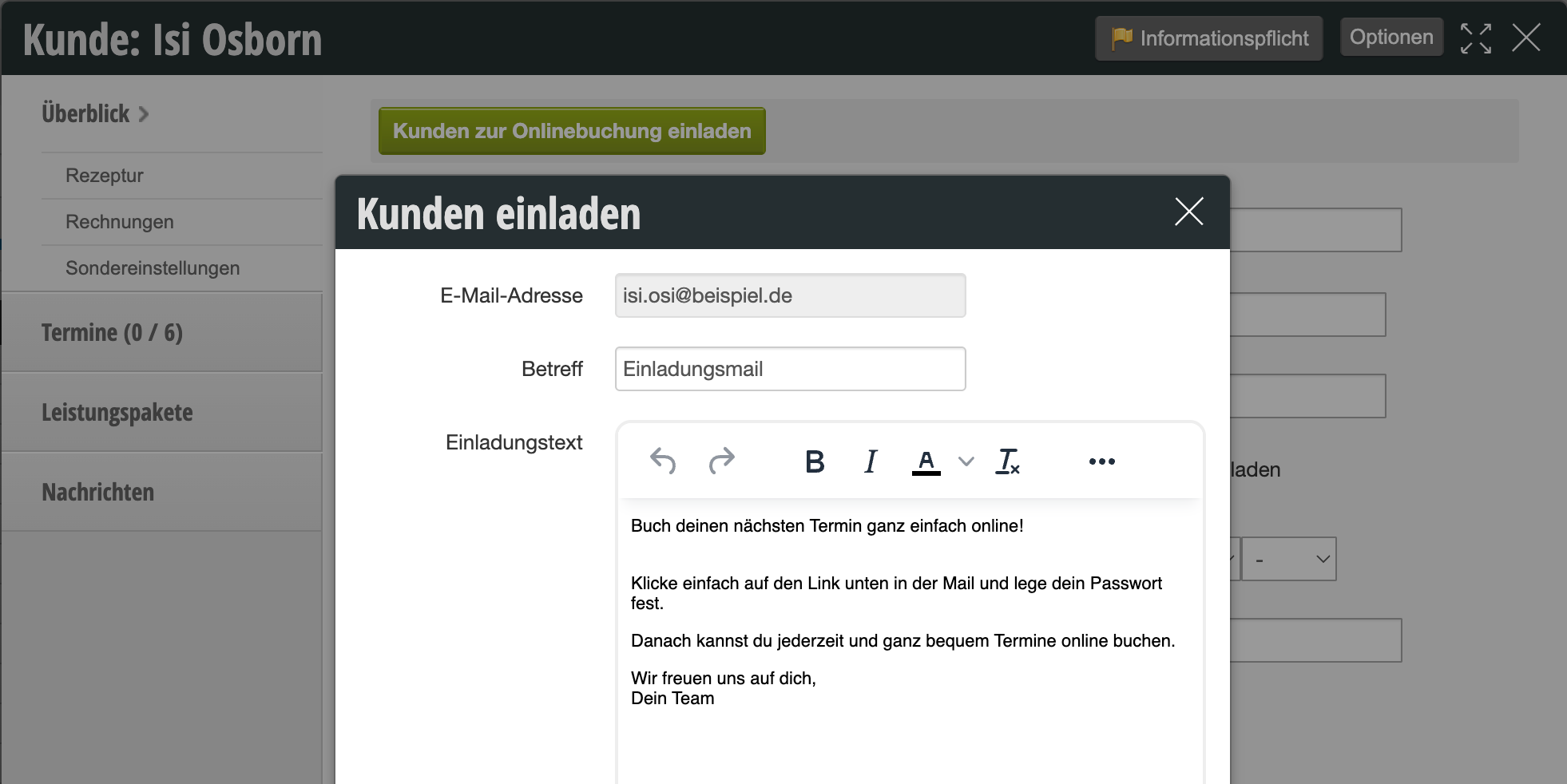
In each customer file card for which an email address is stored, you will find the link "Invite customer to online booking", provided they have not yet registered. When you click on this link, a text input field appears with your text template, which you can edit if desired.
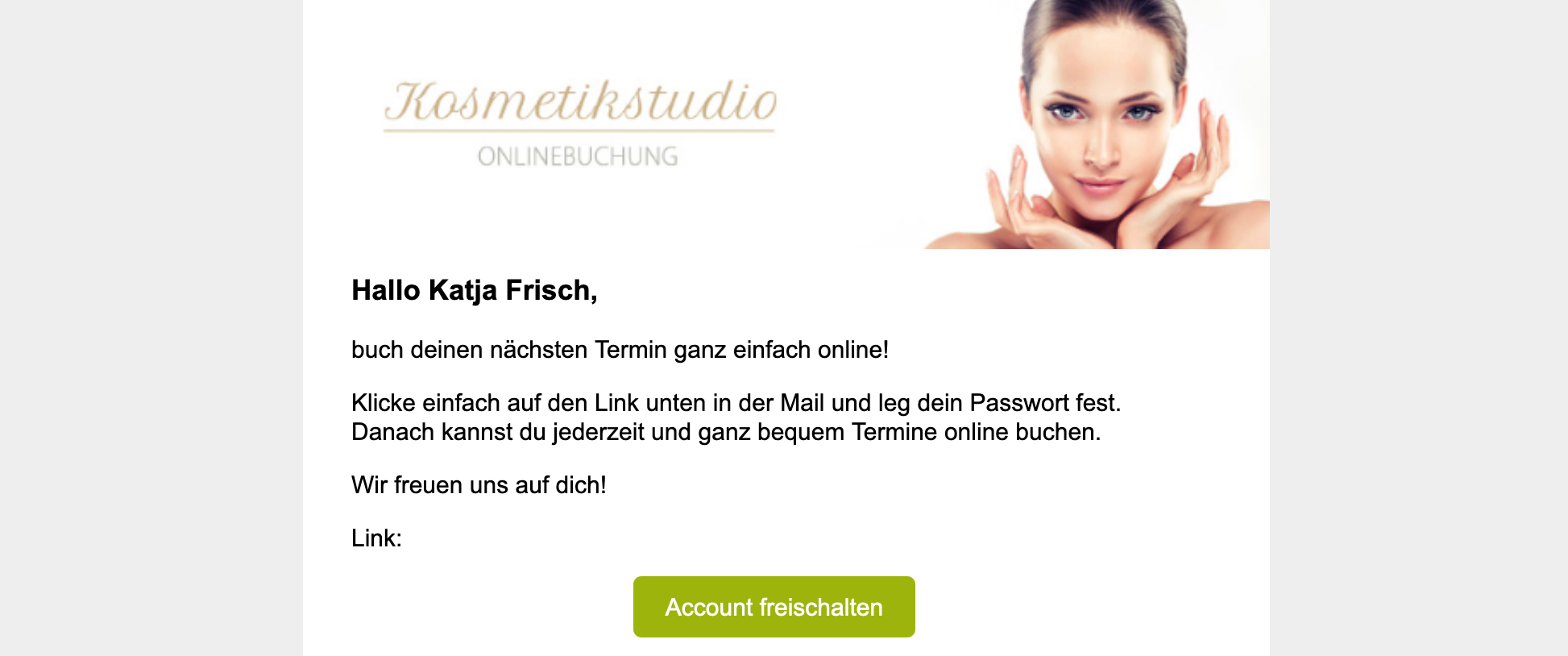
Example of an invitation email in the mailbox
In addition to your text, the customer receives their access email credentials and the link to your online booking in the email:
Sample text for your invitation email
Book your next appointment easily online!
Simply click on the link below in the email and set your password. After that, you can book appointments online anytime and conveniently.
We look forward to seeing you!