
You can specify in your cash register settings under "Accounting" that certain revenues are posted to separate revenue accounts. This allows you to differentiate in your daily closing statements or in your DATEV export between services and sales goods or female and male revenues.
However, if you also want to differentiate between individual service or product categories, you can set the accounting in the product groups.
Note: If you only want an overview of how much revenue your respective product or service groups generate in a specific period, you can use the monthly overview, the barometer or the product group statistics. You can also access these statistics without assigning revenue accounts.
Assign revenue accounts
If you want to assign the services contained in a product or service group to a specific revenue account, proceed as follows:
- Click on the desired product or service group under Settings > Prices and Skills.
- In the "Accounting" tab you can enter the desired revenue account under "Target account". This will post all revenues from this group to the desired account, regardless of the customer's gender.
- If the desired account is not selectable, you can add it in the "Custom Chart of Accounts".
- Only if you want to post female and male revenues to different accounts, you must select both "Target account" and "Target account Male". In this case, "Target account" applies to female revenues. The gender is taken from the customer's file.
- Save your entry
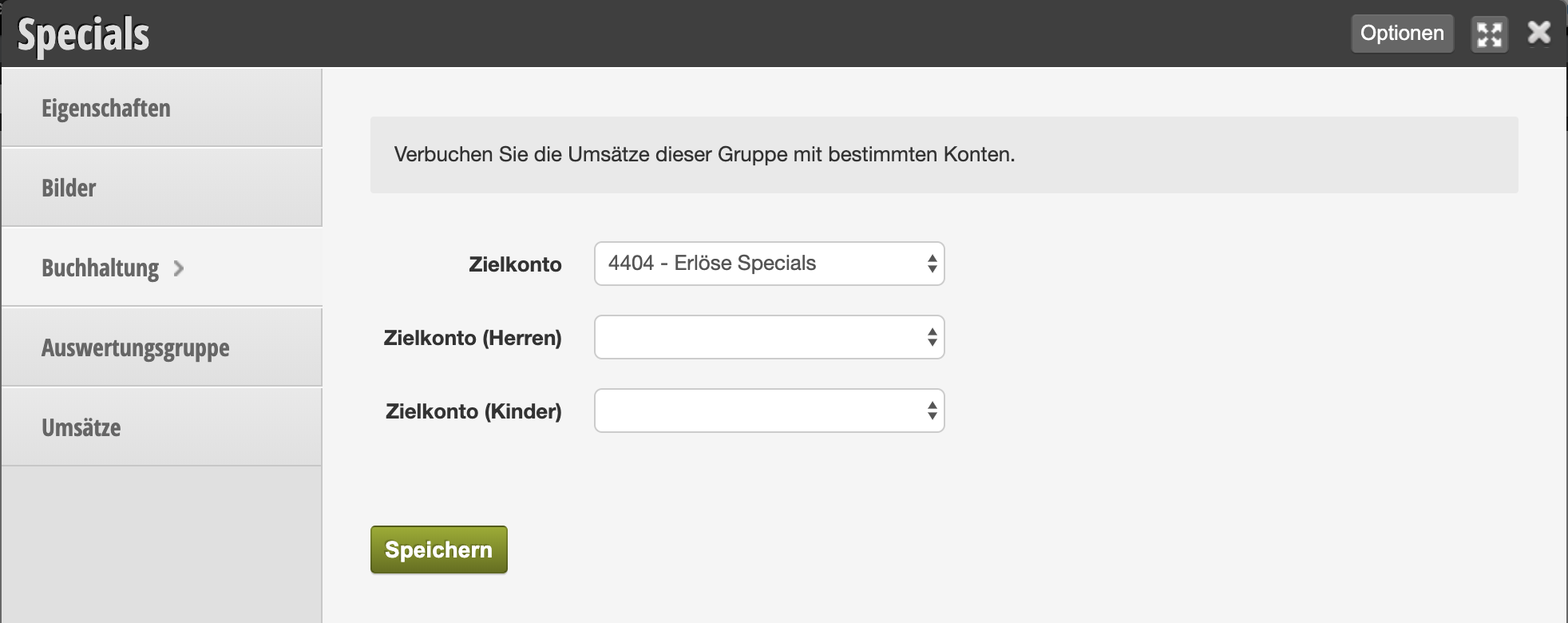
Afterwards, all charged services are posted against the desired account.
Special case: children's services
Since appointments for children are normally entered in the appointment calendar under the parents' names, your closing statements cannot separately record children. If you offer children's services and also want to differentiate them in closing statements and DATEV export, you must choose this type of accounting.
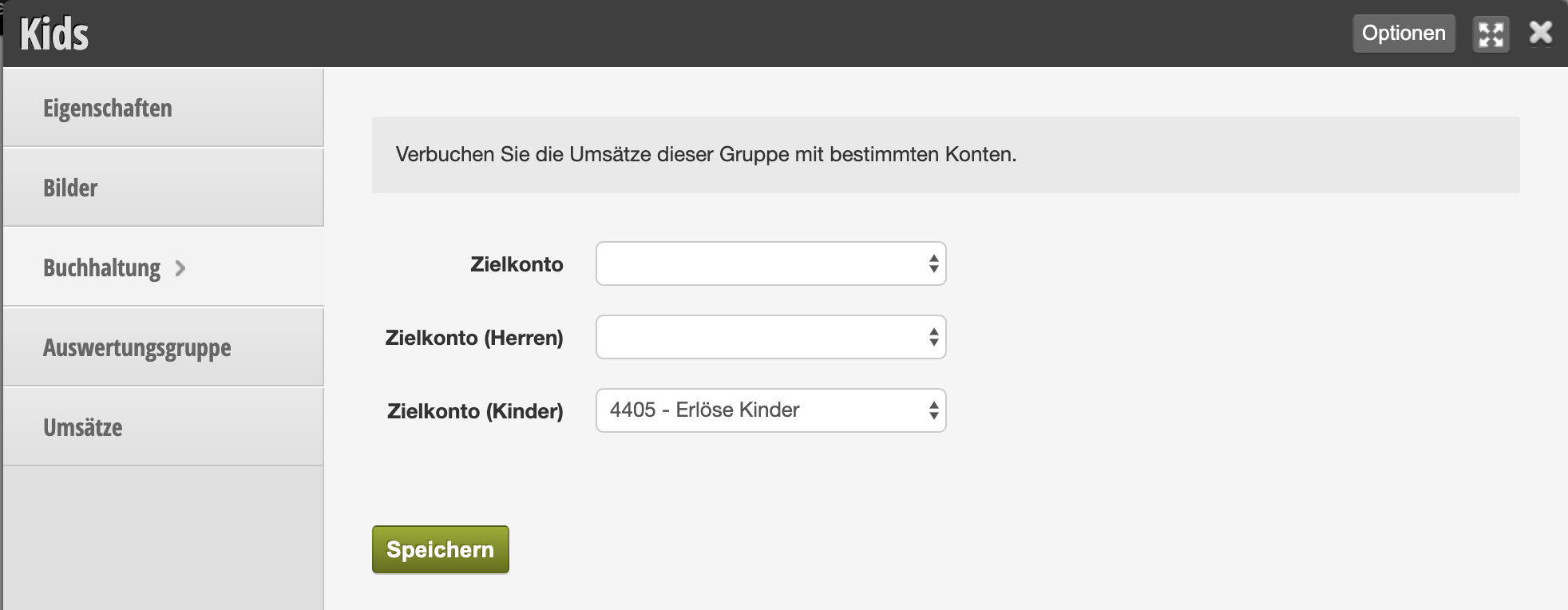
Please note that all accounting account numbers shown here are examples. Please consult with your tax office about which accounts should be used for the various types of revenue.