
The appointment color in the calendar can be influenced by many settings. Here you will learn what options are available to you.
Manual color selection in appointment details
Basically, you can influence the appointment color yourself if appointment coloring is active in your settings. The available colors for selection can be edited in the appointment entry settings.
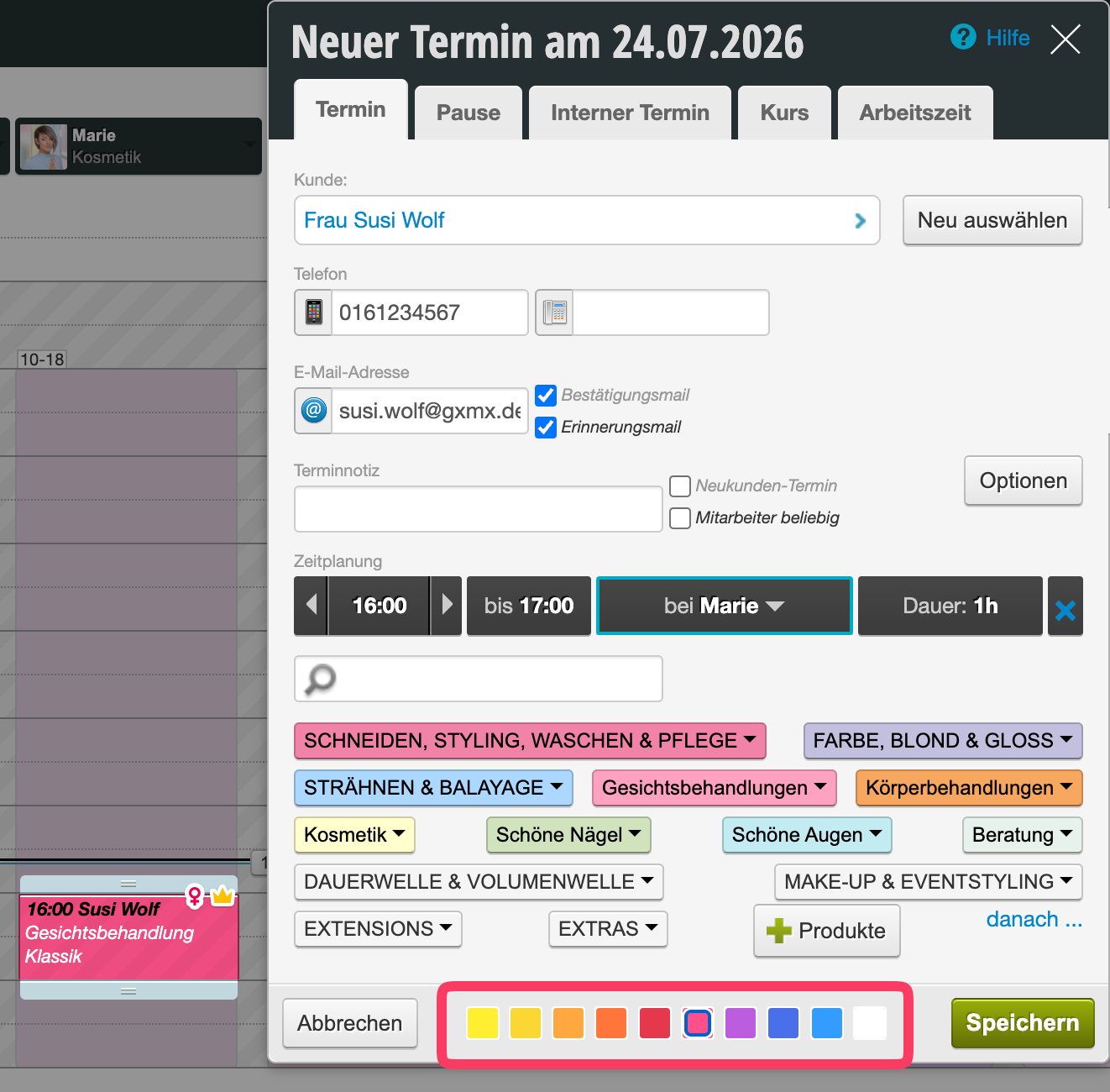
More information can be found here: Calendar settings: Appointment entry – Colors
Coloring by service color
If your selected service has a color assigned, the appointment can also be automatically colored accordingly. However, this color can still be manually overridden.
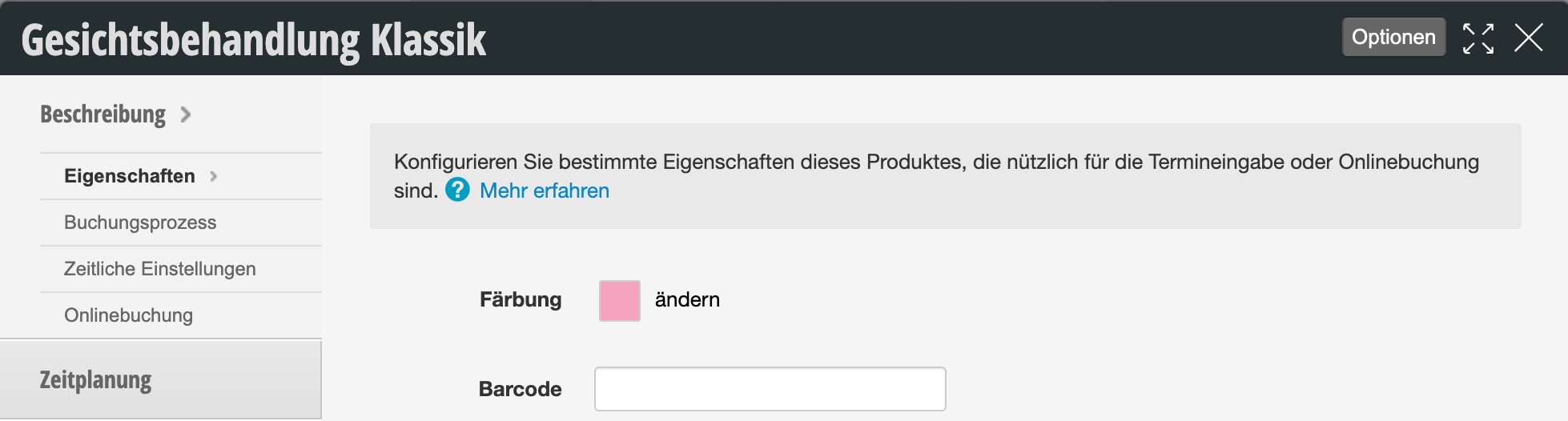
Prices and services edit: Properties
Coloring by appointment status
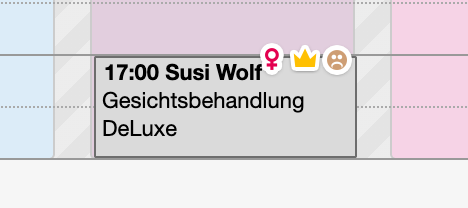
Appointments that have an important appointment status can also be specially colored. These include:
- Cancelled appointments: Selectable in "Calendar settings" -> "Appointment display"
- Employee sick: Selectable in "Calendar settings" -> "Appointment display"
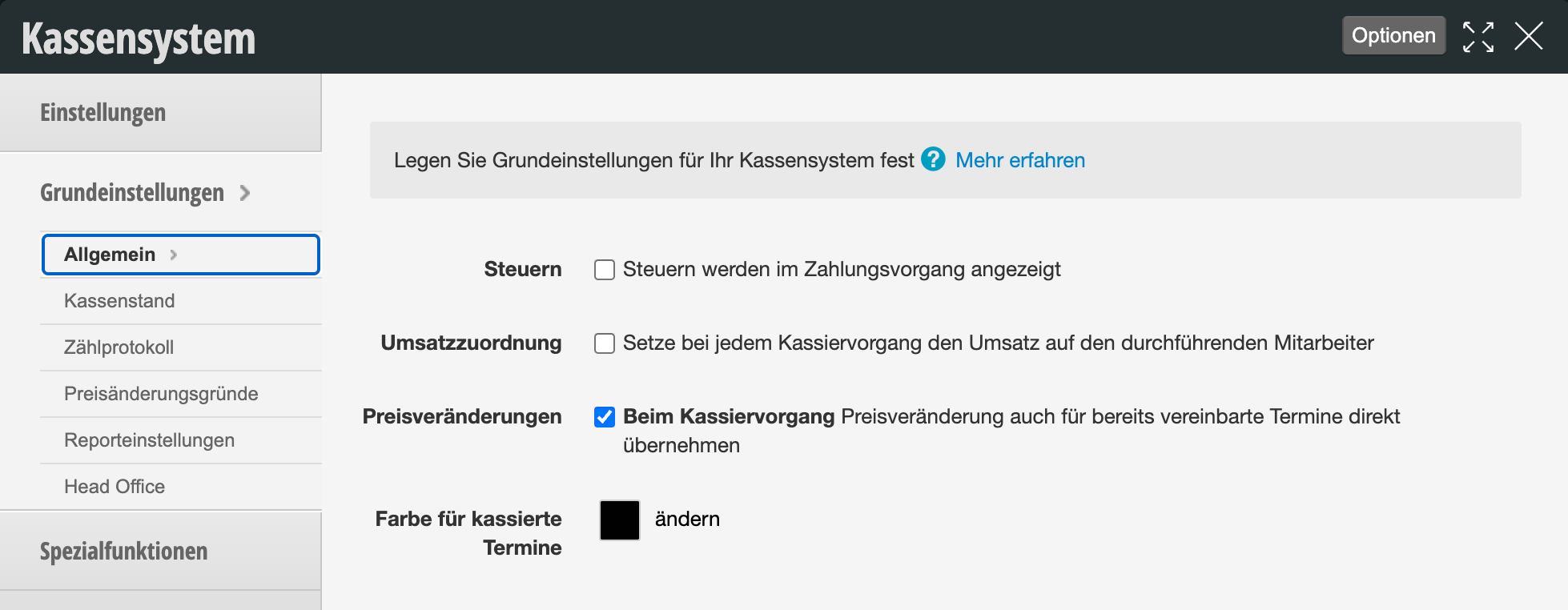
Paid appointments
In the cash register settings, you can specify that paid appointments have a specific color.
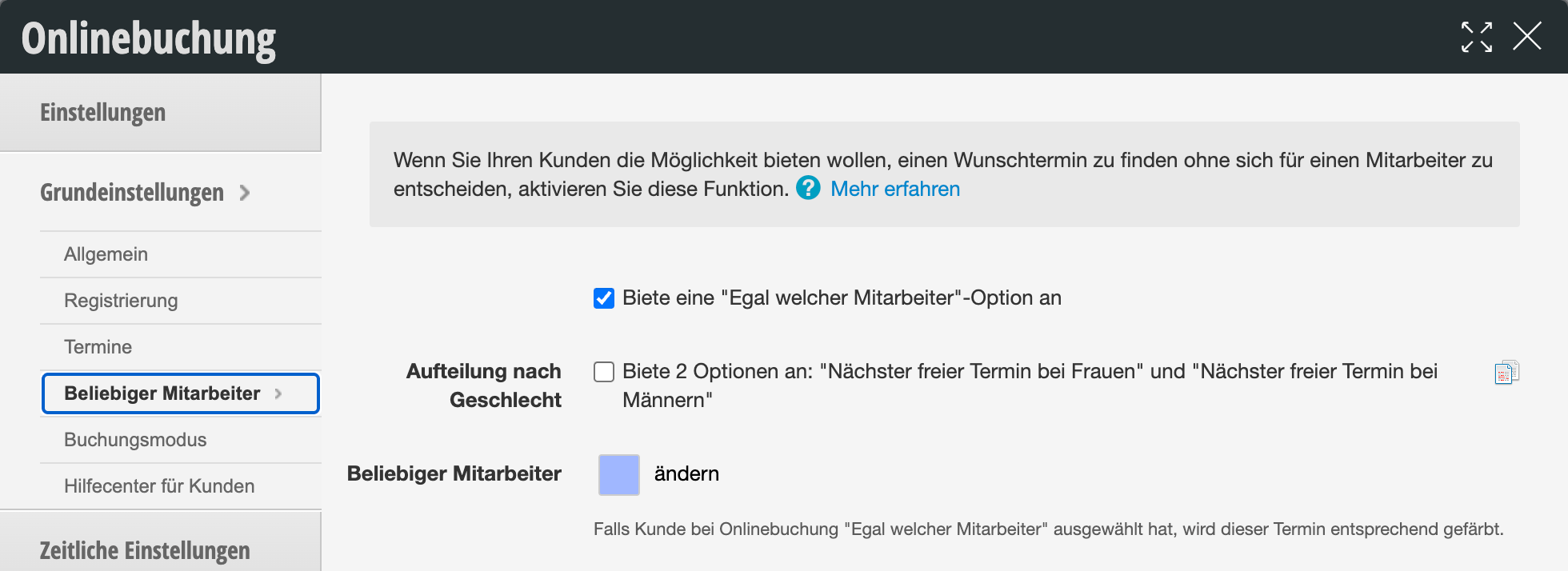
Any employee
You can specify in the online booking settings that an appointment has a specific color if the customer selected "Any employee" in the booking. This is a signal that the appointment can also be moved to another colleague without the customer being disappointed.
Special case: Coloring by employee
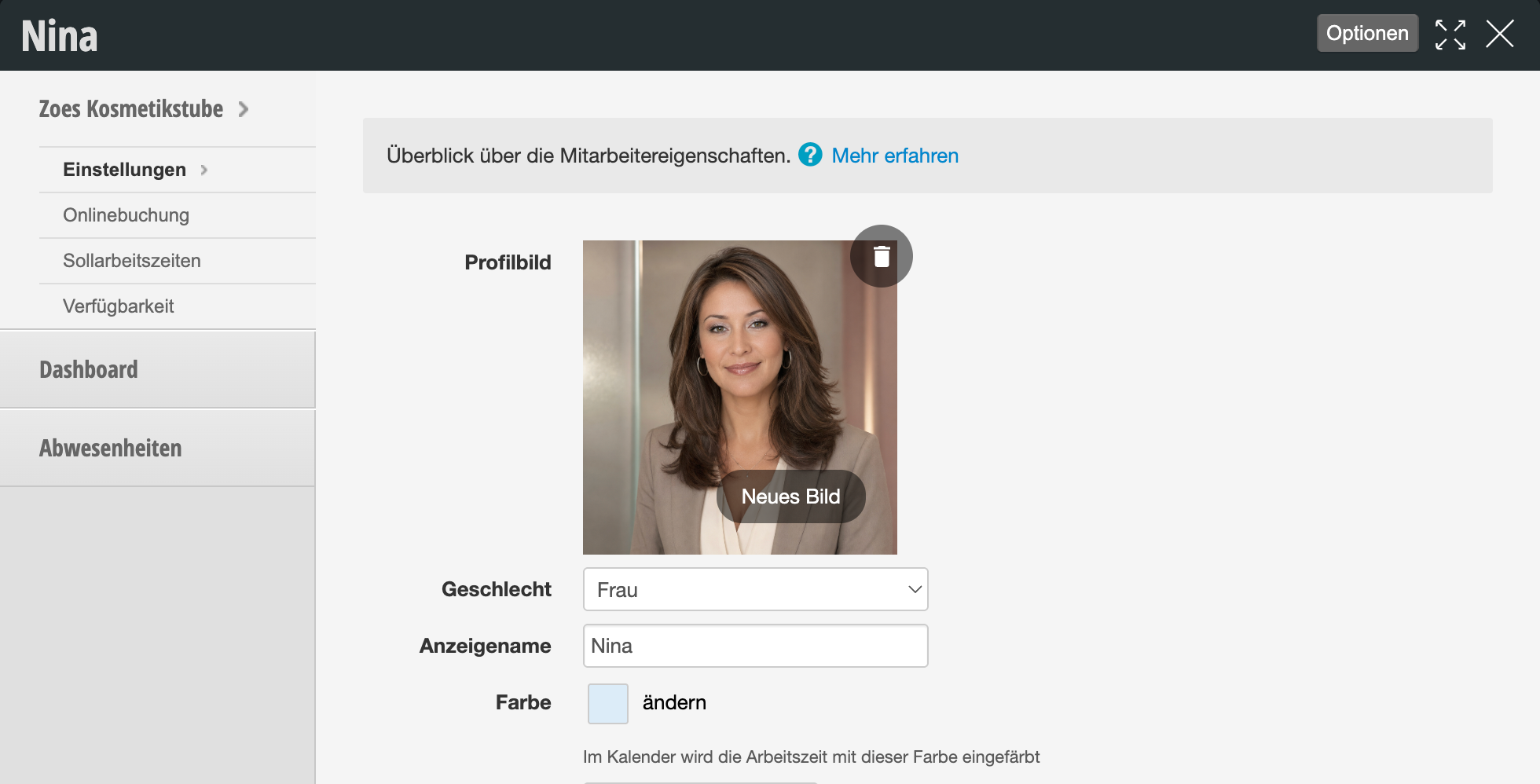
If your appointments should not be colored by service or status, but instead should be colored depending on the employee, you can use this very special mode. This mode only offers advantages for locations with many employees who potentially cover different areas. At first glance, you can quickly see which "area" potentially still has gaps.
In addition to the employee calendar color, each employee can also select an appointment color in their profile. Calendar settings: Calendar display in the "Column properties" tab
Please note that this mode is generally practical for larger locations where appointment coloring by employee role is desired.