You can customize or supplement numerous texts in the online booking.
You can access this area via Settings > Online Booking > Texts
If this function is not enabled, it can be activated via "Settings > Add Function".
General
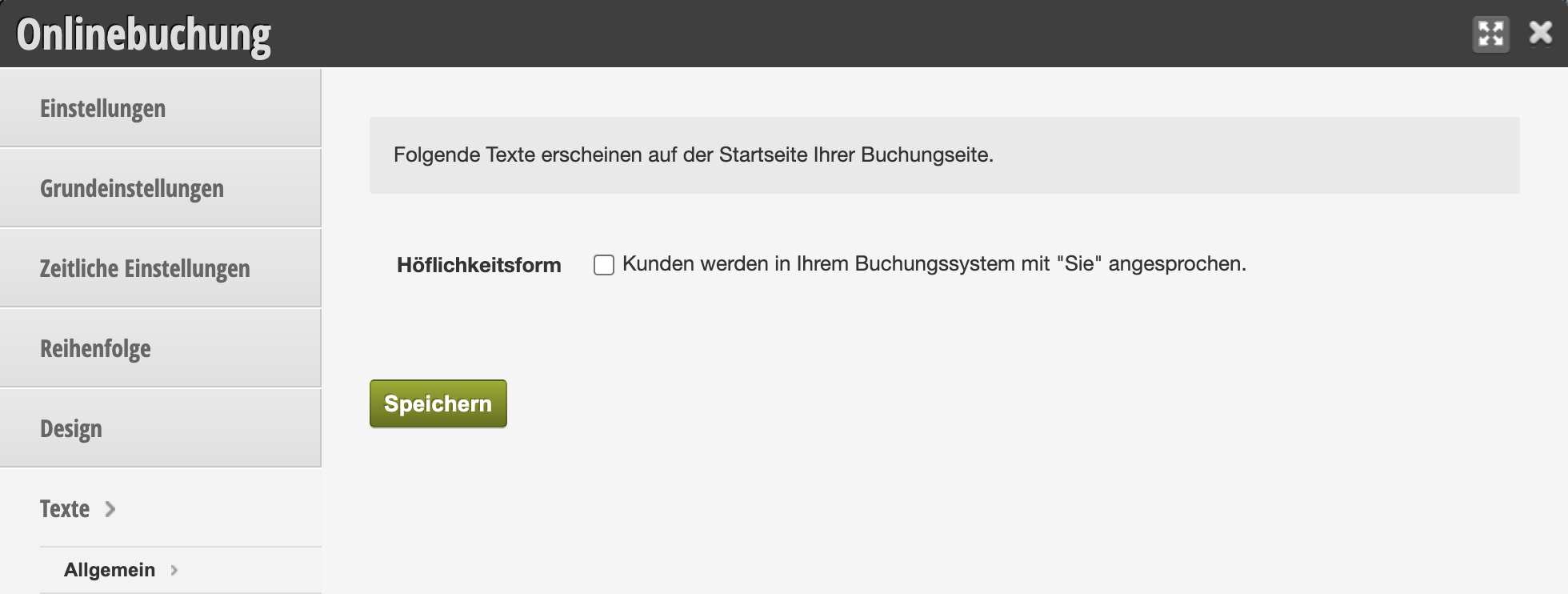
Some of the texts within the booking are global and cannot be changed. However, you can determine whether you want to use the informal "you" or formal "you" form for these texts.
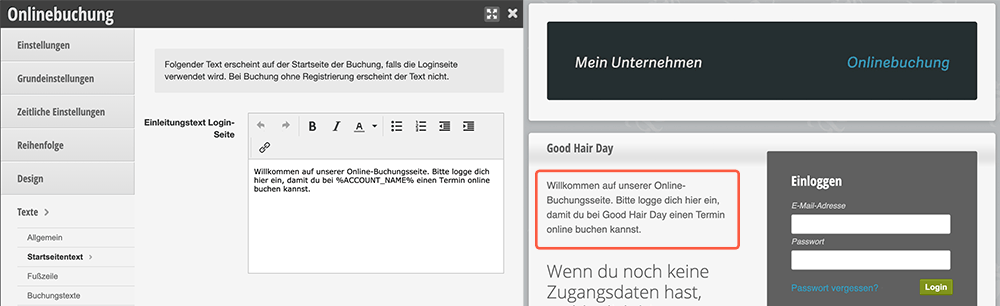
Start Page Text
If you link the online booking so that your customers must log in first before they can book online, you can edit the start page text.
Footer
Supplement your footer with important information about your business. This includes your website, address, or a link to your product shop.
Tip: Do not publish your phone number here. Your customers should book an appointment online themselves instead of calling you. If you want to make individual services bookable online only after telephone consultation, use the appropriate option in your services instead.
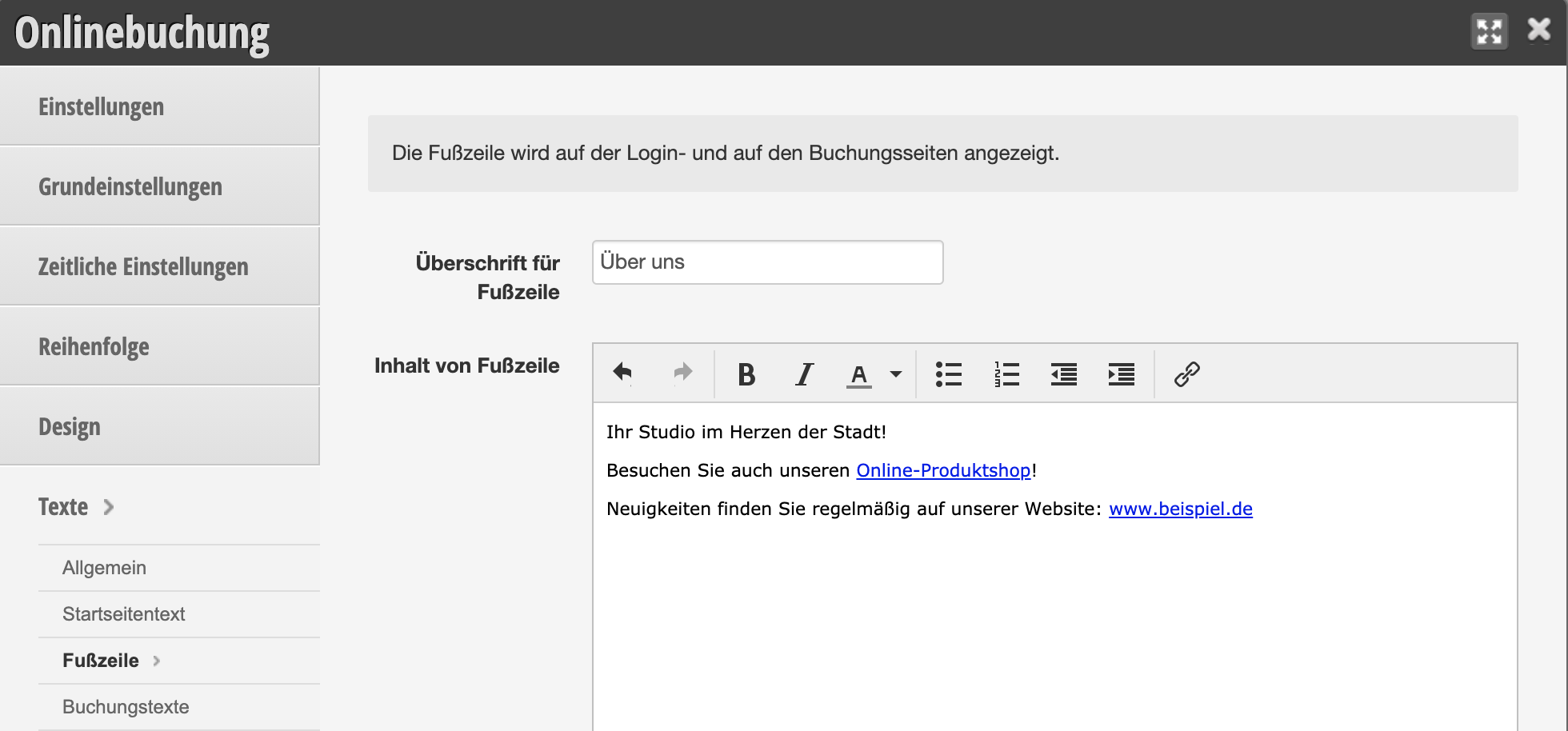

If you leave both fields empty, no footer will be displayed in your online booking.
Booking Texts
You can supplement the online booking at various points:
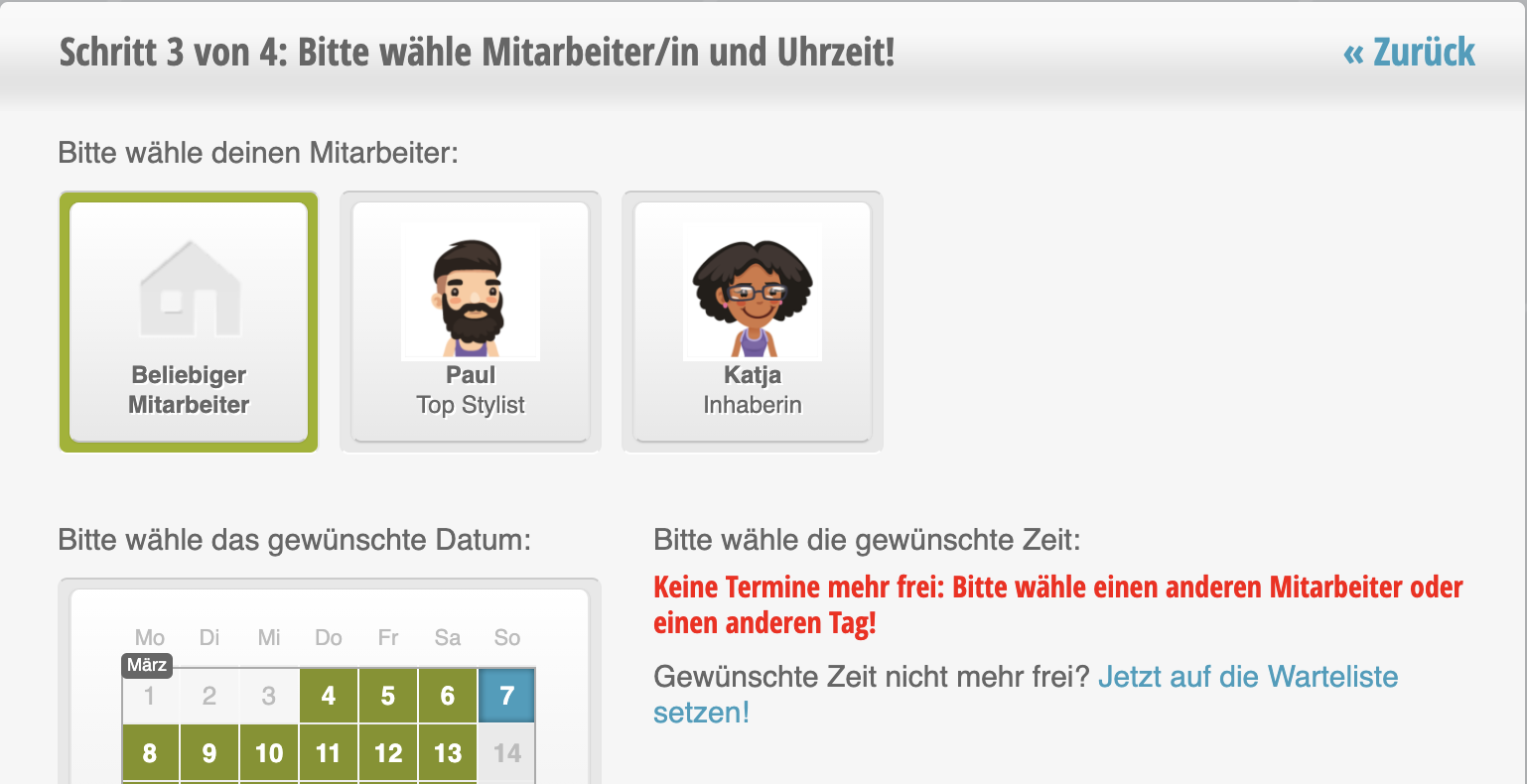
Fully Booked Notice
When customers click on a date in the calendar for which no appointments are available, they will see a corresponding message. If you leave this field empty, our standard message will appear (see image). You only need to fill in the text field if you want to change the text.
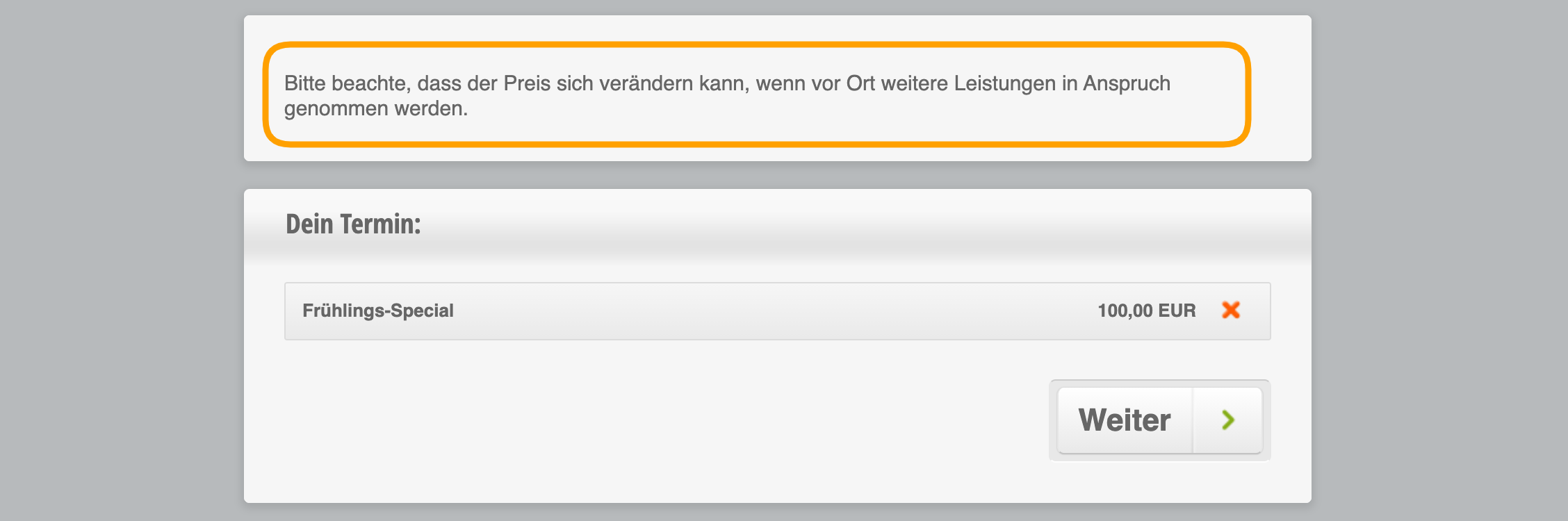
Text Below Price Selection
Use this area to alert customers to important information regarding the price.
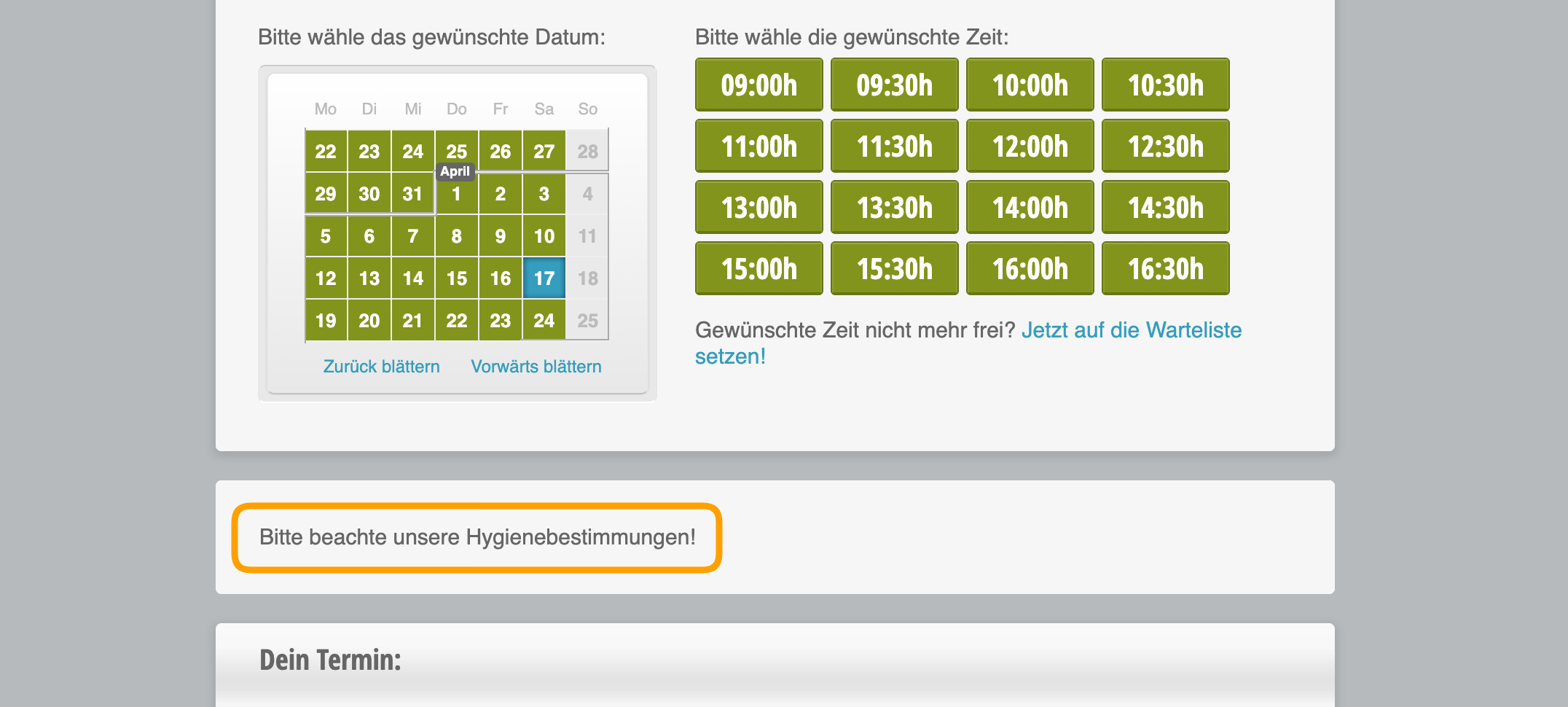
Text Below Appointment Selection
Use this area to alert customers to important information regarding the booking.
Completion
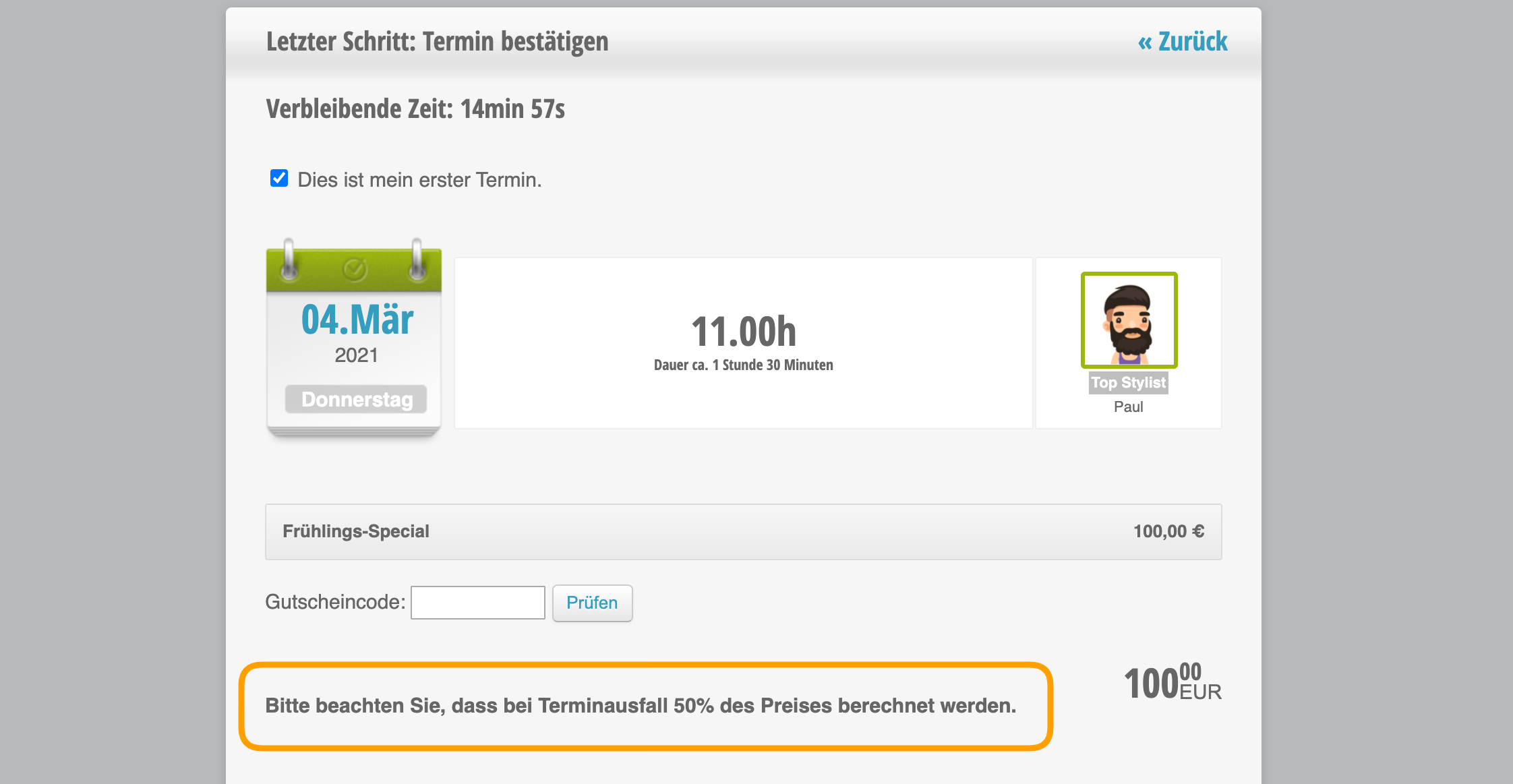
General Price Notice
Important information can be placed in the context of the booking summary next to the price. Please also note the information below in this regard!
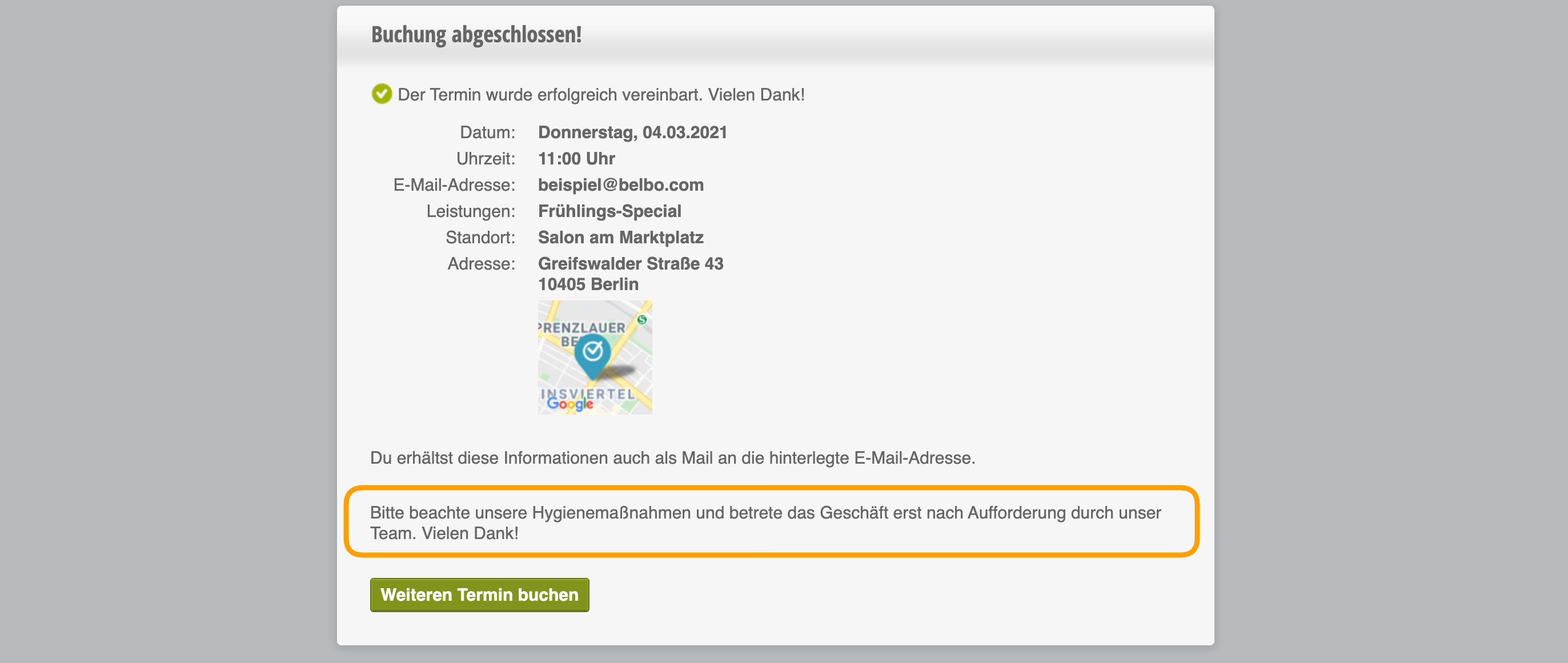
Additional Text After Successful Booking
After the customer has booked online, she receives a summary of the booking on a confirmation page. You can also add a text here to alert her to important terms and conditions.
Note: We recommend keeping the booking texts short and using them sparingly. Also include very important information in your
Terms and Conditions, so you can prove to the customer that they have accepted important terms and conditions.
