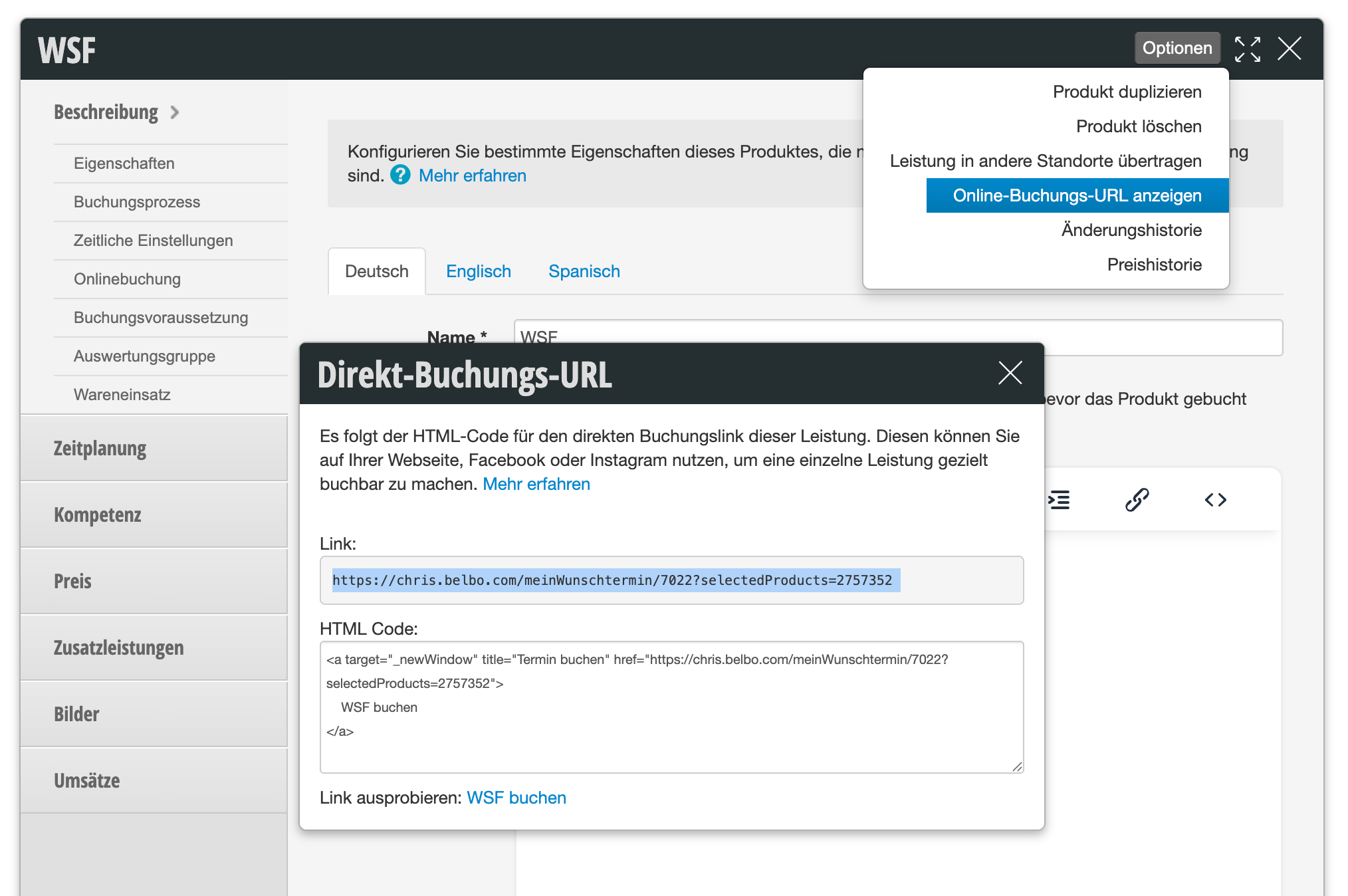
You can create your own booking link for each service you set up in Belbo. This service can then be booked directly. When a customer clicks on the link, they land in the part of the online booking where they only need to select the date and time for this service and are not confronted with any other services.
Finding the online booking URL
You will find the online booking URL in every service you have created in Belbo.
- Under "Settings", click on "Prices and Skills" and select the service you want to link directly.
- Click on Options > Display Online Booking URL.
- Copy the link or the entire content and share it or forward it to your design agency.
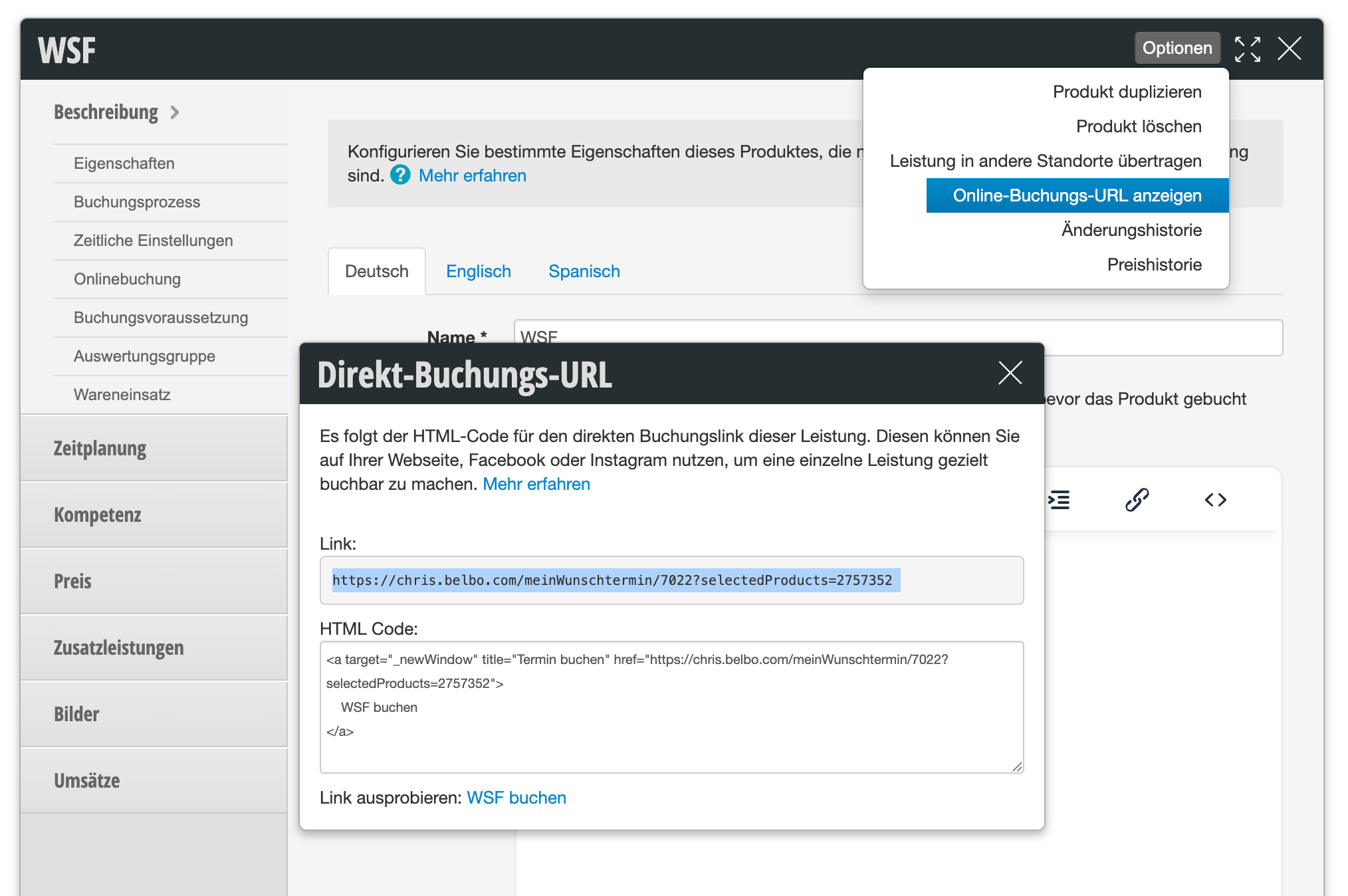
So for example, if you want to promote the service "Summer Special" on your website or on social media, you can use this link.
Booking link and booking URL
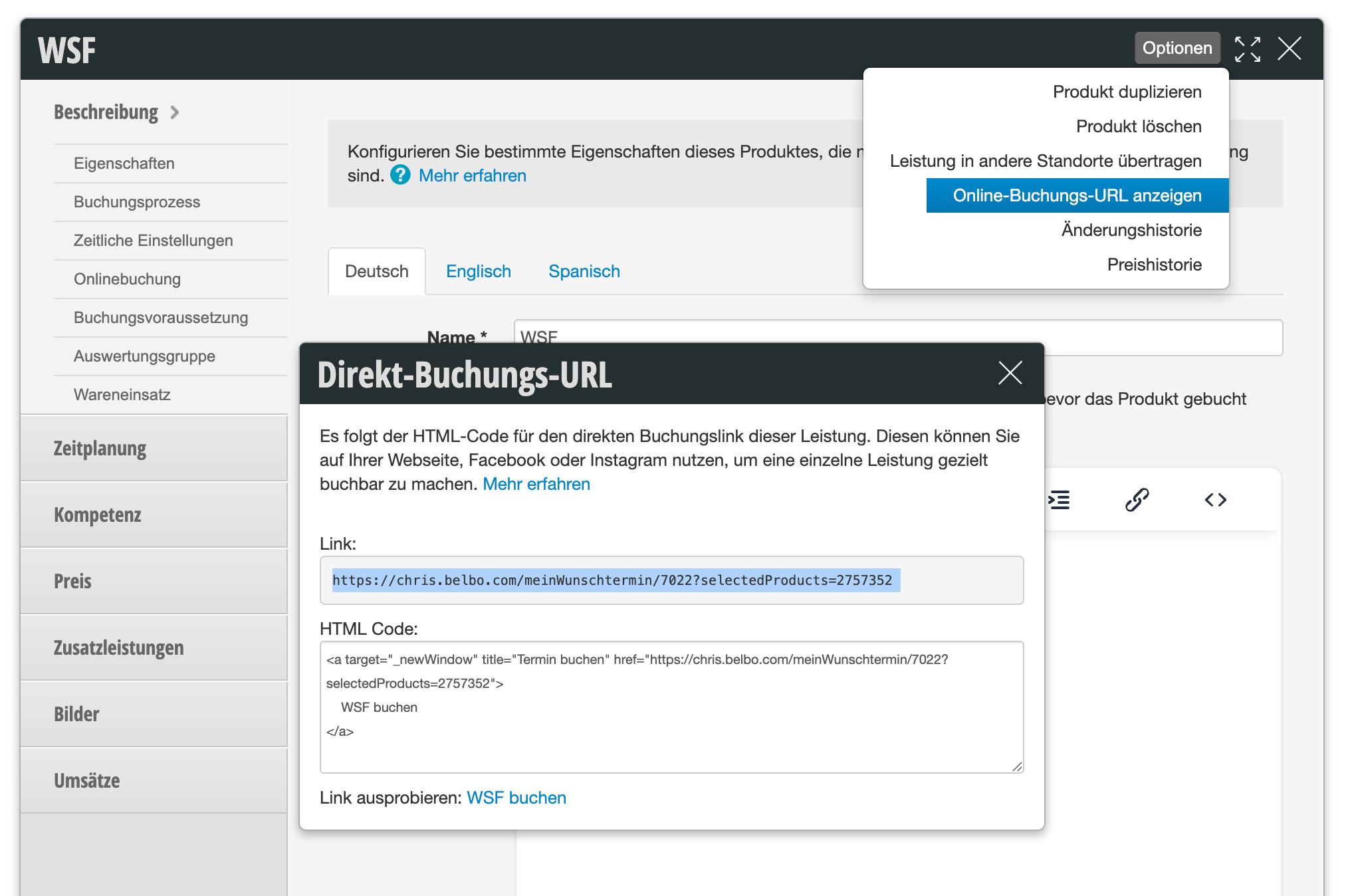
The complete text displayed to you already contains a hyperlink and can be inserted directly on a website. However, if you want to promote the service on social media, for example, copy only the text component marked in the following image:
Linking all services at a specific location
If you have multiple locations in the same account in Belbo, customers can first decide which location they want to book at on your online booking page. However, if you want to specifically link individual locations without your customers seeing the other locations, you can find this URL via the direct booking link of a service:
- Under "Settings", click on "Prices and Skills" and select any service.
- Click on Options > Display Online Booking URL.
- Copy only the text component marked in the following image, i.e. up to before the first question mark: