With Stripe, you can accept online payments via credit card, Apple Pay, Google Pay, TWINT, Klarna and SEPA direct debit.
You can find all information on how to set up Stripe's payment functions for your online booking in our video.
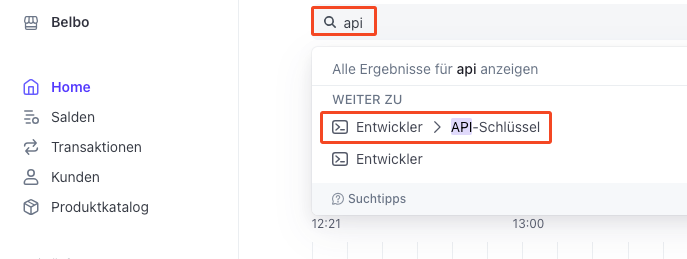
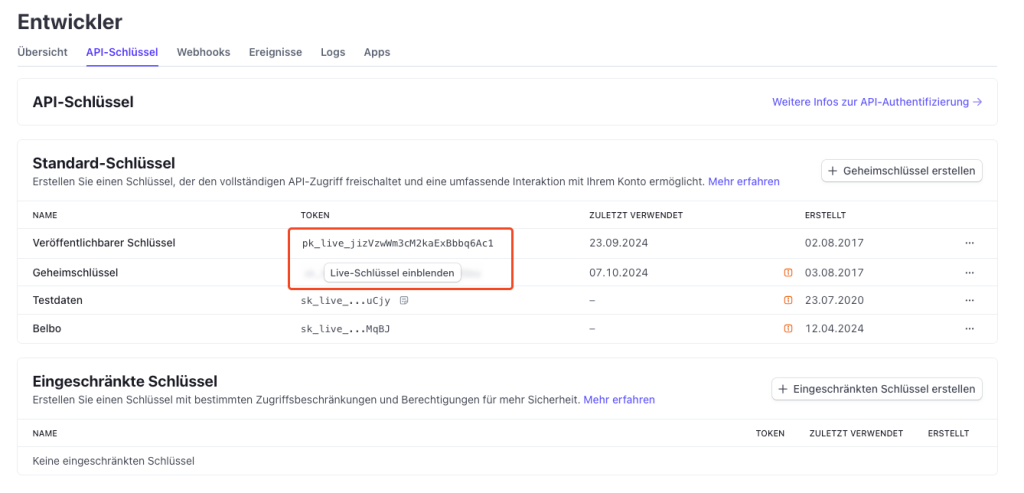
Supplement to the video as of 03/2025: In the current version of Stripe, the required codes can be found using the search term "API" in the search field at the top of the Stripe overview page:
Links from the video:
Stripe homepage
Stripe Docs test card numbers
Enable payment methods in Stripe
In Stripe, you can find the desired payment methods (credit cards, Klarna, Twint, etc.) via the "Payment methods" menu item. The easiest way to access this is by entering this term in the search field:

Here you can select the desired methods from the extensive list. In the Belbo online booking or in the shop, only those payment methods can be offered that are also activatable in Belbo. In Belbo, they must also be activated under Settings > Online Payment > Stripe:

If you would like to enable online payment via PayPal, you can find more information here.
Tip: Configure minimum balance
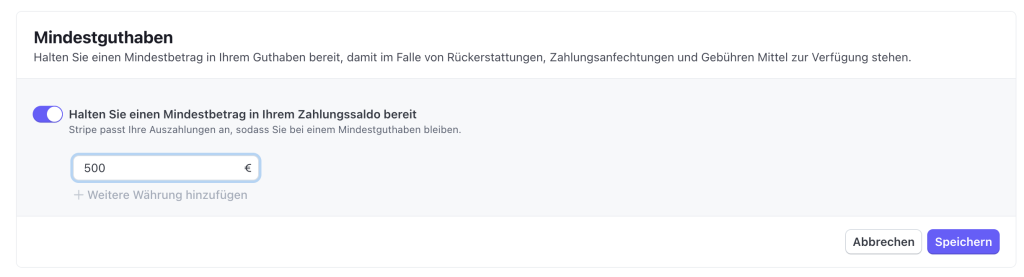
So that your customers automatically receive a refund of their money when an appointment is cancelled, we recommend storing a minimum balance in the Stripe account settings: