
In every customer file, you can view the past and future appointments of a customer in the Appointments menu item.
The prerequisite for this is that you select existing customers from the suggestion list during appointment entry. Only in this way are new appointments added to the existing customer file.
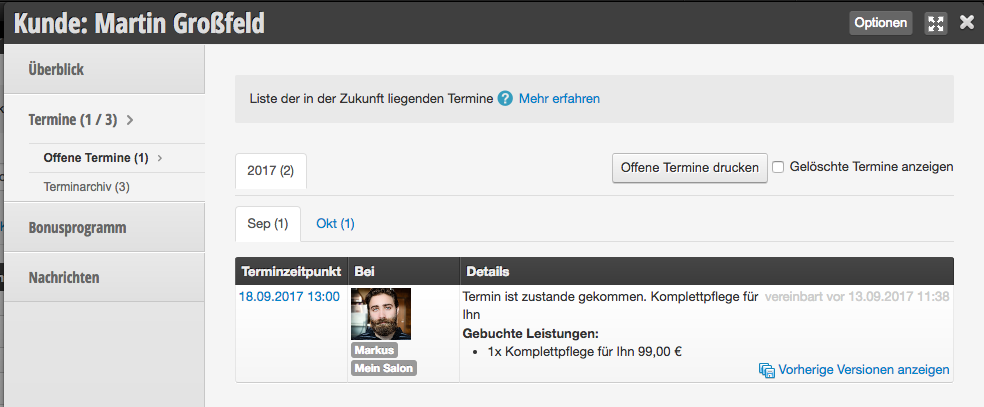
Open Appointments
In the Open Appointments submenu item, you can view all future appointments of the customer.
Appointment Archive
In the Appointment Archive submenu item, you can view all past appointments of the customer.
Deleted Appointments
If you are missing a customer appointment in the calendar, you can click Show Deleted Appointments in both the list of open appointments and in the appointment archive to view the deleted appointments as well.
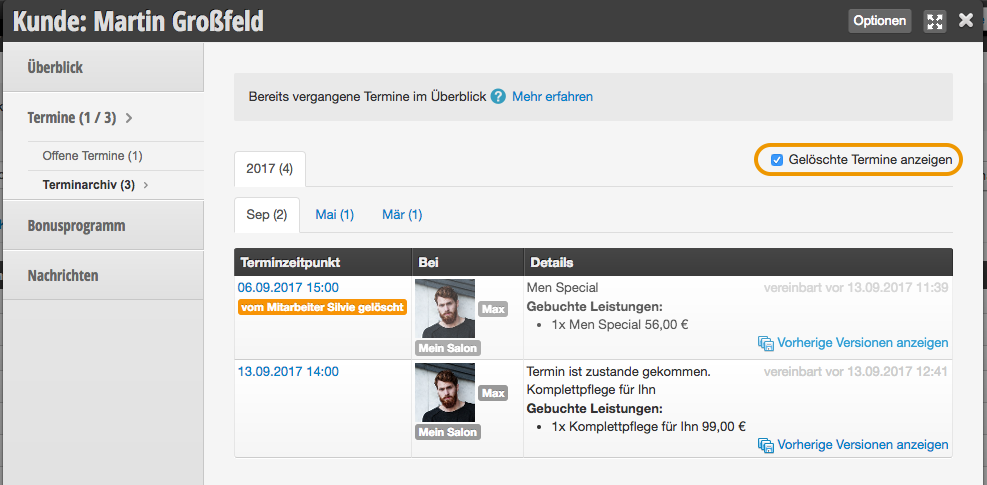
More on the topic Appointment Search can be found here.