
If you want to back up your data locally, you can do so. On this page you will find an overview of the export options available in Belbo.
Export Center
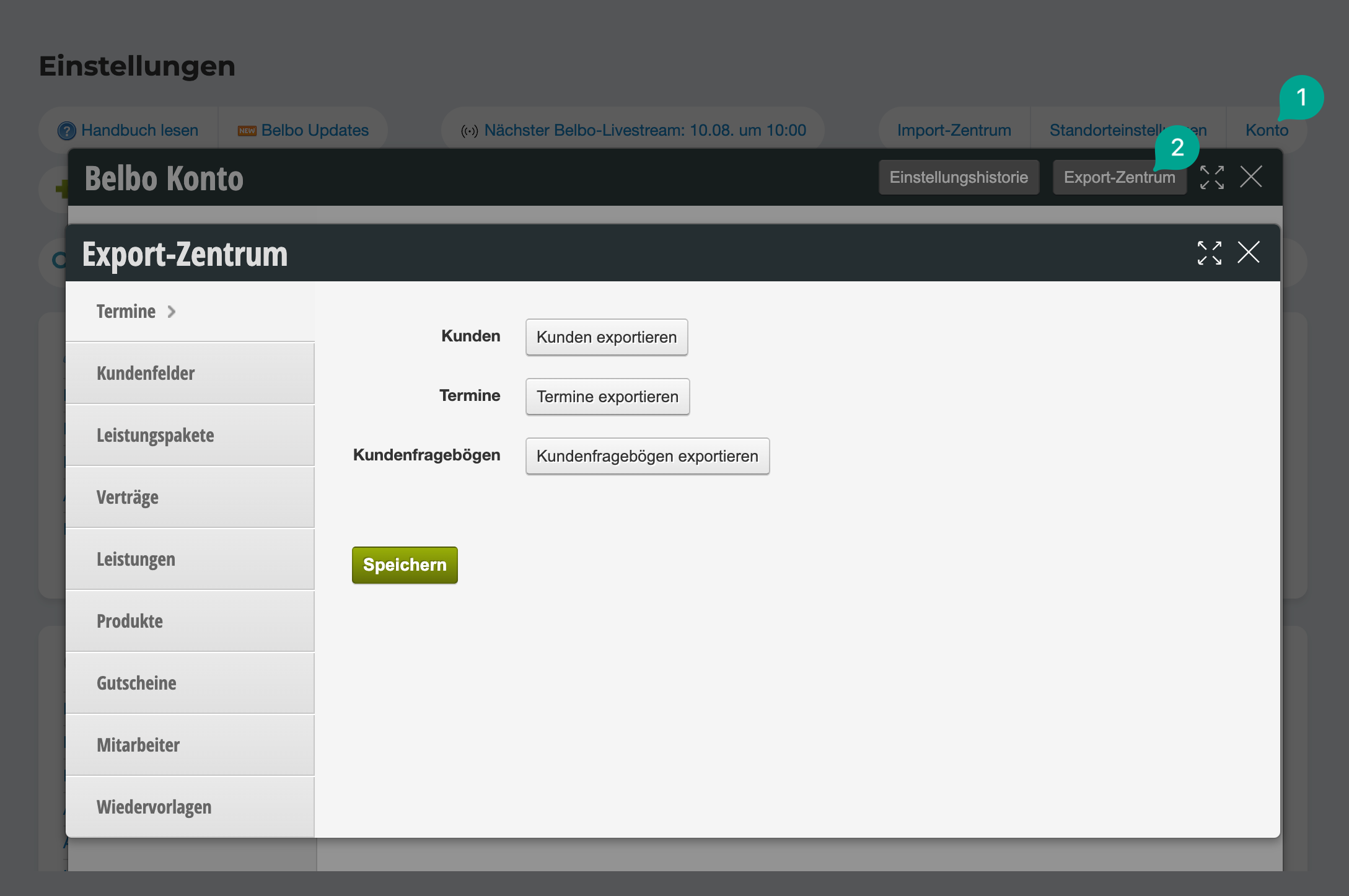
You can export numerous data in the Belbo Export Center. You can access the Export Center under Settings > Account > Export Center.
Export cash register data
You are legally required to keep your cash register data for a certain period of time. The timeframe depends on the legal regulations of the country where your business is located. Please understand that we are not permitted to advise you on tax matters.
→ You can find out how to export your cash register data here.
Customers
You can export your customer data. The prerequisite for this is that the login you use also has the right to do so.
→ You can find out how to export your customer data here.
Export appointments
Your past and future appointments can also be exported.
→ You can find out how to export your appointments here.
Vouchers
You can decide whether you want to export all vouchers or only vouchers created up to a certain date.
→ You can find out how to export your vouchers here.
Products
With the Belbo product export, you can export your product along with inventory.
→ You can find out how to export your products here.
Ratings
Under Settings > Ratings > All Ratings you can export the ratings for each month using the export button.