
There are various options available for exporting your current inventory. The simplest is to perform a so-called product export.
To perform the product export, you need to do the following:
- Select Settings
- Select Prices & Competencies
- Click Options in the top right
- Click "Export Product List"
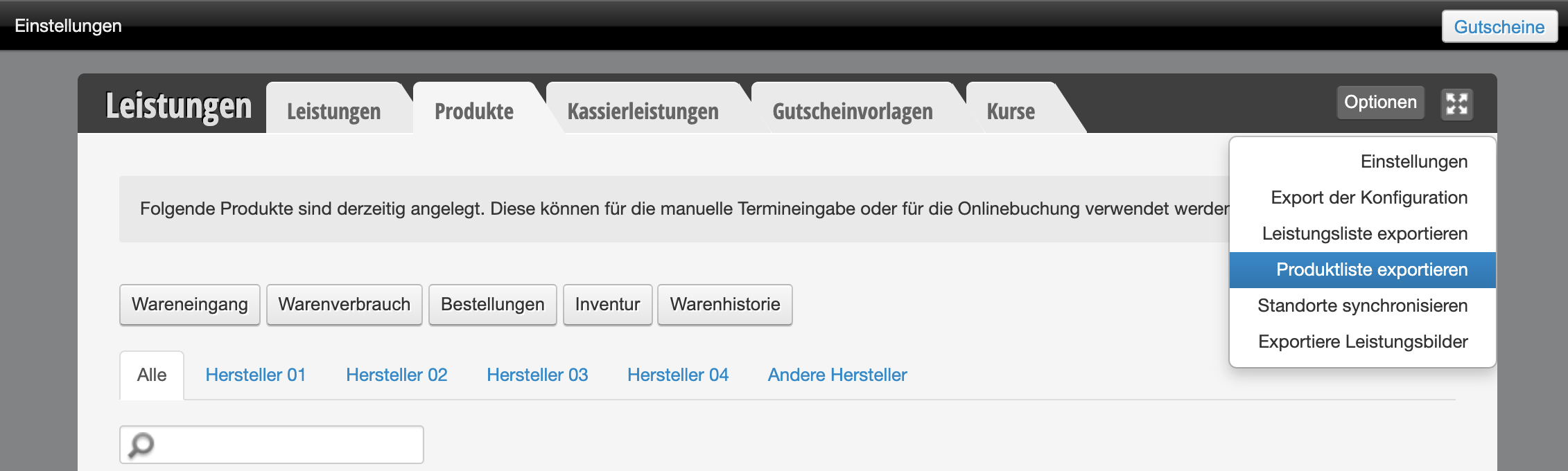
You will then receive an export of your current inventory. If you need inventory for specific time periods, you can export these using the "Inventory" function.