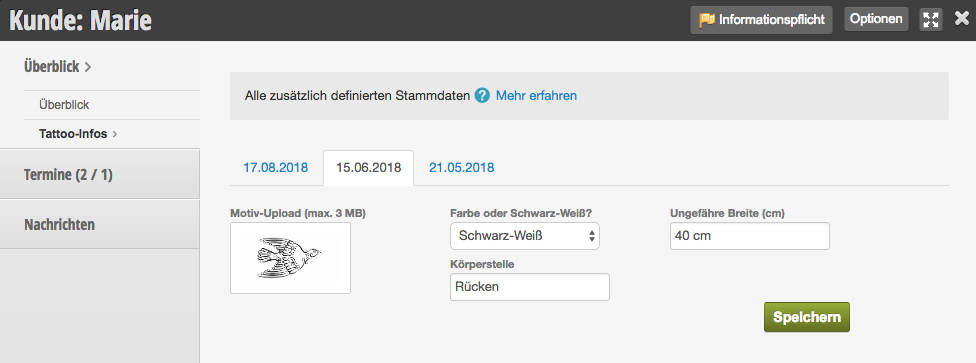
If you want your customers to provide certain information when booking a service online, you can create service fields for this purpose. For each of your services, you can define your own service fields, so customers only need to provide the information that is necessary for the desired service.
Creating service fields
1. Create a tab
First, create the desired tab under Settings > Advanced Customer File, in which you want to group the service fields for a single service later. Of course, you can also use an existing tab.
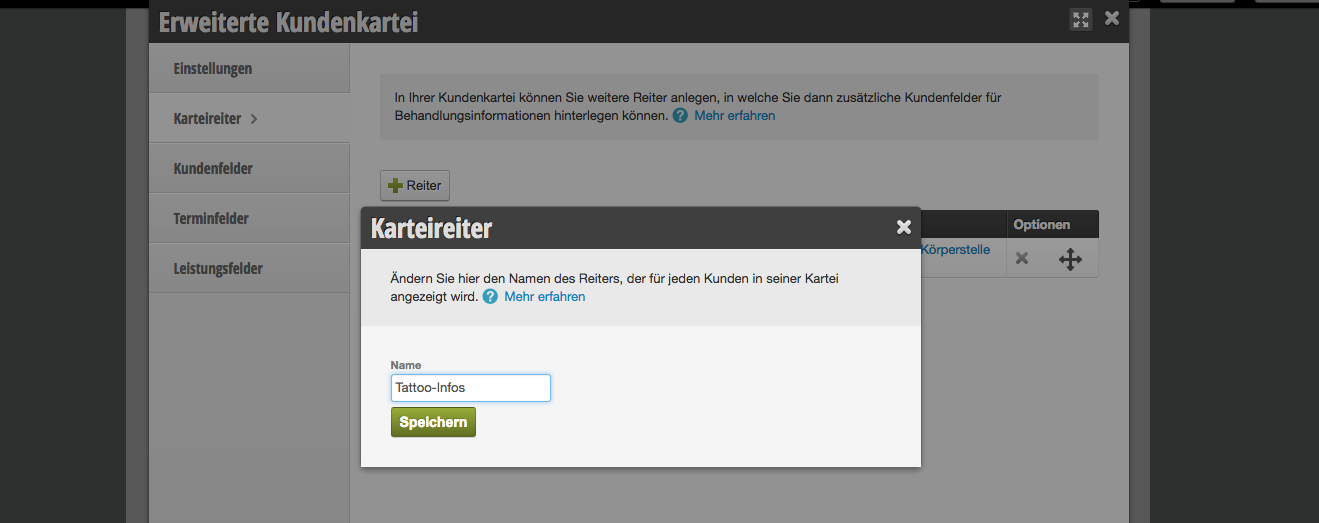
2. Create customer or appointment fields
Then create the customer or appointment fields that your customers should fill in when booking and assign them to the desired tab.
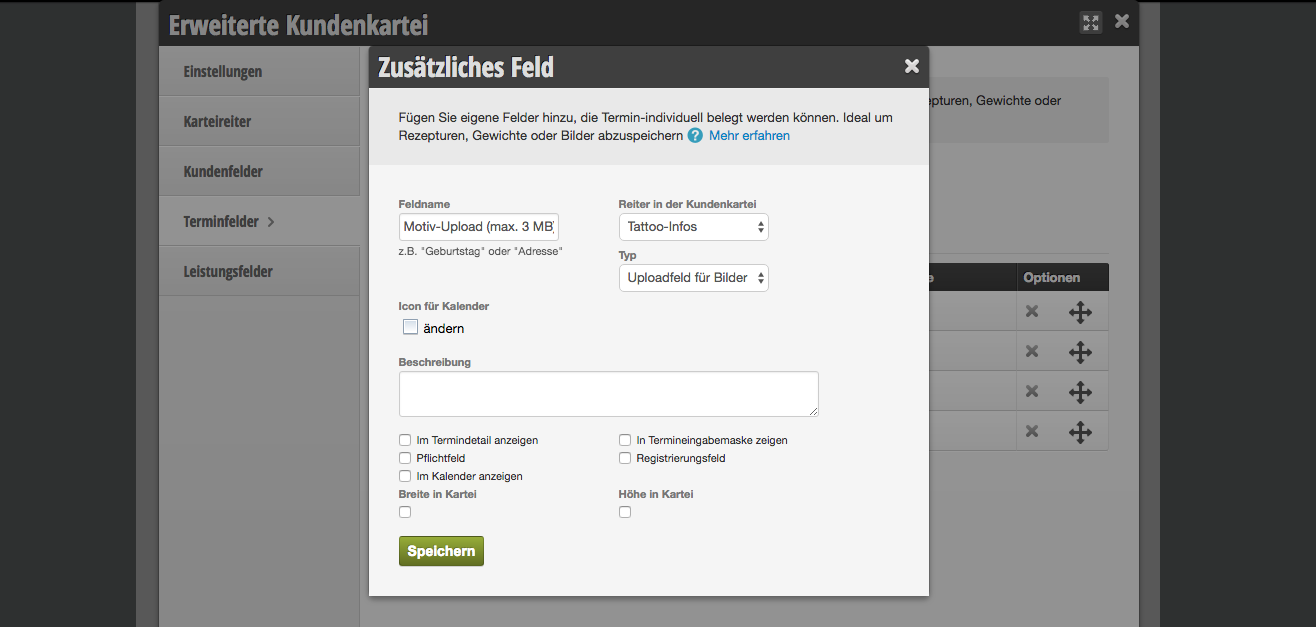
3. Link service with fields
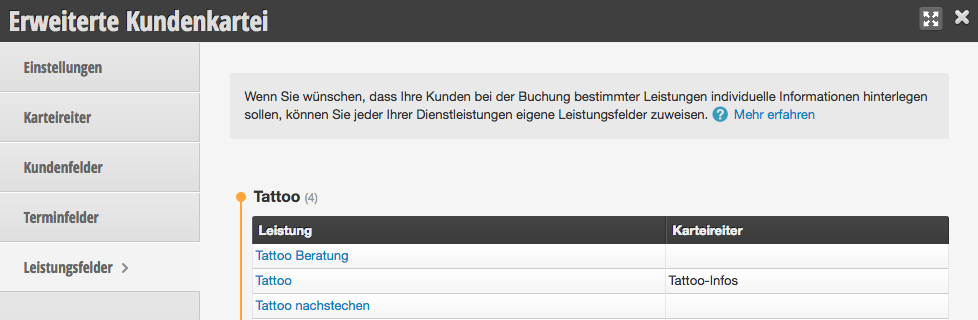
Under Settings > Advanced Customer File you will get an overview of the already linked tabs. To assign the desired service fields to a service, proceed as follows:
- Click on the desired service
- Select the desired tab under "Online Booking" in which the service fields are defined.
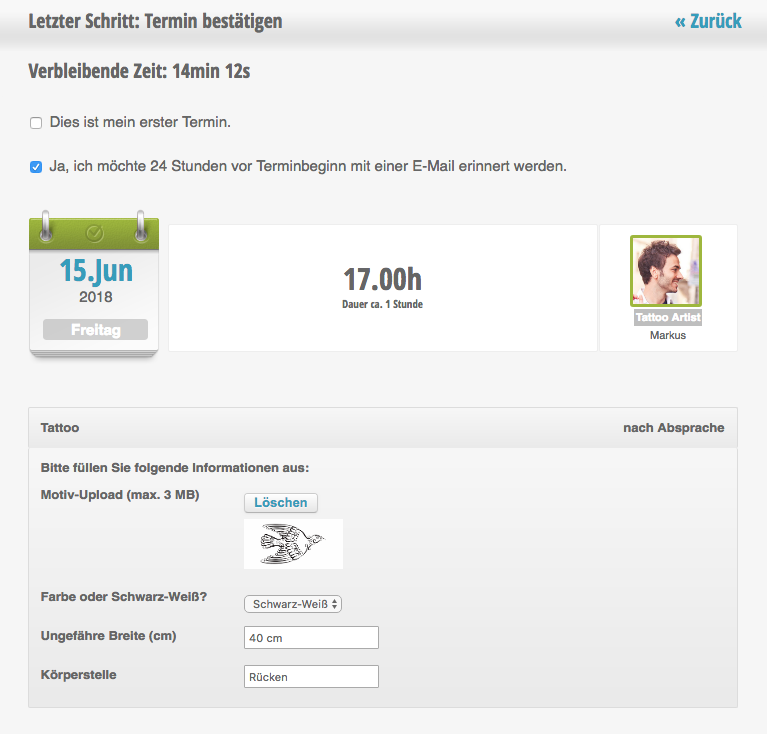
Service fields in online booking
Customers who select the edited service in online booking can edit the displayed fields directly in the booking interface:
Service fields in the customer file
In the customer file, the data filled in by the customer can be viewed at any time.