
In Belbo you can sell vouchers to your customers via the cash register and your own online voucher shop. We provide you with some colorful designs. If you want to use your own design, you can upload it to Belbo.
You can commission your graphic design agency to create your own design following this guide. Alternatively, you can create a design yourself. If you don't have suitable graphic design software, you can use a tool like Canva or EDIT.org.
We ask for your understanding that we cannot support you with the operation of third-party software.
Let your AI assistant create your own voucher design. Copy the prompt below, upload your logo and add your address.
Check the result afterwards: If your logo is missing or something is not right, just tell your assistant - it often works the second time. If you get an image instead of a PDF, you can easily convert it, more about this under "Technical Specifications".
General information about voucher designs
Format
- The voucher design must be saved in PDF format. Only PDFs can be uploaded.
- The design must be created on a single page. If you upload a multi-page PDF, a page must be defined as the design afterwards.
- We recommend a size that is easy to print with a standard A4 printer.
Placeholders
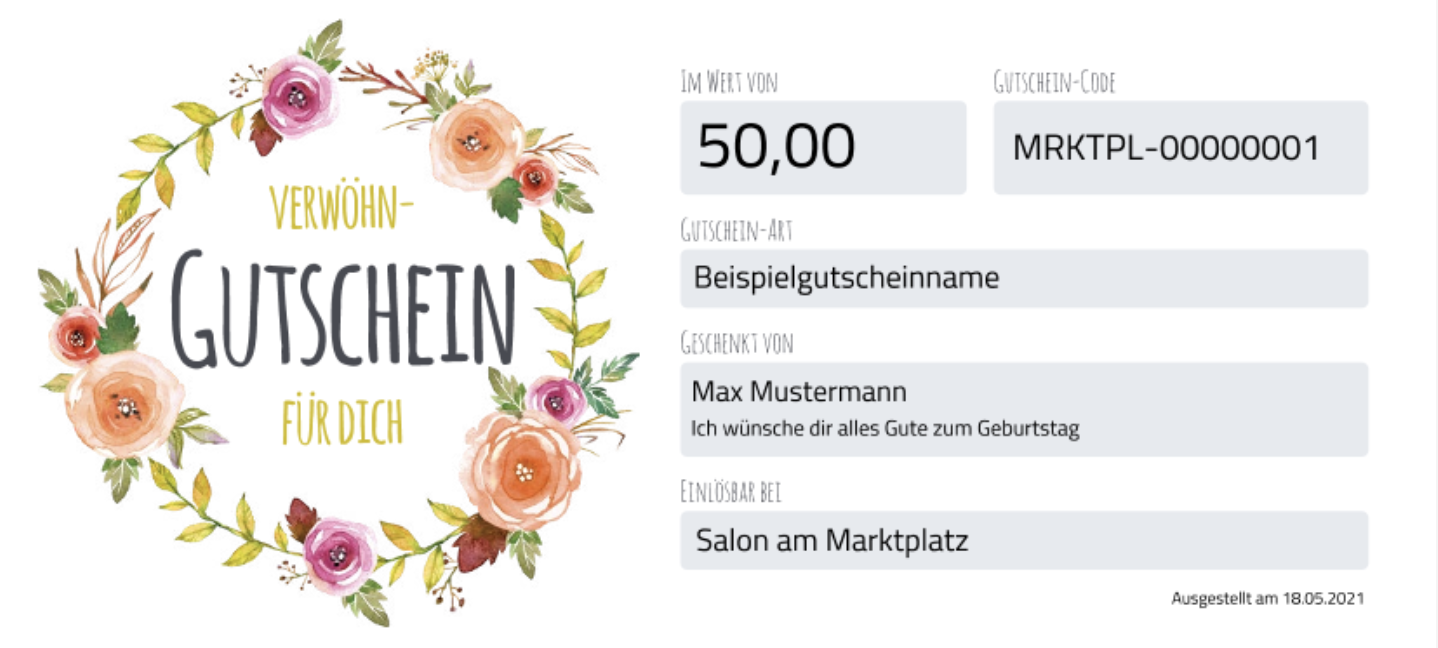
In Belbo you can store a voucher design for all purchasable voucher values – or individual designs for each voucher template. This means that placeholders should be used for flexible elements such as price or voucher name. The correct value will be inserted here when the voucher is sold.
Available placeholders are:
- Voucher number (mandatory)
- Creation date*
- Voucher value*
- Voucher name*
- Name of the buyer and recipient, as well as a free text field for messages
- Online code for redemption in the online booking (Warning: this is not the voucher number)
- Location name
* recommended placeholders
Design your voucher
Your voucher can be designed freely. After uploading, the placeholders can be moved to the correct position in Belbo. Make sure that you create the placeholders so that the black text that will appear later is easy to read. We recommend including the company's address in the template.
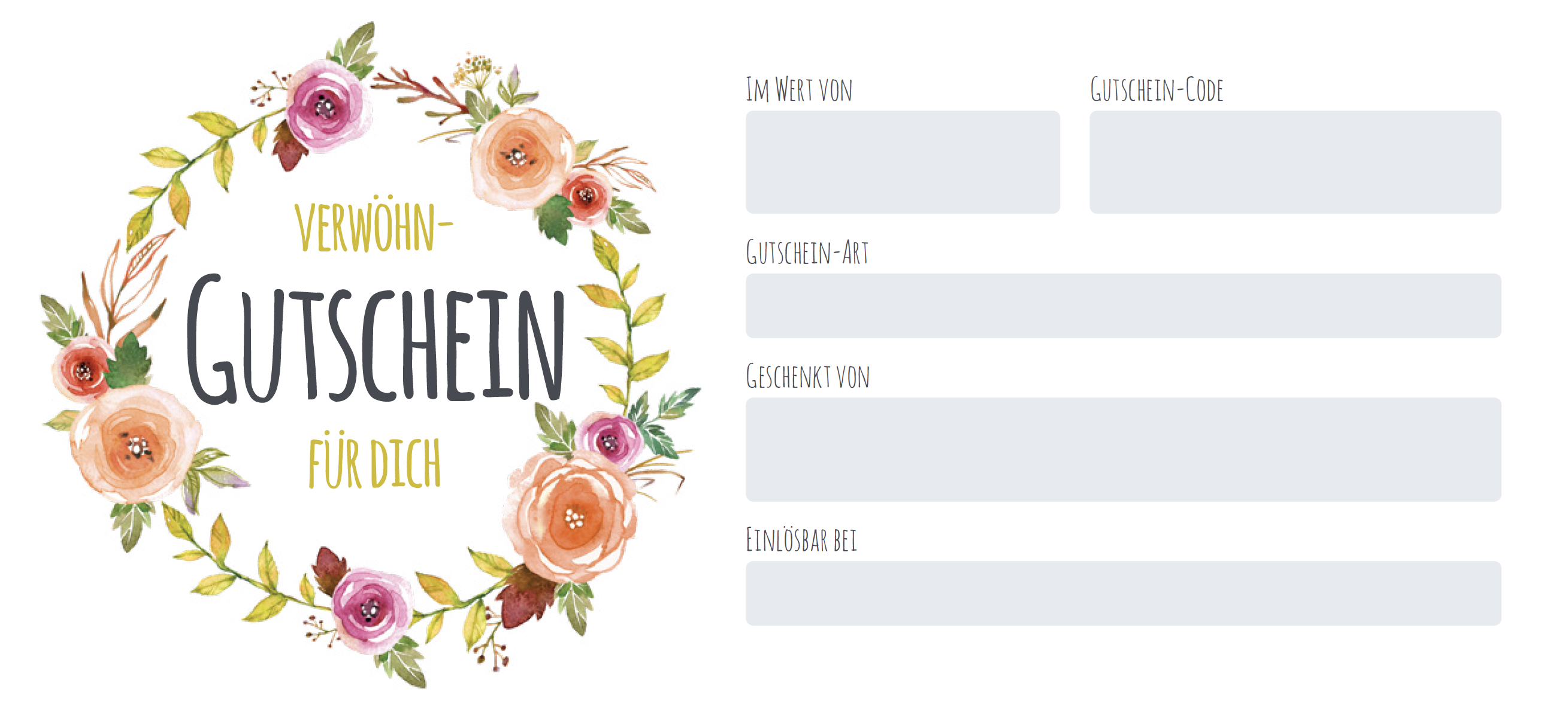
PDF template with intended placeholders
Voucher with filled-in placeholders
Technical specifications at a glance
File format: PDF with exactly one page.
Format: Freely selectable, whether portrait, landscape or square. The only important thing is that the voucher fits completely on an A4 sheet, as most of your customers have an A4 printer at home.
Colors: Please avoid large black or very dark backgrounds. This keeps printing toner-efficient and easy to read.
Free areas for placeholders: Create an empty, light area for each placeholder and label it, e.g. with "Value of" or "Gift from". The area itself should contain no text - Belbo will insert the appropriate value in black text there when the voucher is sold. Plan each area large enough so that one line of easily readable text fits in it, and two lines for the field for the gift-giving person and message.
These placeholders should appear on every voucher:
Voucher number (mandatory), voucher value, voucher name, creation date and online redemption code.
Important: Clearly distinguish voucher number and online redemption code. Both appear on the voucher, but only the online redemption code can be used to redeem the voucher in online booking. Label the fields clearly, for example with "Voucher Number" and "Code for Online Booking". Avoid terms like "Code" or "Voucher Code" for the voucher number, otherwise your customers will try to enter this number online.
Additionally possible: Names of buyer, gift-giving person and recipient, message and location name.
Recommended: Logo and address of your company.
Example files to download
We have created a simple example template for you to use as a reference if you wish.

