
Basically, rooms and equipment also have a category. These categories are very helpful when you have multiple rooms or equipment that serve the same function.
Create New Category
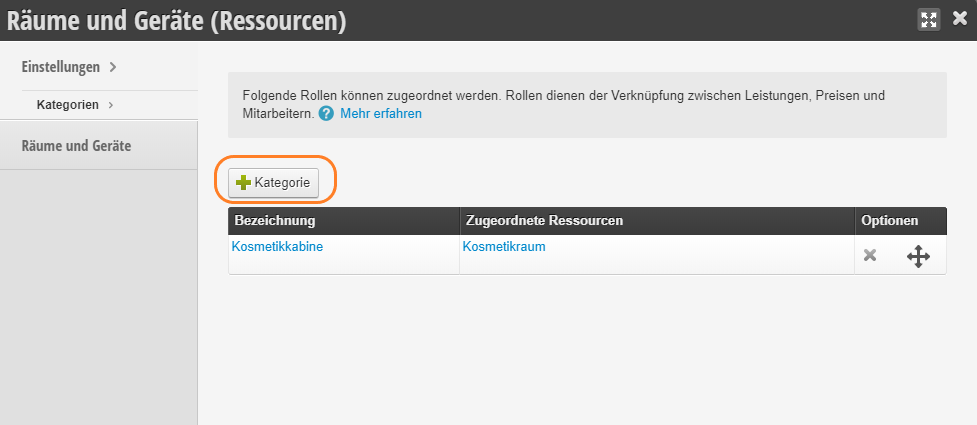
- In the "Rooms and Equipment" module you will find an overview of your categories.
- Click the "+ Category" button to add a new category.
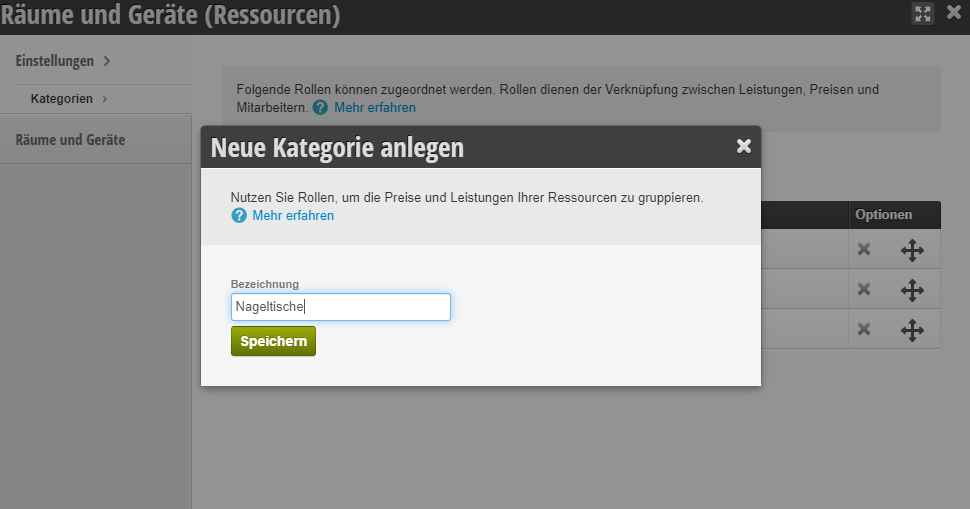
- Enter the desired name (e.g. "Cabins" or "Nail Tables") and save your entry.
Edit Category
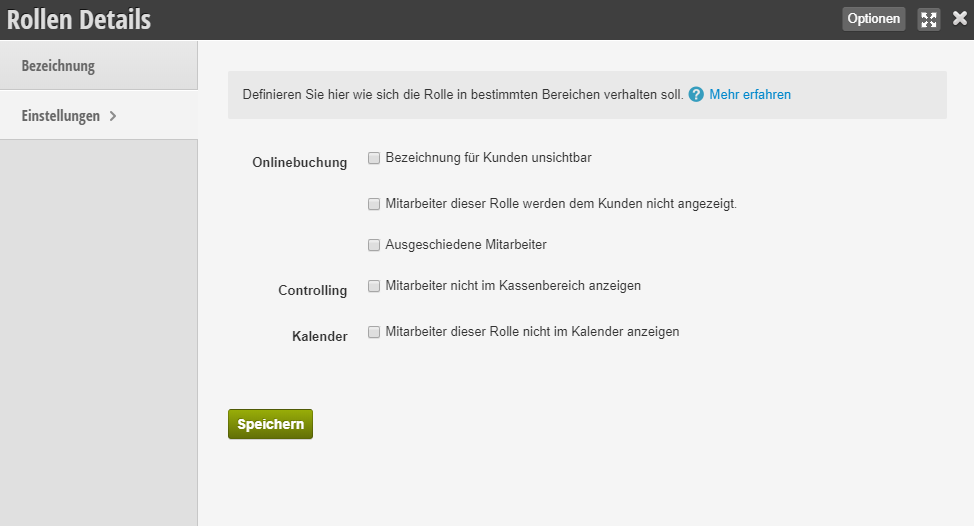
To edit a category, click on the desired category > Settings and make the changes.
Next article on this topic: Create and Edit Rooms and Equipment