
In Belbo you can sell vouchers to your customers via the cash register and your own online voucher shop. We provide you with some colorful designs. If you want to use your own design, you can upload it to Belbo.
You can commission your graphic design studio to create a custom design for you following these instructions. Alternatively, you can create a design yourself. If you don't have suitable graphics software, you can use a tool like Canva or EDIT.org.
We ask for your understanding that we cannot support you with the operation of third-party software.
Basic information about voucher designs
Format
- The voucher design must be saved in PDF format. Only PDFs can be uploaded.
- The design must be created on a single page. If you upload a multi-page PDF, a page must then be set as the design.
- We recommend a size that can be easily printed with a standard A4 printer.
Placeholders
In Belbo you can store a voucher design for all purchasable voucher values – or also individual designs for each voucher template. This means that placeholders should be used for flexible elements such as price or voucher name. The correct value will be inserted here when the voucher is sold.
Available placeholders are:
- Voucher number (mandatory)
- Creation date*
- Voucher value*
- Voucher name*
- Name of the buyer and the recipient, as well as a free text field for greetings
- Online code for redemption in online booking (Note: this is not the voucher number)
- Location name
* recommended placeholders
Design your voucher
Your voucher can be designed freely. After uploading to Belbo, the placeholders can be moved to the correct position. Make sure that you design the placeholders so that the black text will be readable on them later. We recommend including the company address in the template.
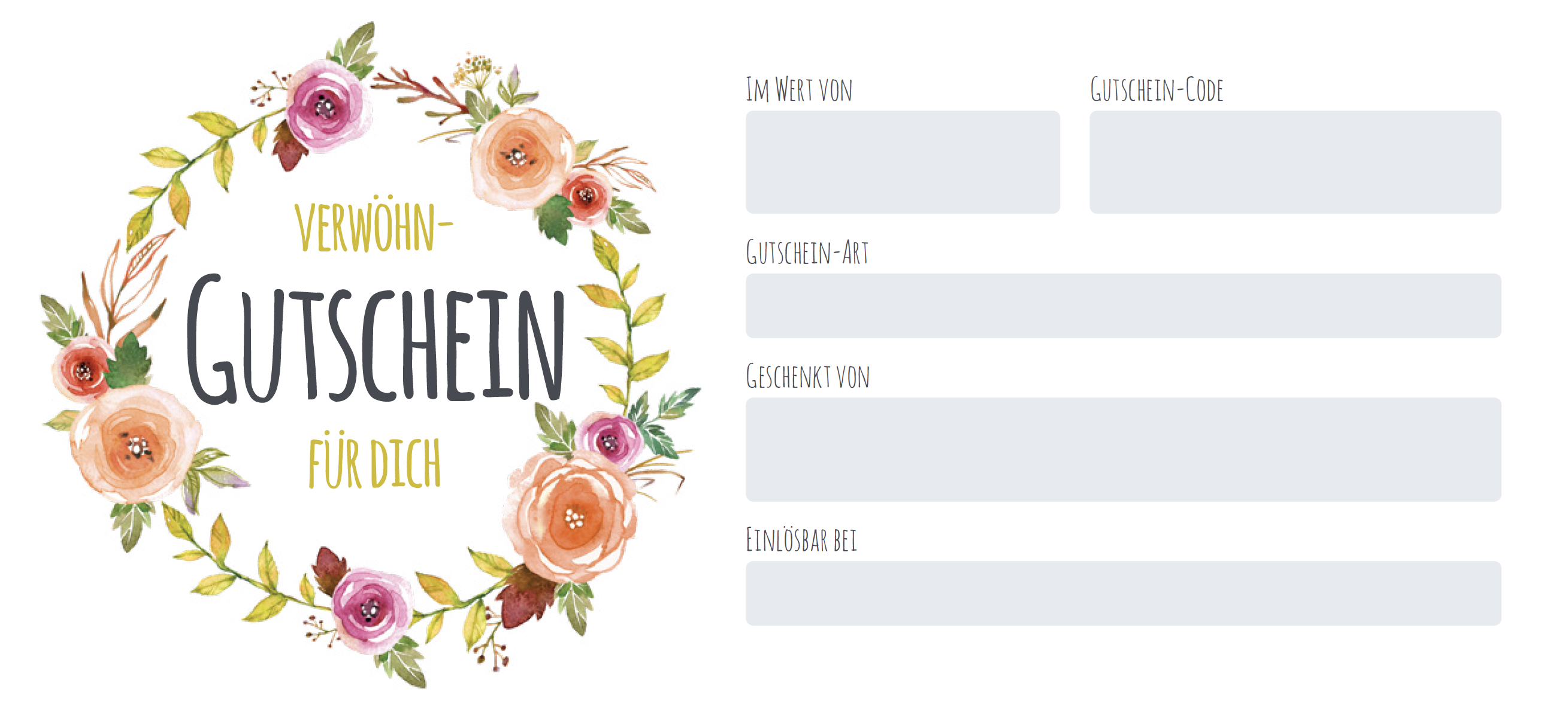
PDF template with intended placeholders
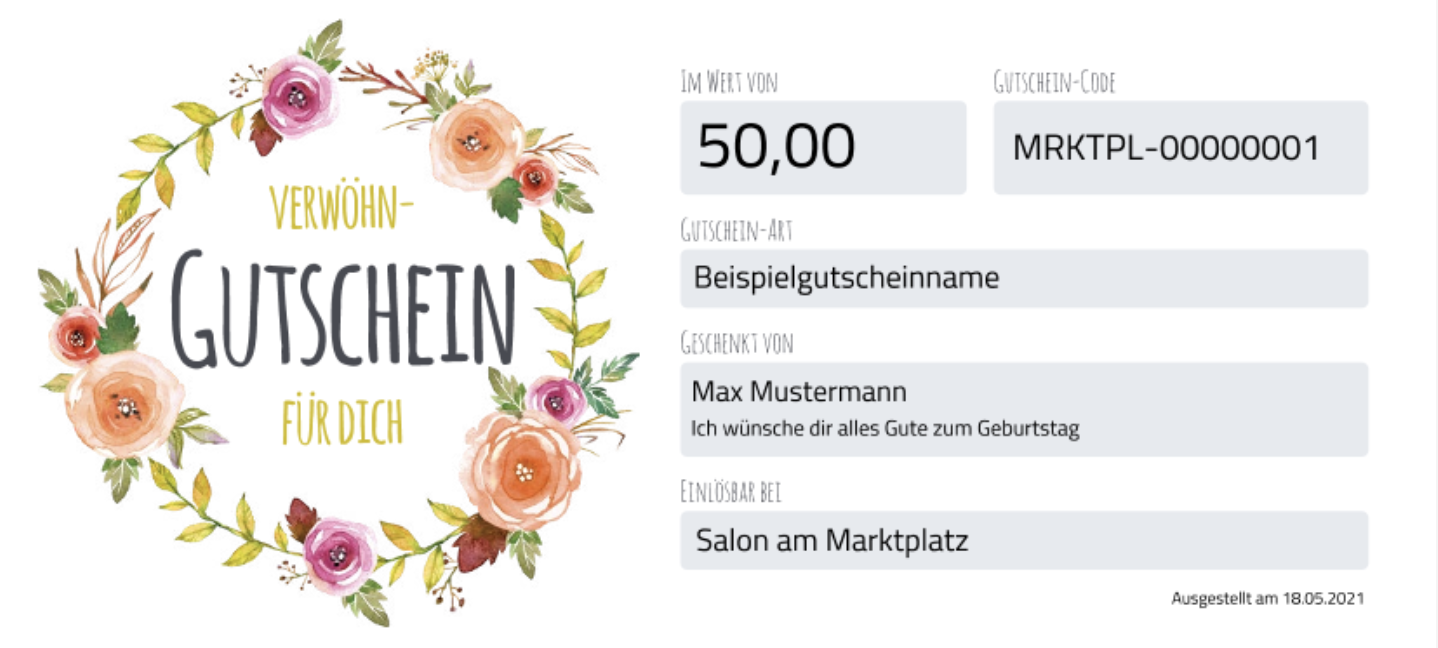
Voucher with filled-in placeholders
Sample files for download
We have created a simple sample template for you to use as a reference if you wish.

