
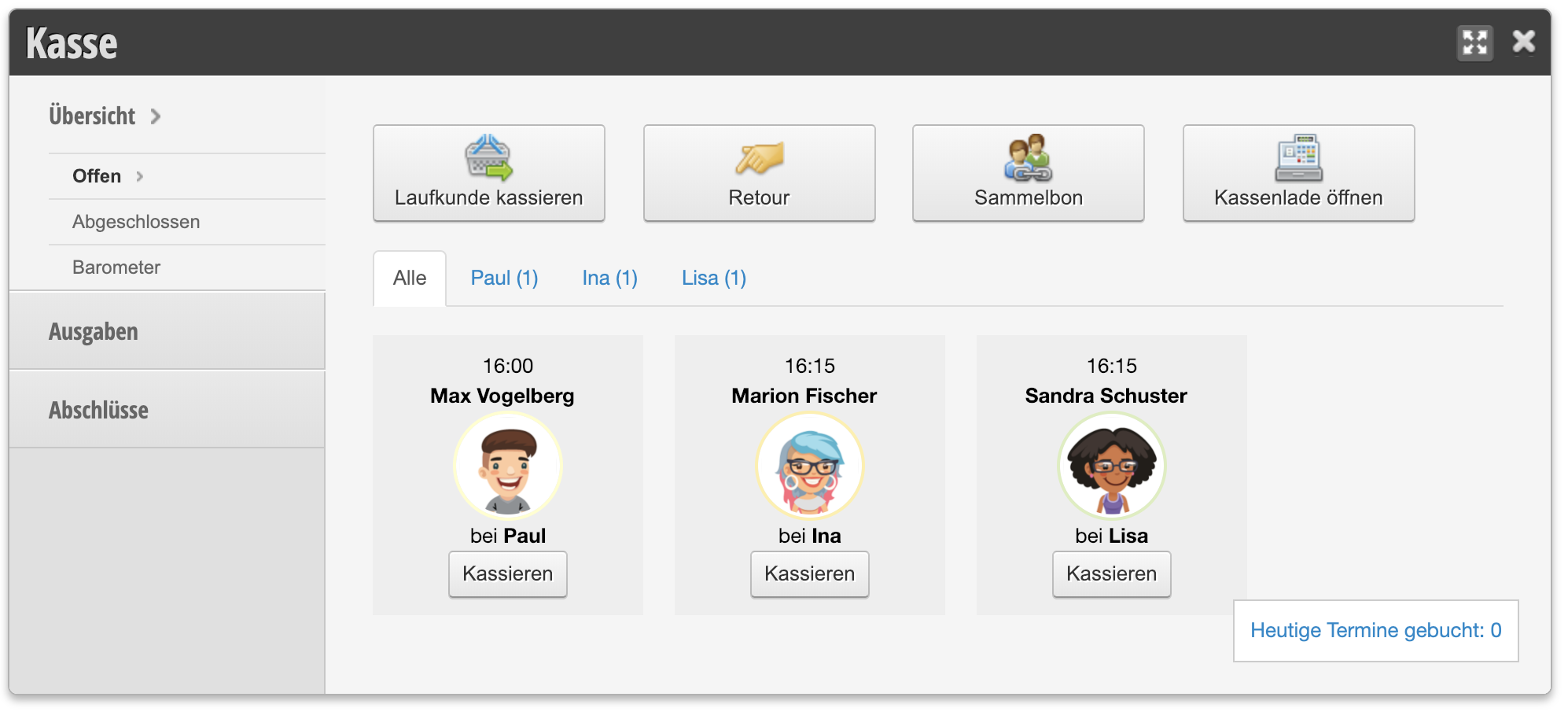
You can charge a walk-in customer by clicking on Register and then selecting "Charge walk-in customer".
Learn how to charge an appointment in the calendar here.
Charge a walk-in customer
- Click "Register" in the top right of the main navigation
- Click on "Charge walk-in customer", select the employee and enter your personal PIN.
- Add the service or products to be billed.
- Add discounts using the discount button and document why a discount was given.
- Change the quantity of services via the quantity link.
- Click on "Payment" (this button only appears once at least one service has been added).
- Select the payment methods and click "complete".
- Print the receipt if desired
Short video on charging walk-in customers