
If you offer services for children, you can set up customer records to be marked as "child".
If these data are maintained carefully, this can improve your barometer data, as children's sales can be allocated more accurately.
Activate child mode
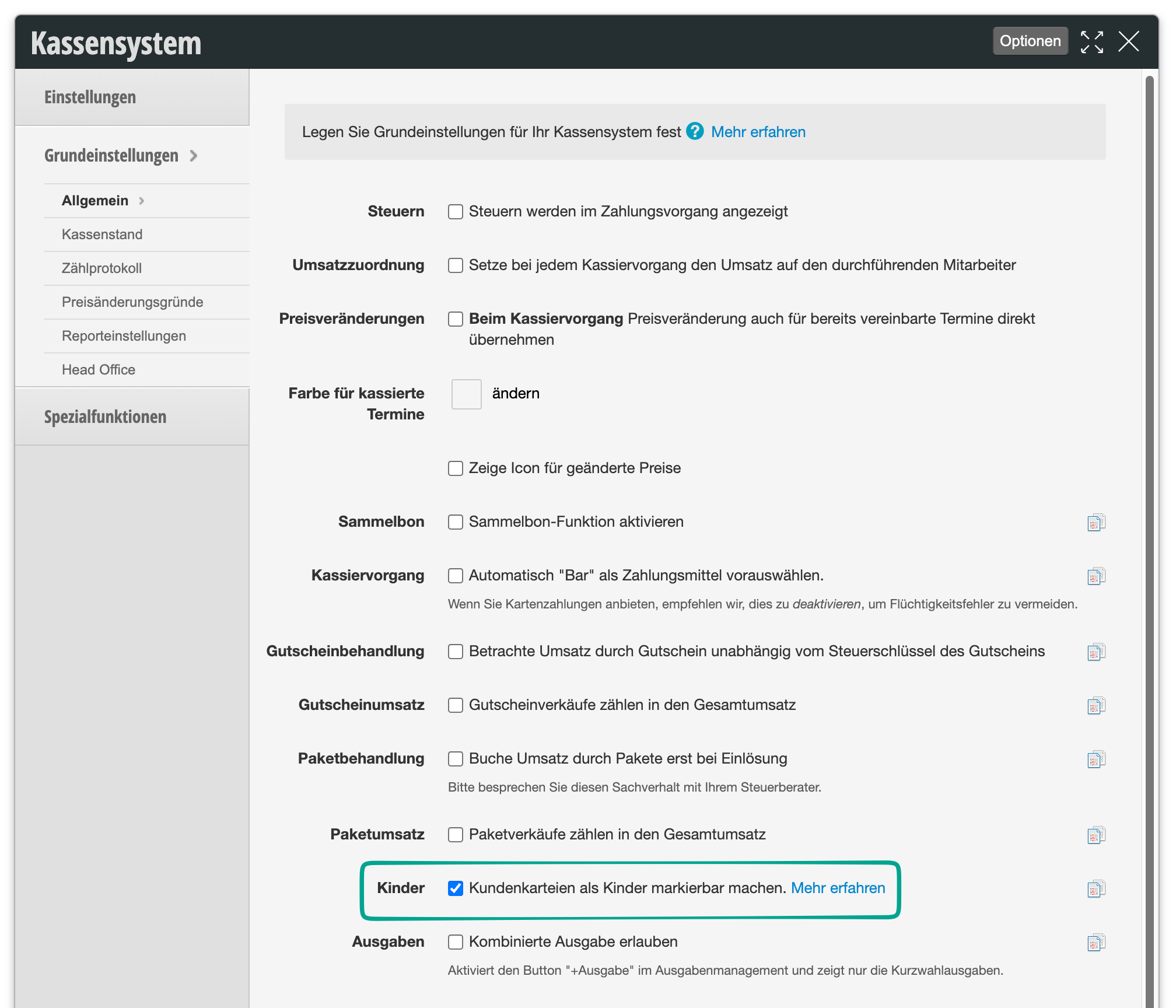
- Go to Settings > Cash System.
- Select the "Basic Settings" tab.
- Enable the function "Make customer records markable as children".
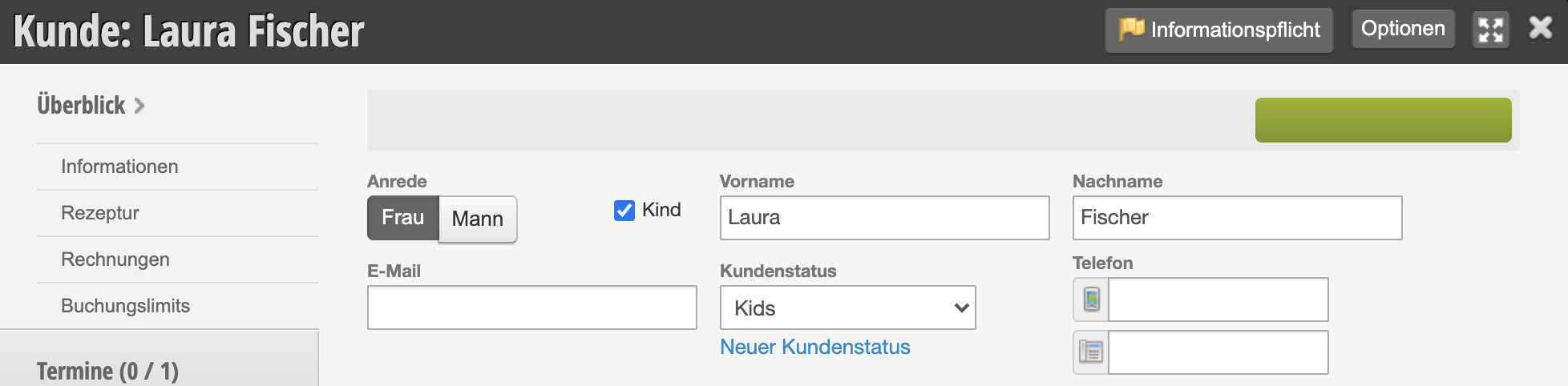
Child mode in the customer record
In the customer record, you can specify that this customer is a child.
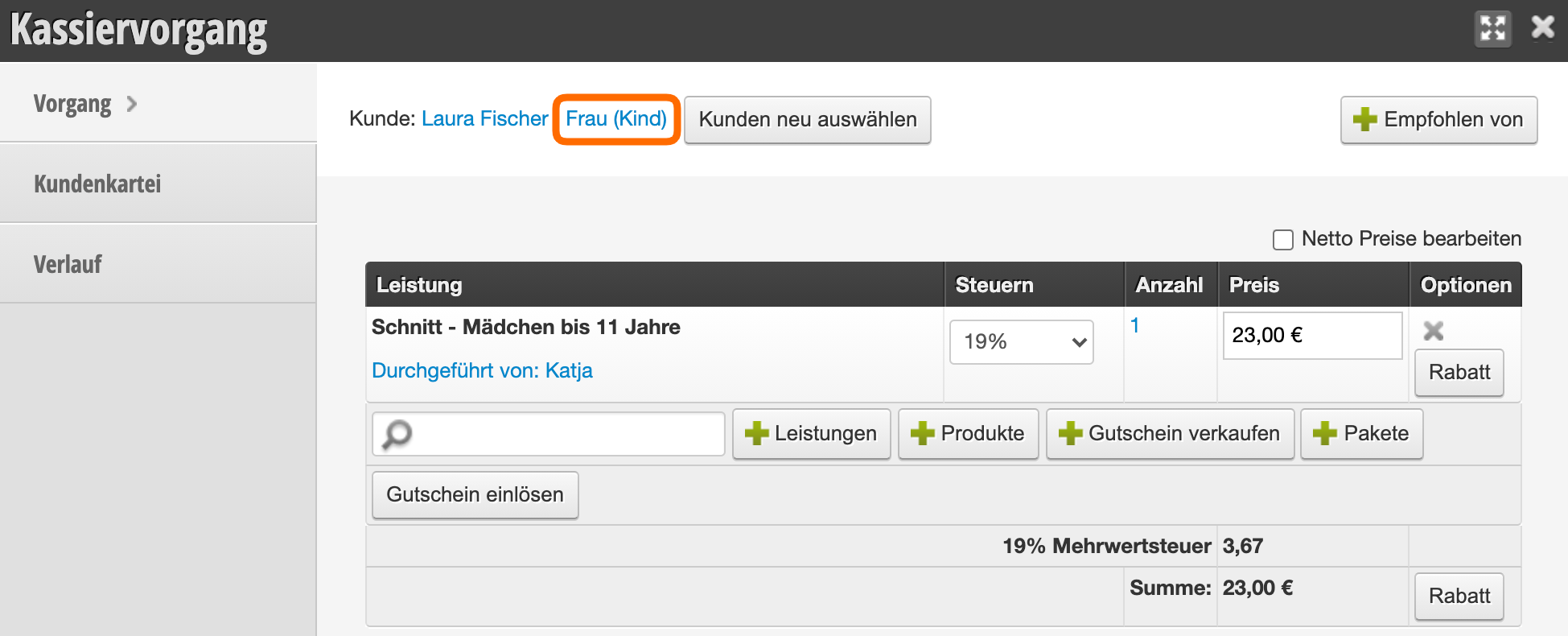
Child mode at the cash register
In the checkout process, it is visible that this is a child. At this point, you can also open the customer record and change the value.
Child mode in the barometer
You can create a barometer group "Children" to which you assign the following property:
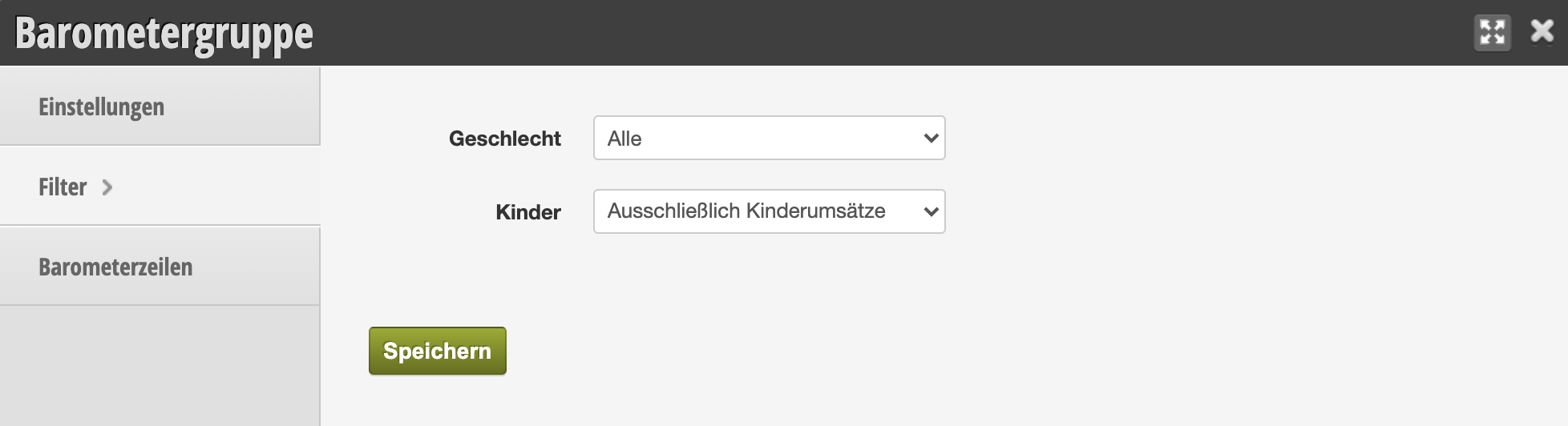
This way your children's sales are allocated more accurately and your employees are prompted to enter the data correctly if necessary. Learn more about setting up the barometer here.