
belbo
  • Overview
    • Getting to know Belbo
    • Location Settings
    • Switch to Belbo
    • Calendar View & Navigation
    • Recurring Appointments & Courses
    • Appointment Entry & Management
    • Logins & Permissions
    • Multiple Locations & Head Office
    • Manage Employees
    • Absences & Holidays
    • General
    • Working Hours
    • Time Tracking
    • Data Protection (GDPR)
    • Customer Communication (Email, SMS)
    • Customer Management & Records
    • Bonus & Loyalty Programs
    • Campaigns (Newsletter & SMS)
    • Marketing Consents (GDPR)
    • Tracking & Analytics
    • Overview
    • Services & Prices
    • Products
    • Service Packages & Subscriptions
    • Vouchers
    • Purchasing & Suppliers
    • Stock & Inventory
    • Scanning & Sales
    • Cost of goods & expenses
    • Design & Texts
    • Setup & Settings
    • Integration (Website, Google, Instagram, Facebook)
    • Online payment
    • Accounting & Exports
    • Cash Register Settings & Hardware
    • Checkout process
    • Daily Closing & Reports
    • TSE & Cash Register Anti-Tampering Ordinance
    • Export Overview
    • Employee Utilization
    • Revenue & Reports
    • Belbo Satellite
    • Printer
    • EC Terminal & Card Payment
    • Troubleshooting Hardware
    • Scanner & POS Devices
    • General Settings
    • API & Integrations
    • Notifications & Emails
    • Contracts & Legal
Skip to content

Scan inventory consumption

You can store your product inventory in belbo to always keep an overview of your goods management. To make updating inventory even easier when products are consumed, used product packaging can be scanned to reduce the stored inventory.

To find out how to scan newly received products to increase the stored inventory, click here.

Product consumption in Belbo

When products are sold via the cash register, the inventory of the sold goods is automatically reduced by the number of items sold.
For consumption on-site – for example with cabin goods – you can scan the consumed products. A common procedure is to collect the packaging of consumed cabin goods in a suitable container and scan them after a certain period of time (for example at the end of the day or weekend).

Scan consumed products

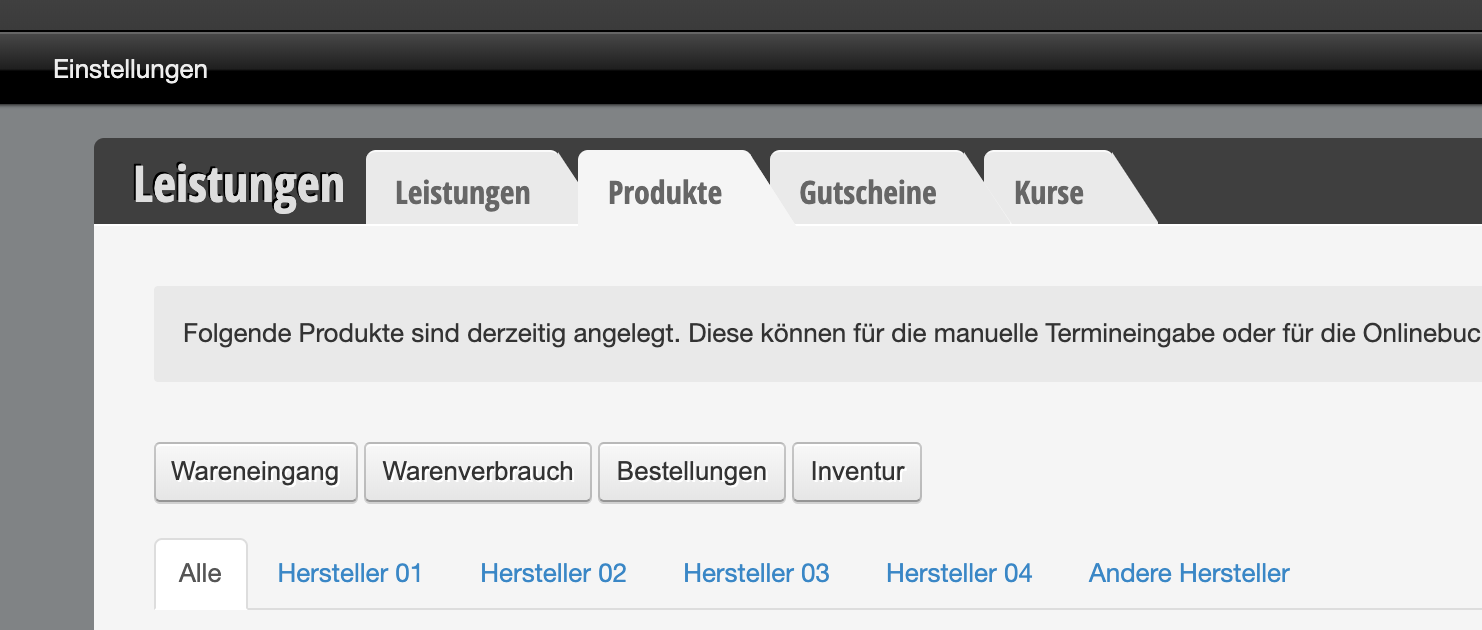
  • Go to Settings > Prices & Skills > Products in your belbo system
  • Click "+Product consumption" here
  • Scan the product with your barcode scanner
  • If the barcode has been correctly assigned to the product in belbo, it will be recognized and deducted from inventory.
Categories: Scanner & POS Devices
This manual is a service by belbo. Legal notice