
In every service and service group there is a "Revenue" tab. There you can see which customers the service was billed to.
View revenues
- 1
Open Settings › Prices & Competencies.
- 2
Click on the name of the desired service or service group.
- 3
Select the "Revenue" tab.
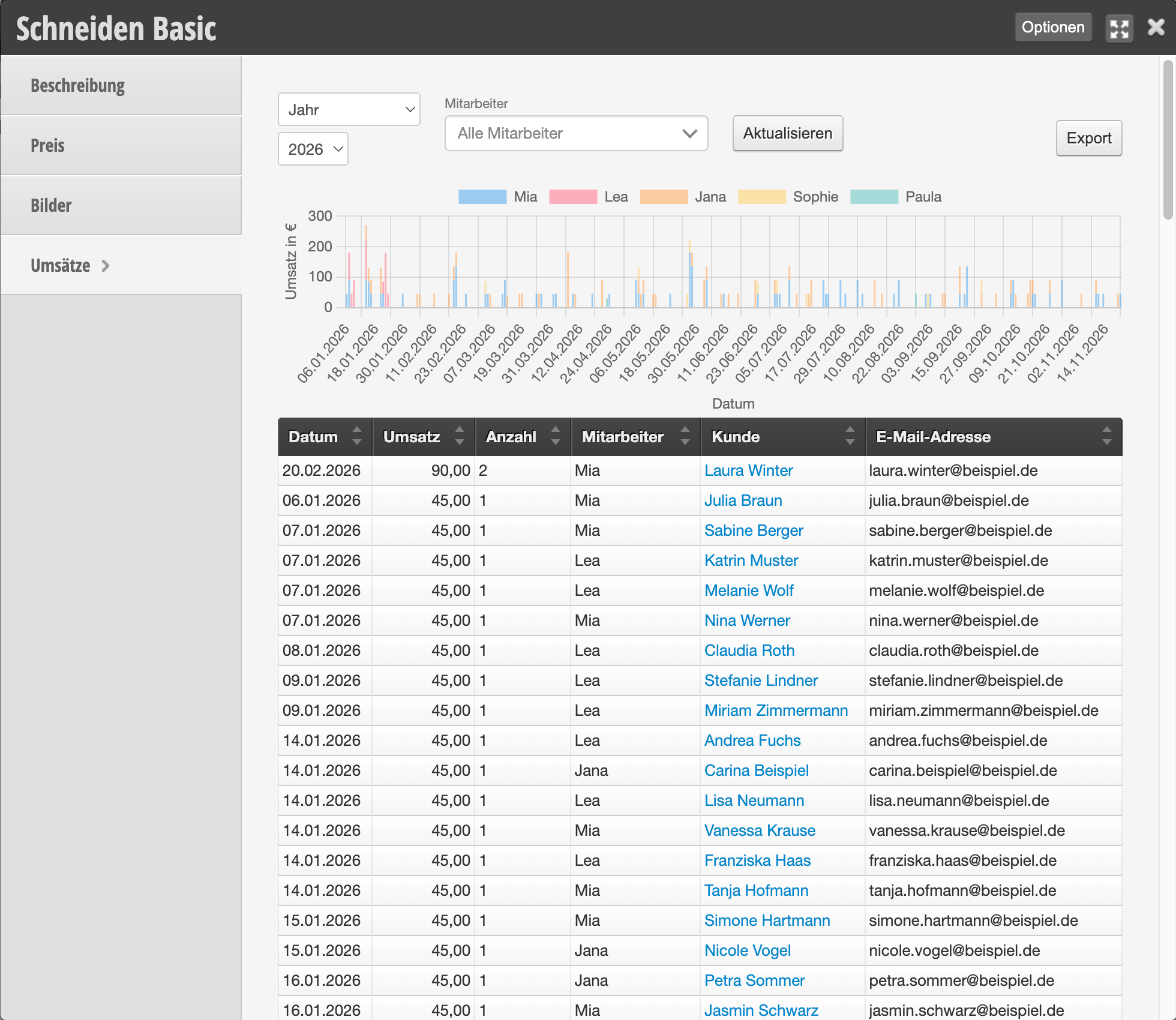
What information does the list contain?
For each service billing you see:
- Customer
- Date
- Revenue
- Quantity
- Employee
- Customer's email address
Filter list
You can filter the list by a time period and by an employee. For example, you can see which customers a specific employee billed the service to in the last month.
Export list
You can export the displayed list to process it outside of Belbo.