
You can correctly record tips via card payment, regardless of whether they are given in cash, by card payment or with the voucher remaining value. With this function, tips paid by card can be recorded.
Please discuss with your tax office which of your employees must declare their tips.
Set up tip rules
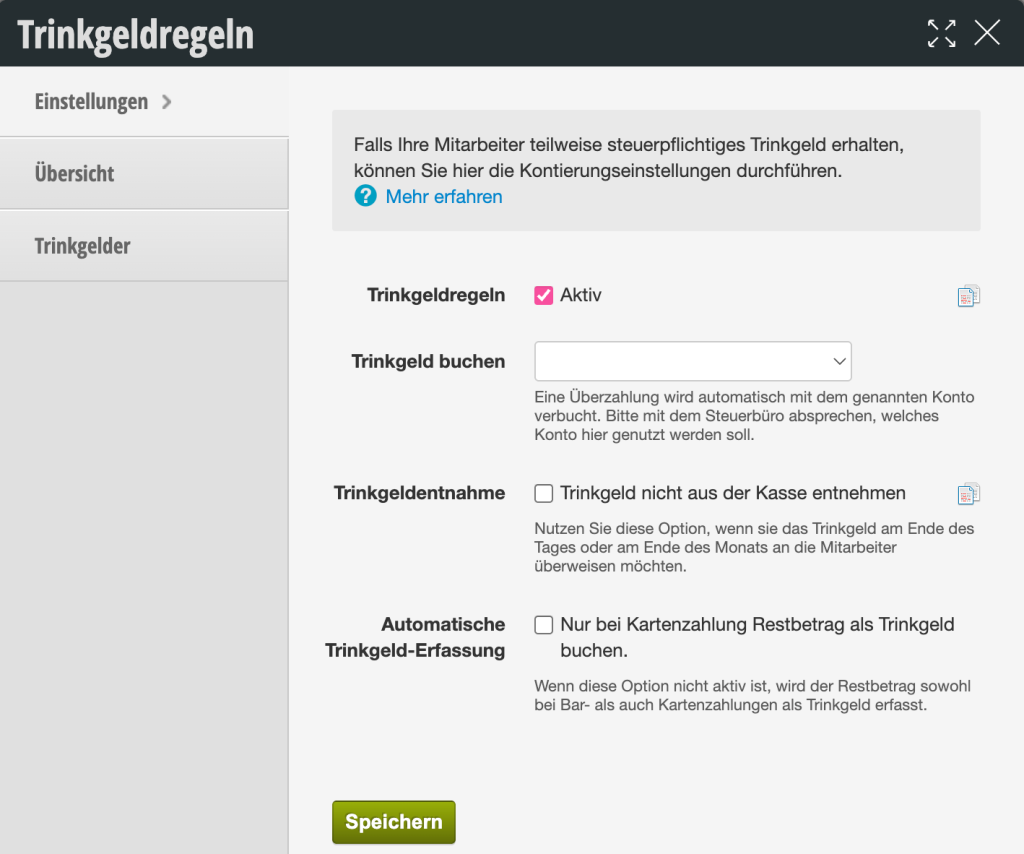
- Book tip: Set the account here to which card-paid tip payments should be posted. As soon as you set an account here, tip payments will be shown on daily and monthly statements as well as in the DATEV export (see below). Please use a tip account explicitly confirmed by your tax office, which may need to be created in your own chart of accounts. We are happy to support you with the setup as well.
- Keep tip in cash register: This function controls the timing and method of tip payment to your employees.
- Disabled (Standard): The system assumes that tips are immediately removed from the cash register in cash and handed over to the employee. The cash balance is reduced accordingly.
- Enabled ("Do not remove tip from cash register"):
The tip remains physically and mathematically in the cash register or in the business account. - Use case: Use this option if you collect tips and pay them out collectively (e.g. at the end of the month via transfer with the payroll) to the team.
- Disabled (Standard): The system assumes that tips are immediately removed from the cash register in cash and handed over to the employee. The cash balance is reduced accordingly.
- In the daily and monthly statements, you can then see how much tip you received. If you would like to distinguish between different employees, please set up different tip accounts for each employee (see menu item "Overview")!
- Change on card payment: Specify whether overpayments should be removed from the cash register. In this case, the amount to be withdrawn will be displayed in the cash transaction and must be taken from the cash register by the employee. Learn more about this further down this page.
- Enabled ("Always book overpayment for EC as tip"):
If a customer pays a higher amount by card than the service costs (e.g. €55 instead of €50), Belbo automatically recognizes the difference of €5 as a tip. - No "change" is paid out in cash.
- Enabled ("Always book overpayment for EC as tip"):
- Disabled:
- If this option is not active, the remaining amount will be recorded as a tip for both cash and card payments.
Overview
In the overview, check the box for people whose tips must be taxed.
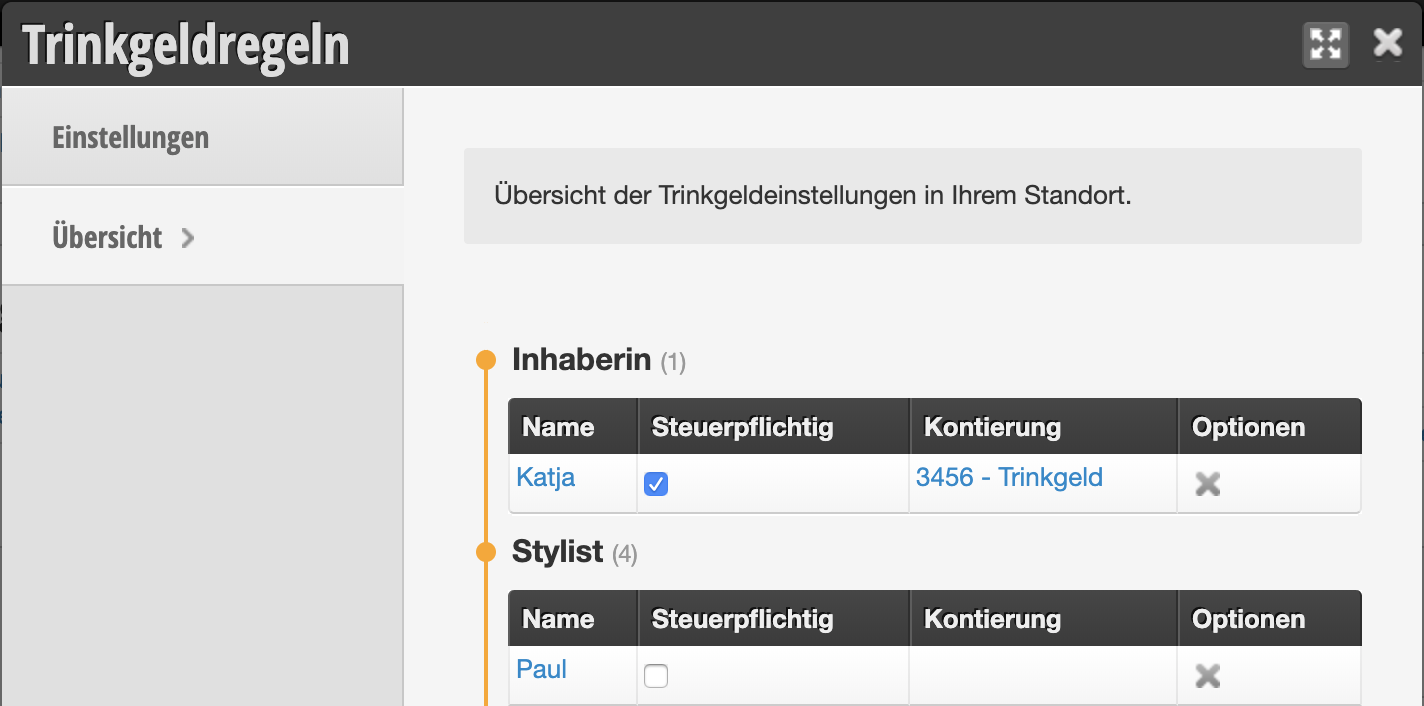
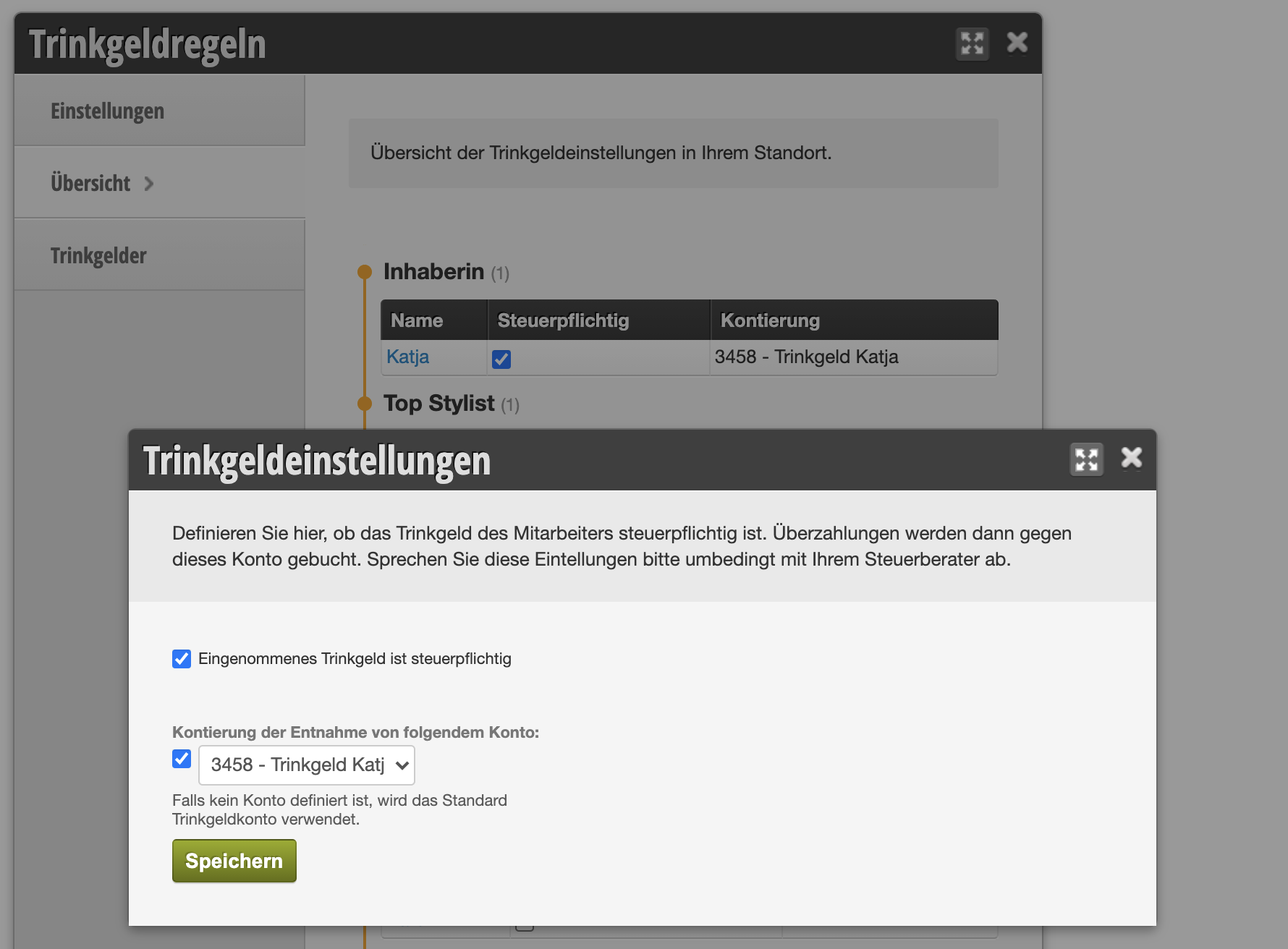
If you wish, you can assign individual tip accounts to individual employees.
Tips
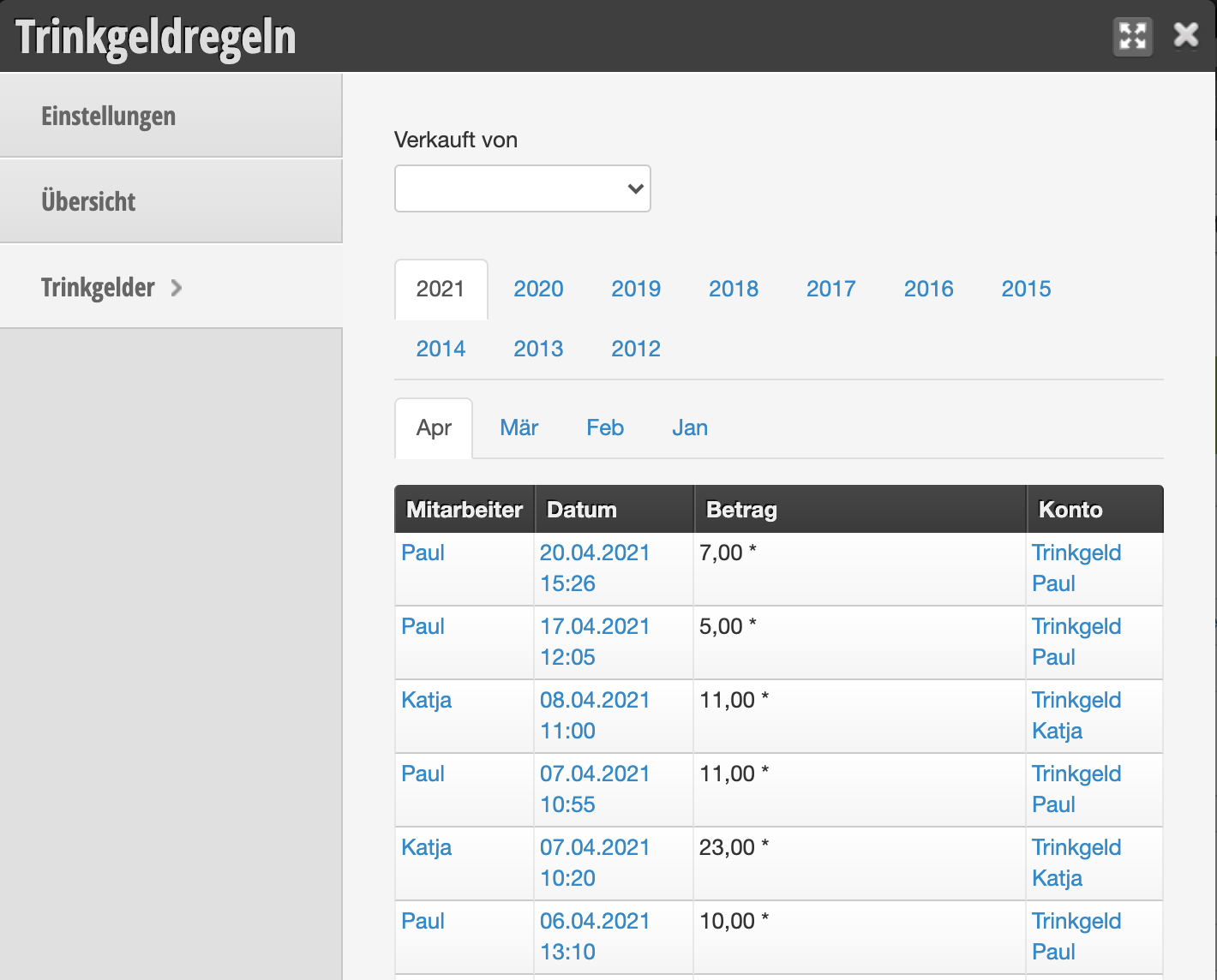
In the menu item "Tips" you will find an overview of all tips received.
Book tips by EC card
If your company also receives tip payments by EC or credit card, these can be correctly recorded in Belbo.
- Click on the desired card payment method in the payment method selection.
- Enter the actual amount paid including tip in the number field.
- Click the green confirmation button.
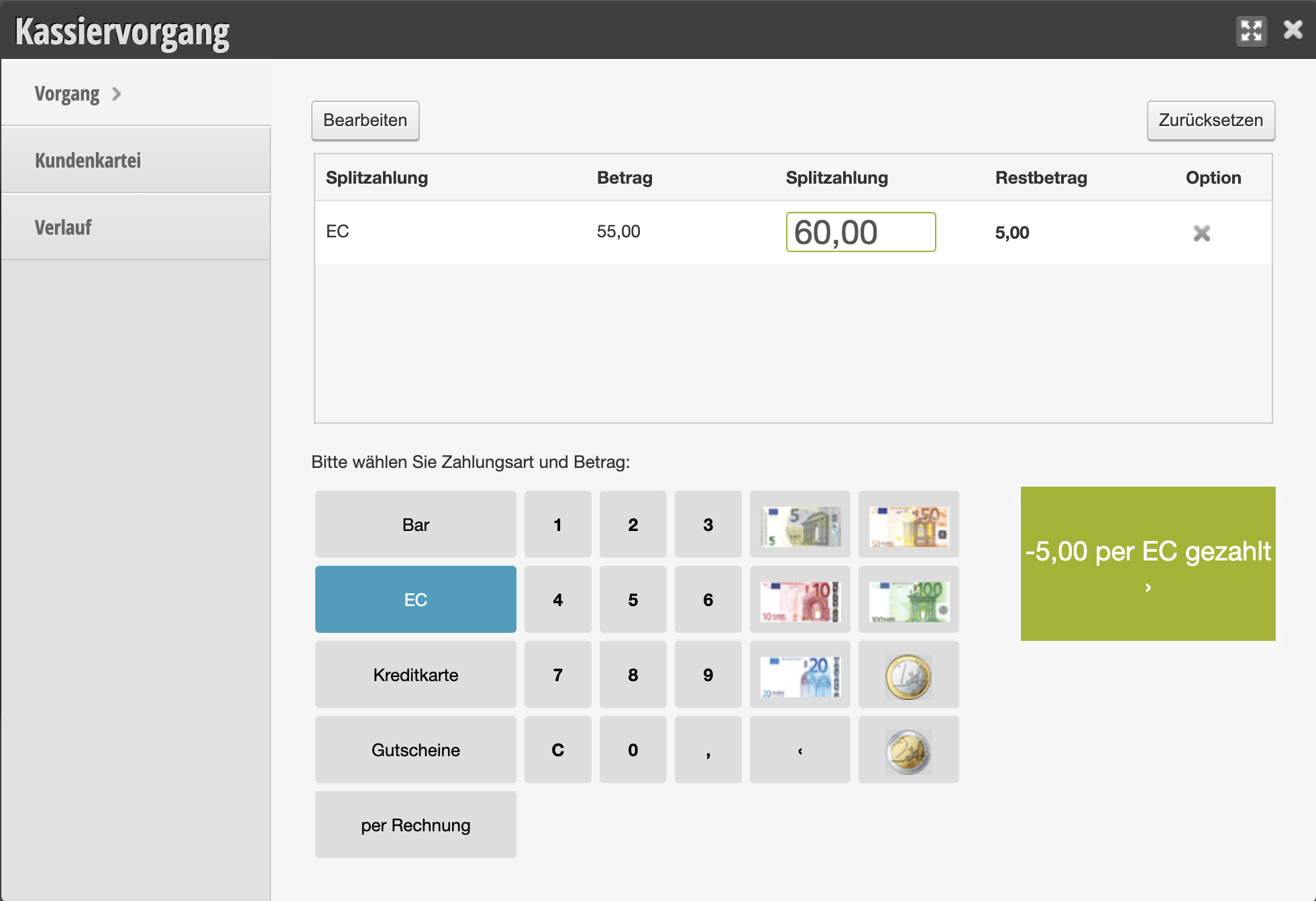
The tip paid must then be withdrawn from the cash register!
In the cash system, the tip is removed from the cash register so that the evening's cash balance reflects the tip withdrawal.
Tip payments on daily and monthly statements
If an account has been entered in the tip function, tip payments will also be shown on the statements.

Example of tips in the daily statement PDF
You can download detailed cash register documentation here.