
belbo
  • Overview
    • Getting to know Belbo
    • Location Settings
    • Switch to Belbo
    • Calendar View & Navigation
    • Recurring Appointments & Courses
    • Appointment Entry & Management
    • Tasks
    • Overview
    • Multiple Locations & Head Office
    • Manage Employees
    • Logins
    • Rights
    • Overview
    • Absences & Holidays
    • Working Hours
    • Time Tracking
    • Overview
    • Data Protection (GDPR)
    • Customer Communication (Email, SMS)
    • Customer Management & Records
    • Overview
    • Bonus & Loyalty Programs
    • Campaigns (Newsletter & SMS)
    • Marketing Consents (GDPR)
    • Tracking & Analytics
    • Overview
    • Services & Prices
    • Service Packages & Subscriptions
    • Vouchers
    • Products
    • Purchasing & Suppliers
    • Inventory & Stock Counts
    • Scanning & Sales
    • Cost of Goods & Expenses
    • Overview
    • Design & Texts
    • Setup & Settings
    • Integration (Website, Google, Instagram, Facebook)
    • Online payment
    • Overview
    • Accounting & Exports
    • Cash Register Settings & Hardware
    • Checkout process
    • Daily Closing & Reports
    • TSE & Cash Register Anti-Tampering Ordinance
    • Overview
    • Export Overview
    • Employee Utilization
    • Revenue & Reports
    • Belbo Satellite
    • Printer
    • EC Terminal & Card Payment
    • Troubleshooting Hardware
    • Scanner & POS Devices
    • General Settings
    • API & Integrations
    • Notifications & Emails
    • Contracts & Legal
Skip to content
Getting Started & Setup›Location Settings

Location management: Images

Feature: General › Location Settings › Images

You can create a location image and gallery for each of your businesses.

Location Image

If you have multiple locations, the location image will be displayed in the online booking. This way, your customers can recognize the locations more quickly and distinguish them visually.
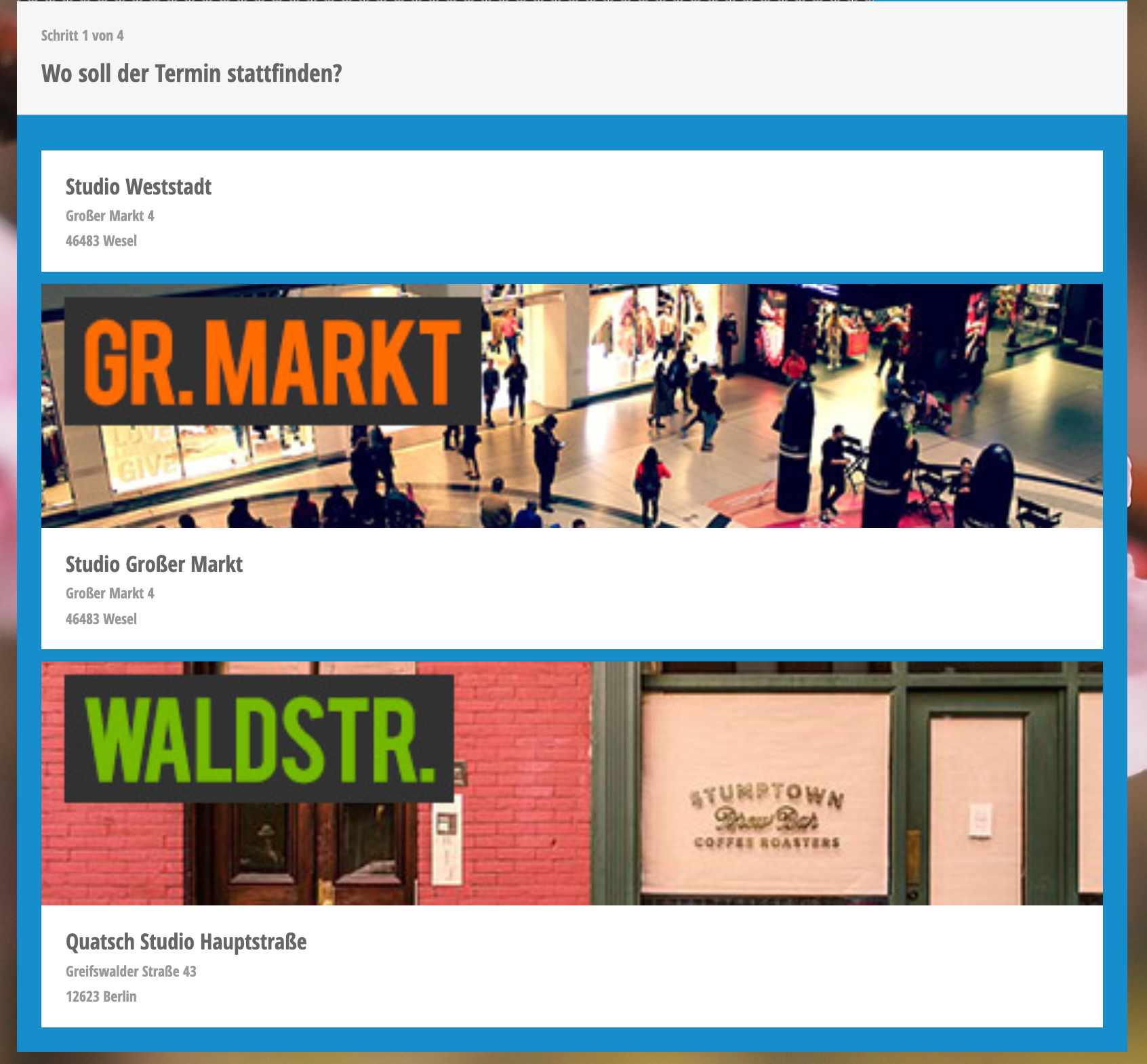
Overview of four studio locations with addresses and photos: Studio Weststadt, Studio Großer Markt, Quatsch Studio Hauptstraße

The location image is also displayed in the booking app for your customers.

Gallery

If you use the booking app for your customers, you can upload gallery images that will be displayed in the app.
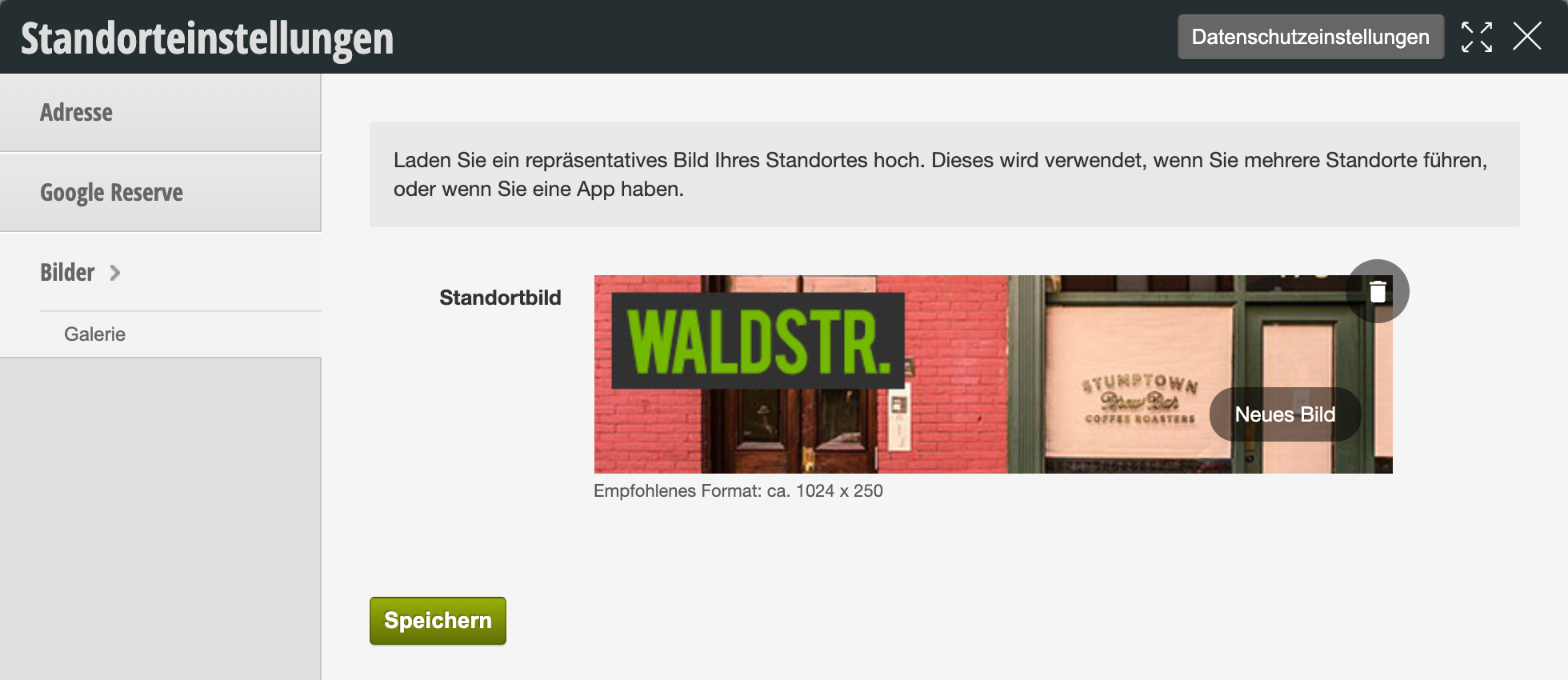
Location settings with location image upload area, showing example image of a facade in 1024x250 pixel format

For an overview of all location settings, see here.
Categories: Location Settings
Tags: Bilder

Have a question? Ask it here.

This manual is a service by belbo. Legal notice