
If you offer online payment, it can happen that customers pay part of the invoice amount online and want to pay the rest on site with a different payment method.
Prepaid appointments in the calendar
If a customer has already paid for the appointment, you will see this from the icon on the appointment. This displays the payment method that the customer selected online.
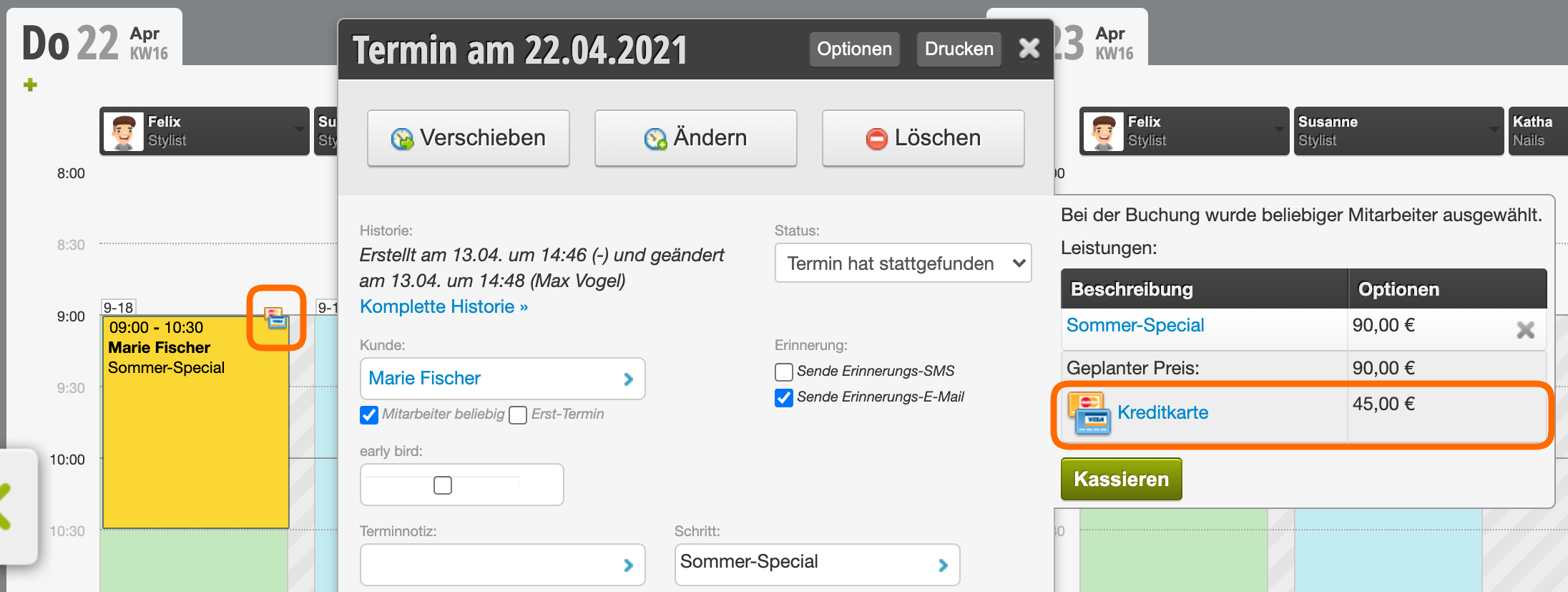
Process split payment
- After you have added all invoice items, click on "Payment" in the checkout process
- First click on the payment method that the customer has already settled online, for example "EC" or "PayPal".
- Then select the amount paid on the keypad.
- Click on the payment method that the customer chooses on site, for example "Cash".
- Click the green button to complete.
Please click on the video to start it: