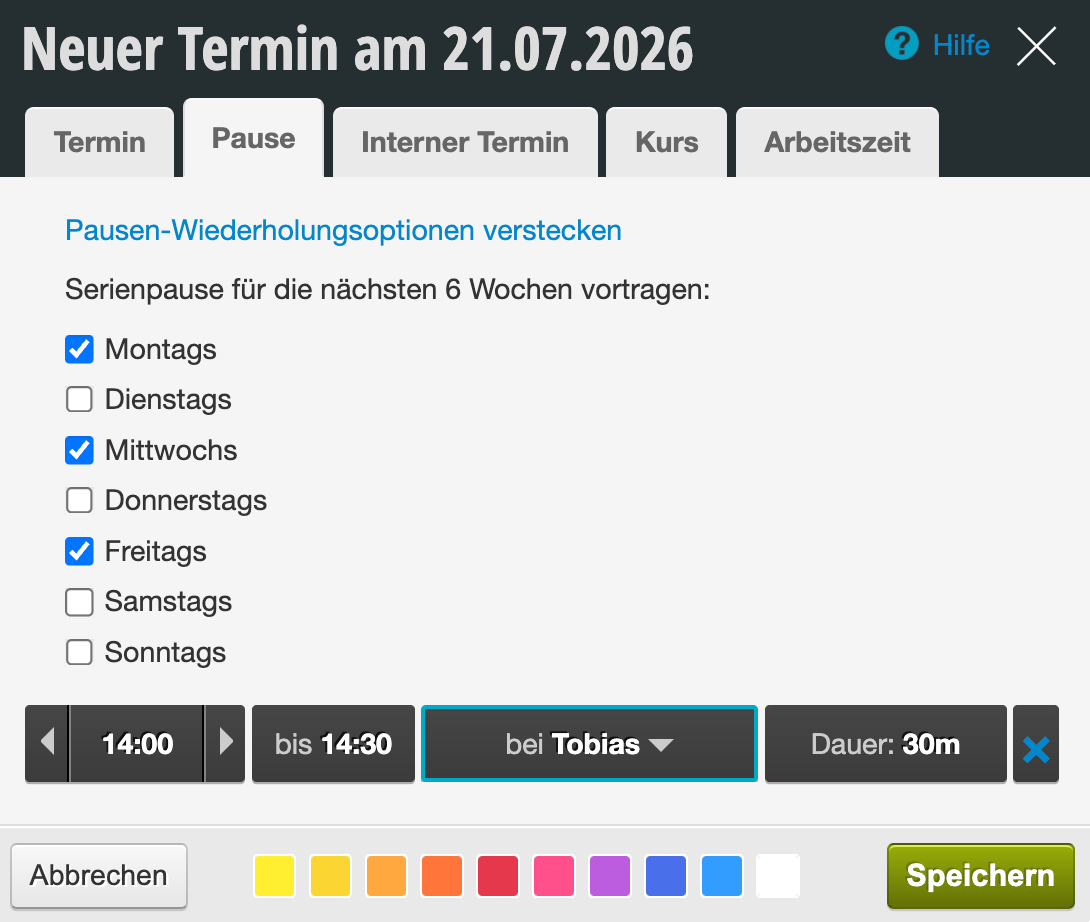
In the Belbo calendar, you can enter breaks for your employees. During this time, no appointments can be booked and breaks are deducted from the working time statistics.
Enter regular breaks in the schedule
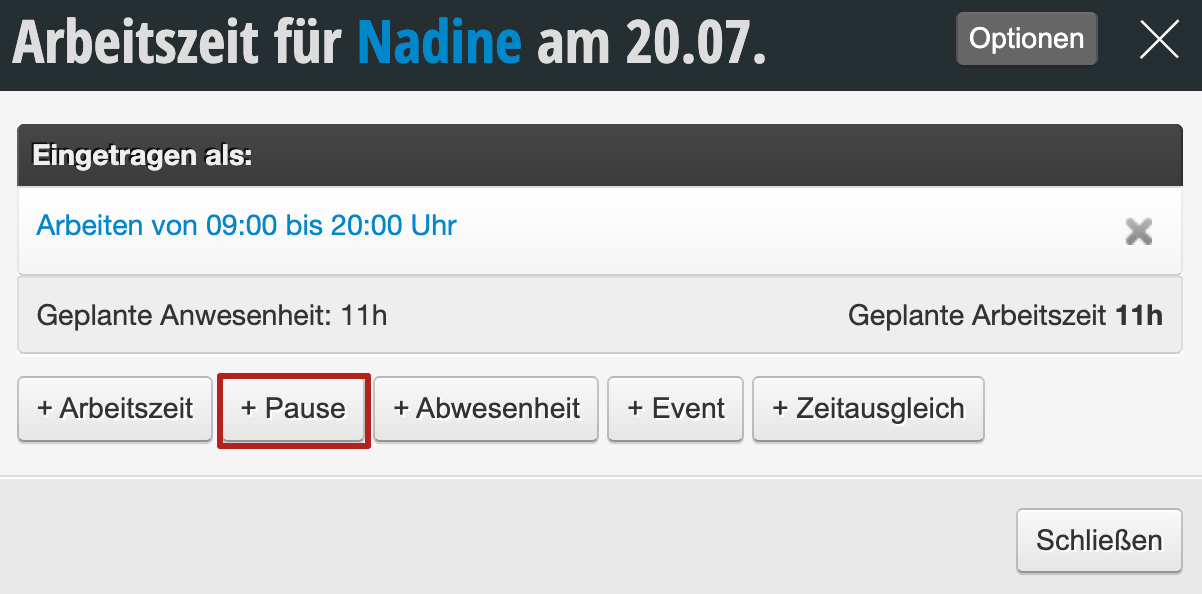
If an employee has regular breaks, these can be entered directly in the schedule and copied into the future when transferring the working hours.
In the Break tab, select the start and end time of the break and save it.

Enter irregular breaks in the calendar
If you determine the break times for each day on short notice, these can be entered directly in the calendar.
Select the desired day and drag an appointment at the break start time for the length of the break. Then select the Break tab in the appointment dialog.
Short video on entering and moving breaks directly in the calendar:
Enter regular breaks in the calendar
To repeat breaks entered in the calendar for six weeks, select the Break tab in the appointment dialog and click on Break recurrence options. Then select the desired days on which a break of the same length and time should be entered. Once you save, all breaks will be entered.