
Opening hours are displayed in your Belbo calendar with diagonal-striped lines and serve you as visual support. This way you can see in the calendar whether at least one employee is on site during your opening hours.
Display of opening hours
Example of a calendar with opening hours from 09:00 to 20:00:
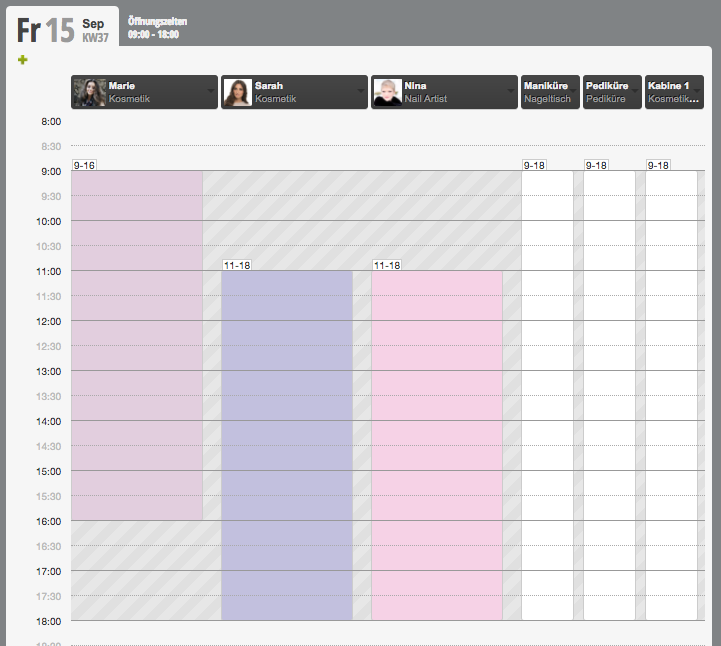
The diagonal lines represent the opening hours. This way you can see whether shift plans are set within this time.
Showing and hiding opening hours
In the calendar settings you can specify whether you want to show or hide the opening hours at the top of the calendar.
Change opening hours
- 1
Navigate in the calendar to the day from which you want to enter your new opening hours.
- 2
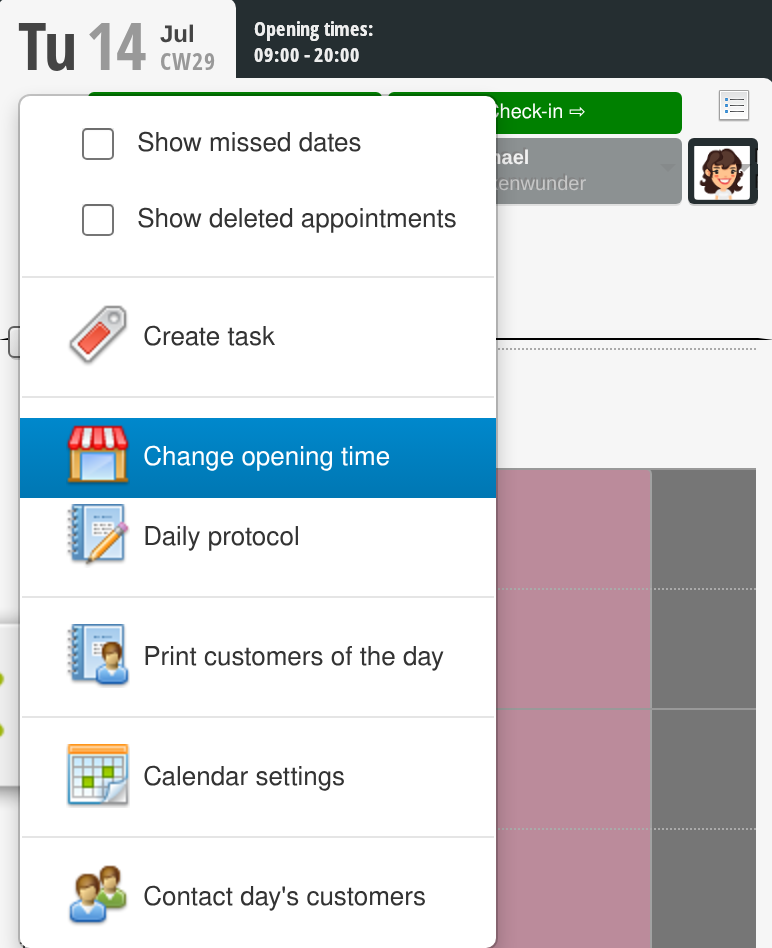
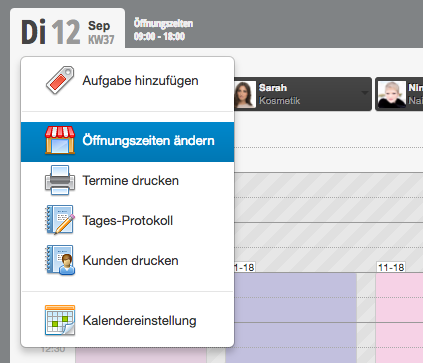
Then click on the date of the day and select "Change opening hours".
- 3
Then specify whether you are closed from the selected date or enter new opening hours. As soon as you save, these opening hours apply to all following days of the same weekday.
Example of use: