
With Boostie, Belbo creates content for your marketing. For example, you can promote free appointments on Instagram or Facebook at short notice. Boostie works with the AI Claude and provides ready-made marketing suggestions including text, image and booking link.
Enable Boostie
Boostie is activated by Belbo support. If you want to use Boostie, contact support. If you have multiple locations, let them know which locations should have Boostie activated.
Open and set up Boostie
- 1Open the settings.
- 2In the "Marketing" section, click on Marketing boost with "Boostie".
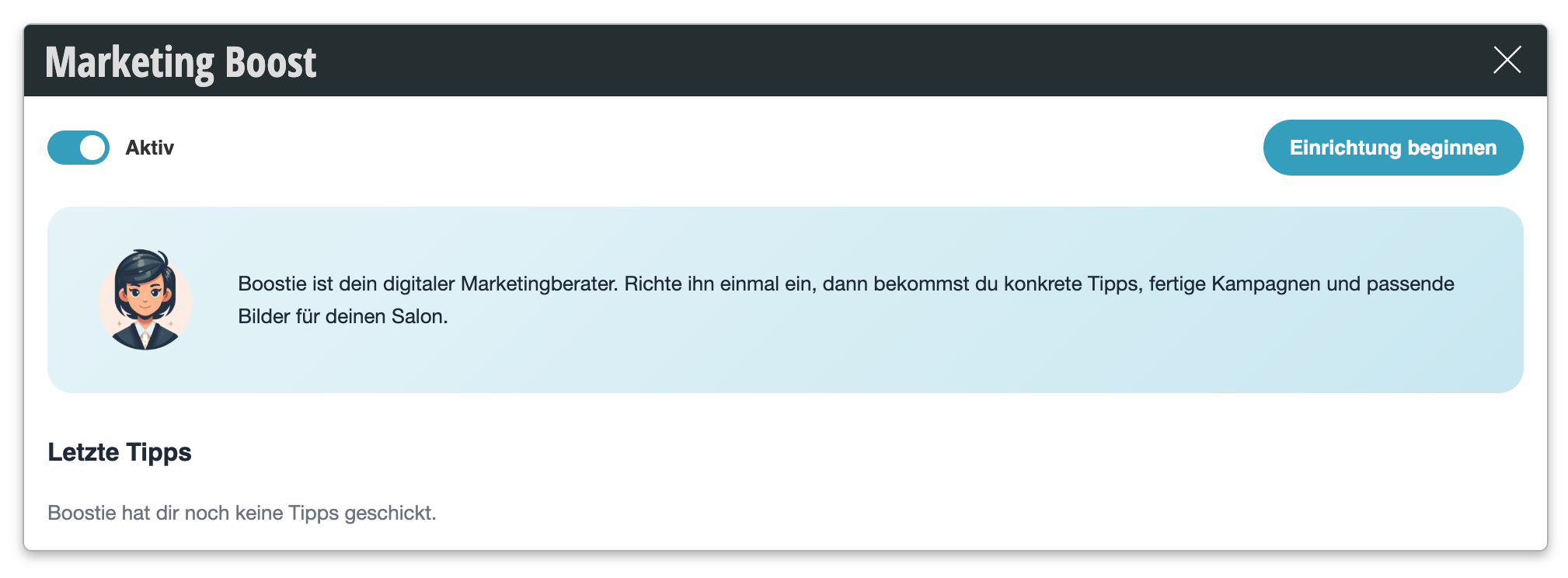
- 3Click "Start setup". The setup wizard guides you through the setup in 6 steps. First, choose your goal: strengthen existing customers, acquire new customers, or both.
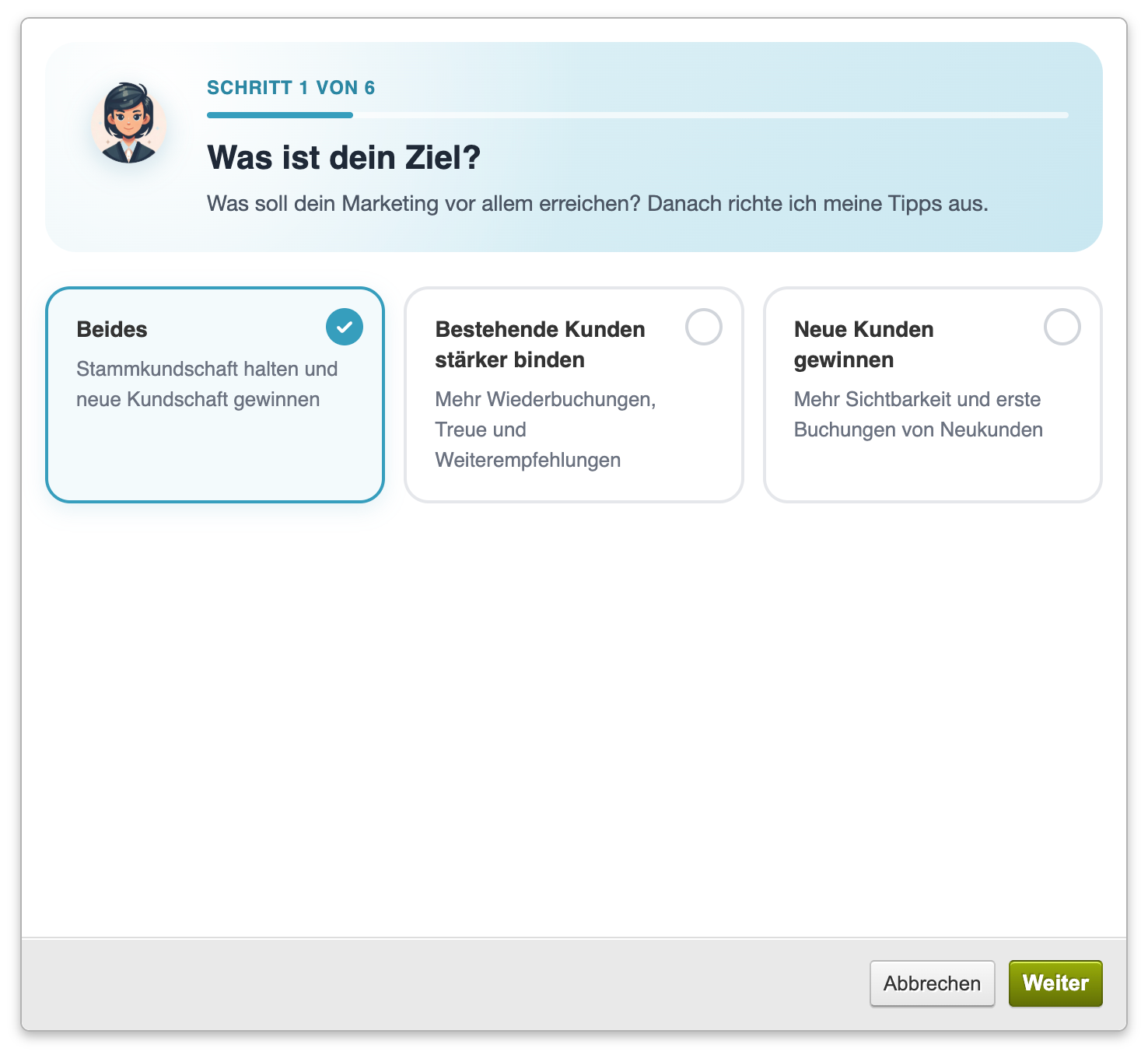
- 4Then answer the questions about target audience, channels, appearance, special features and tone. Click "Next" for each one.
Multiple locations
Boostie is set up individually for each location. There is no joint setup for all locations. Switch to the desired location in the top left and set up Boostie there.
Boostie suggestions
After setup, Boostie makes suggestions that you can use directly:
- Campaigns
- Automatic activations
- Instagram posts
- Header images
- Staff photos
Boostie tips
Daily tip
Boostie sends you a new tip every day at 6 a.m., provided you have read the last tip. You can turn off the daily tip.
- You can see the current tip at the top of the settings dashboard.
- You can find older tips under "Recent tips".
Request a new tip
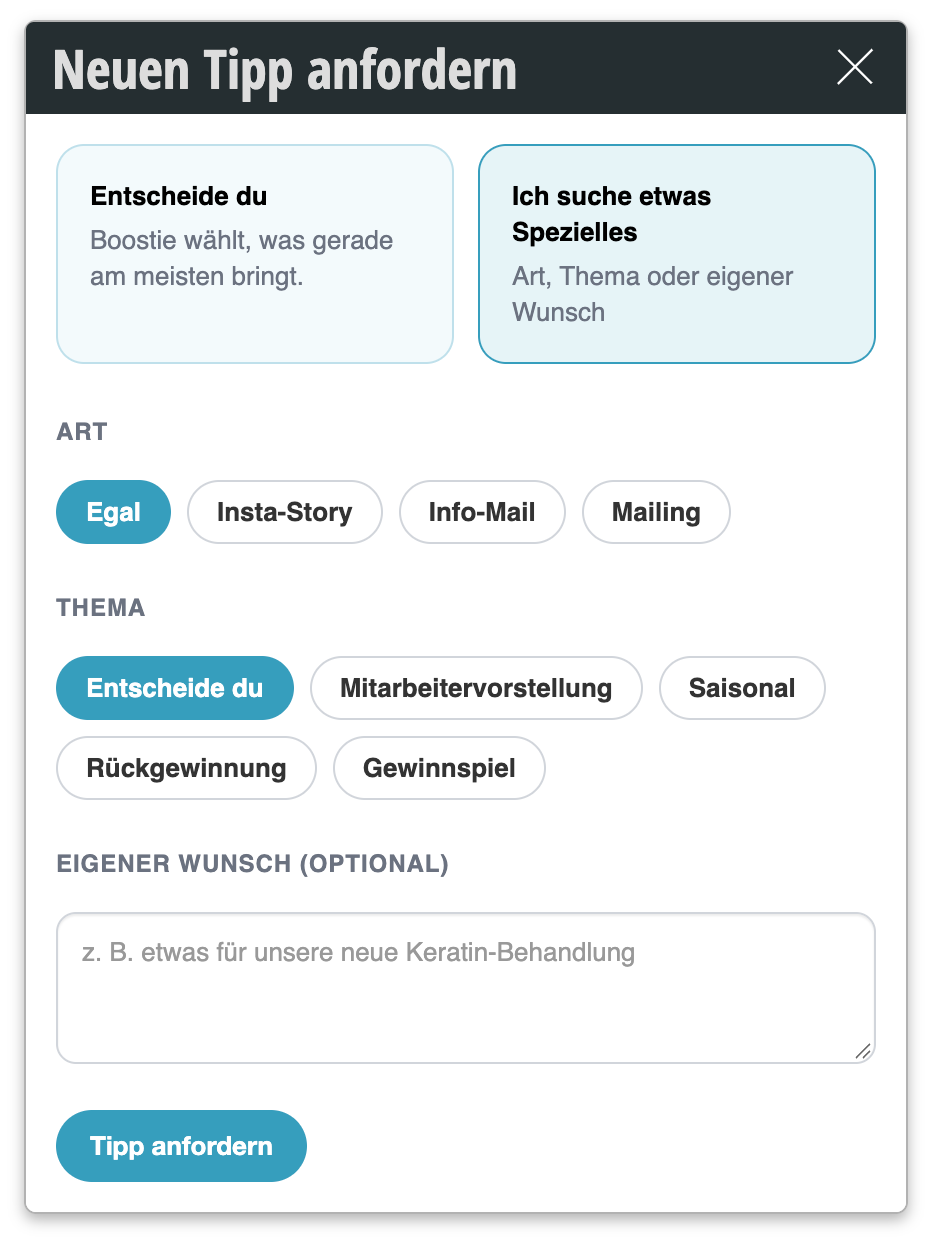
Instead of waiting for the next automatic tip, you can request a tip yourself via "Request new tip". You have two options:
- You decide: Boostie selects what will bring the most benefit right now.
- I'm looking for something specific: You choose the type (e.g. Instagram story, info email or mailing) and the topic (e.g. staff introduction, seasonal, win-back or giveaway). Optionally, describe under "Custom request" what you would like a tip about, e.g. a new treatment.
Then click "Request tip".
While Boostie creates a tip, you can see what Boostie is working on:

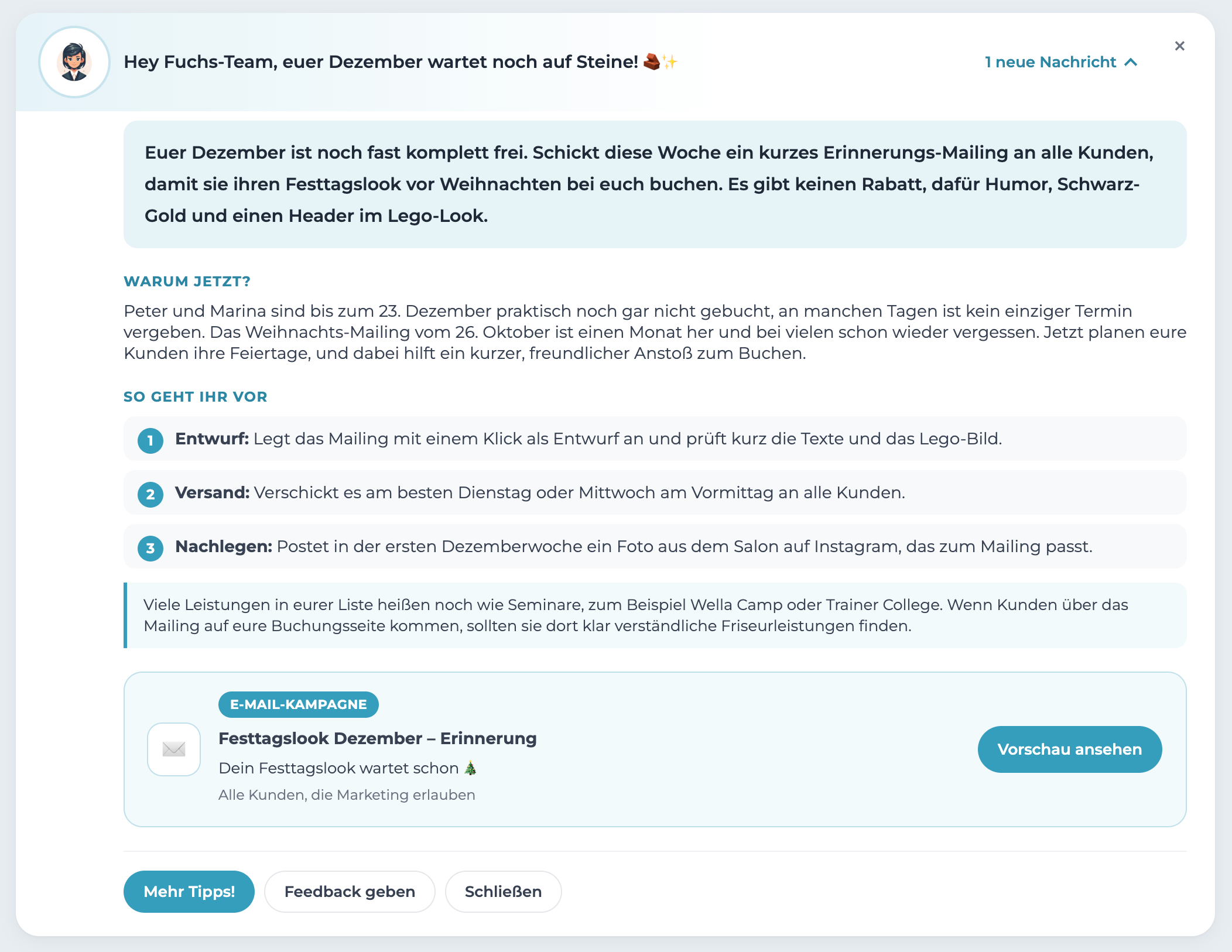
Example of a tip
Boostie explains why the action is worthwhile now, describes the procedure and provides the appropriate suggestion, here an email campaign, right away.
Publish posts on Instagram and Facebook
Post the content yourself, e.g. as a story or post on your profile. For how to permanently add the booking link to your profile, read Set up Instagram online booking and Set up Facebook booking link.