
To make your customers filterable beyond customer status, we recommend using additional customer fields.
- For this, create an additional customer field with the type checkbox group.
- Store the categories (e.g. "model customer", "color customer", "hair extension customer", "cryolipolysis customer") in the description field of the customer field.
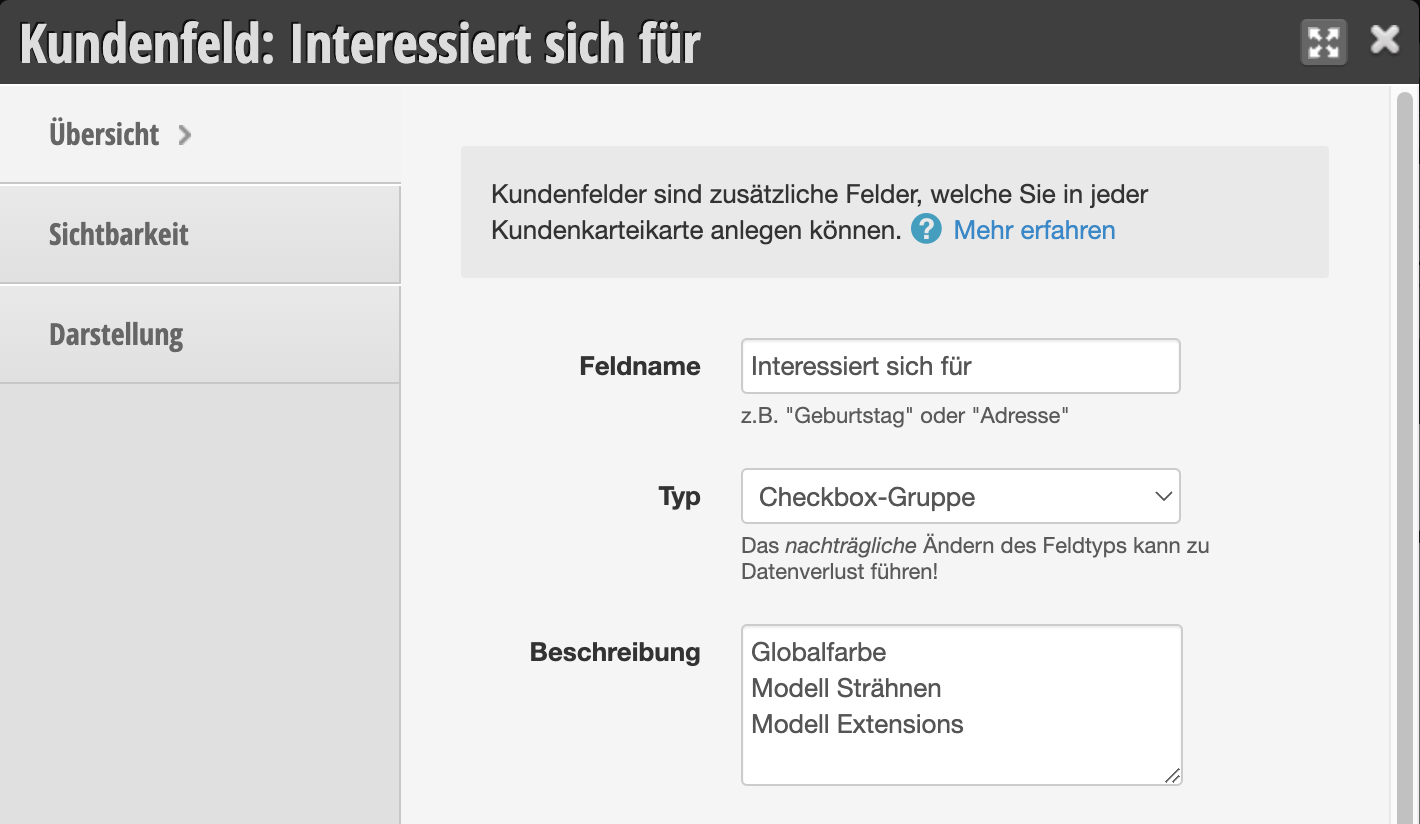
As a result, this looks like this in the customer file:

Additional tips:
- Do you want to filter the customer's category in the customer database? Then add it to the customer table columns.
- Do you want to make the customer's category directly visible in the customer search? Then set the corresponding option in the visibility settings "Miscellaneous".
- Do you want to see the category directly in the appointment? Then set the corresponding option in the visibility settings "Calendar".
Example of the customer field information in the customer overview, which can also be filtered by specific entries:
