
The Belbo waiting list can automatically notify waiting customers via email when an appointment becomes available in the desired time slot.
Prerequisites
- The waiting list function is activated.
- The email template has been created.
Activate waiting list
If the function is not yet activated, it can be enabled under Settings > Add function.
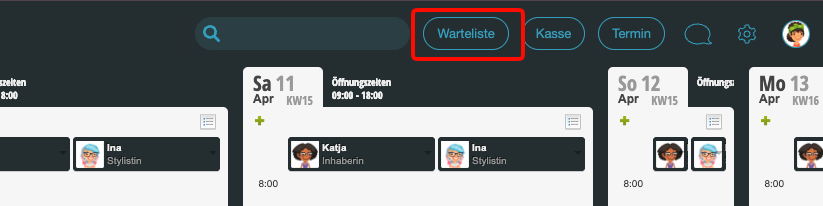
The waiting list is then visible in the header area of the system:
Create email template
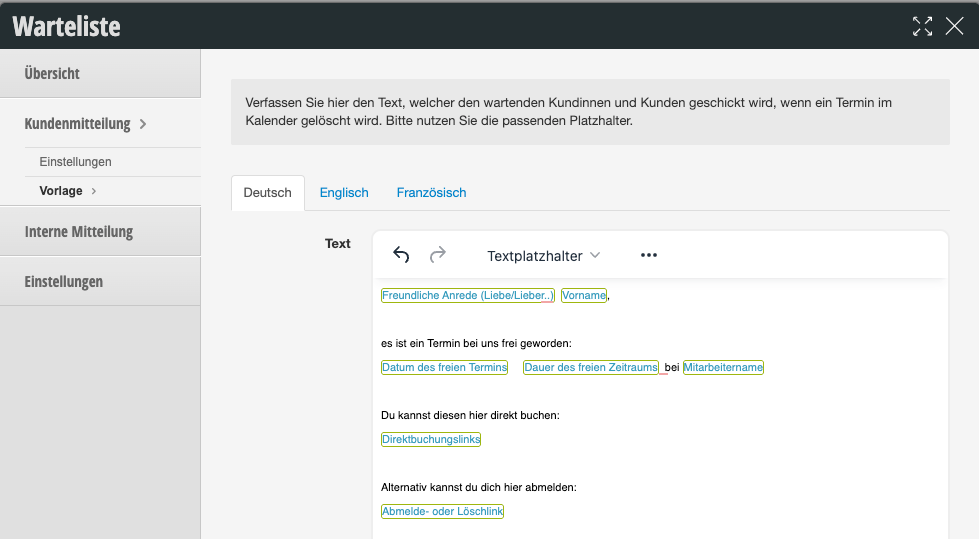
Under Settings > Waiting list > Customer notification > Template, you can create the email template that will be sent to waiting customers. Suitable placeholders are available that provide details about the newly available appointment.
Settings
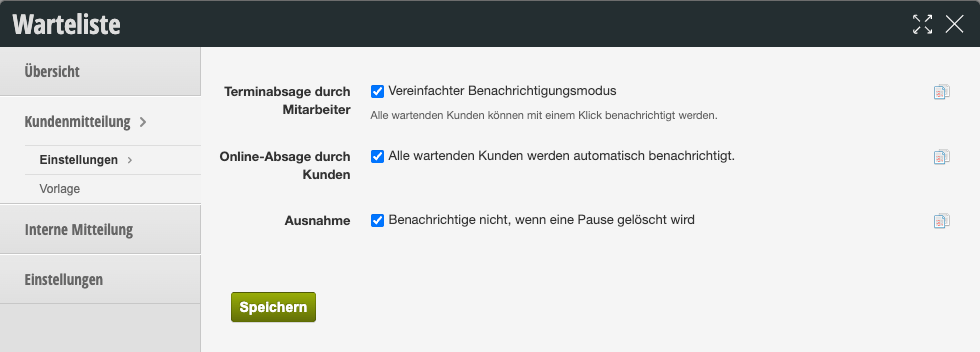
- Appointment cancellation by staff: Sends the email when an appointment is deleted by a team member.
- Online cancellation by customers: An email is also sent when an appointment is cancelled by a customer.
- Exception: If a break is deleted by a team member, no email is sent to waiting customers.