
belbo
  • Overview
    • Getting to know Belbo
    • Location Settings
    • Switch to Belbo
    • Calendar View & Navigation
    • Recurring Appointments & Courses
    • Appointment Entry & Management
    • Logins & Permissions
    • Multiple Locations & Head Office
    • Manage Employees
    • Absences & Holidays
    • General
    • Working Hours
    • Time Tracking
    • Data Protection (GDPR)
    • Customer Communication (Email, SMS)
    • Customer Management & Records
    • Bonus & Loyalty Programs
    • Campaigns (Newsletter & SMS)
    • Marketing Consents (GDPR)
    • Tracking & Analytics
    • Overview
    • Services & Prices
    • Products
    • Service Packages & Subscriptions
    • Vouchers
    • Purchasing & Suppliers
    • Stock & Inventory
    • Scanning & Sales
    • Cost of goods & expenses
    • Design & Texts
    • Setup & Settings
    • Integration (Website, Google, Instagram, Facebook)
    • Online payment
    • Accounting & Exports
    • Cash Register Settings & Hardware
    • Checkout process
    • Daily Closing & Reports
    • TSE & Cash Register Anti-Tampering Ordinance
    • Export Overview
    • Employee Utilization
    • Revenue & Reports
    • Belbo Satellite
    • Printer
    • EC Terminal & Card Payment
    • Troubleshooting Hardware
    • Scanner & POS Devices
    • General Settings
    • API & Integrations
    • Notifications & Emails
    • Contracts & Legal
Skip to content

Daily statistics

See how many appointments are entered in the calendar on a day, both online and on-site, and whether they are new or existing customers. This allows you, for example, to assess the effectiveness of your advertising measures.

You can access this area via Settings > Daily Statistics
If this function is not activated, it can be activated via "Settings > Add Function".

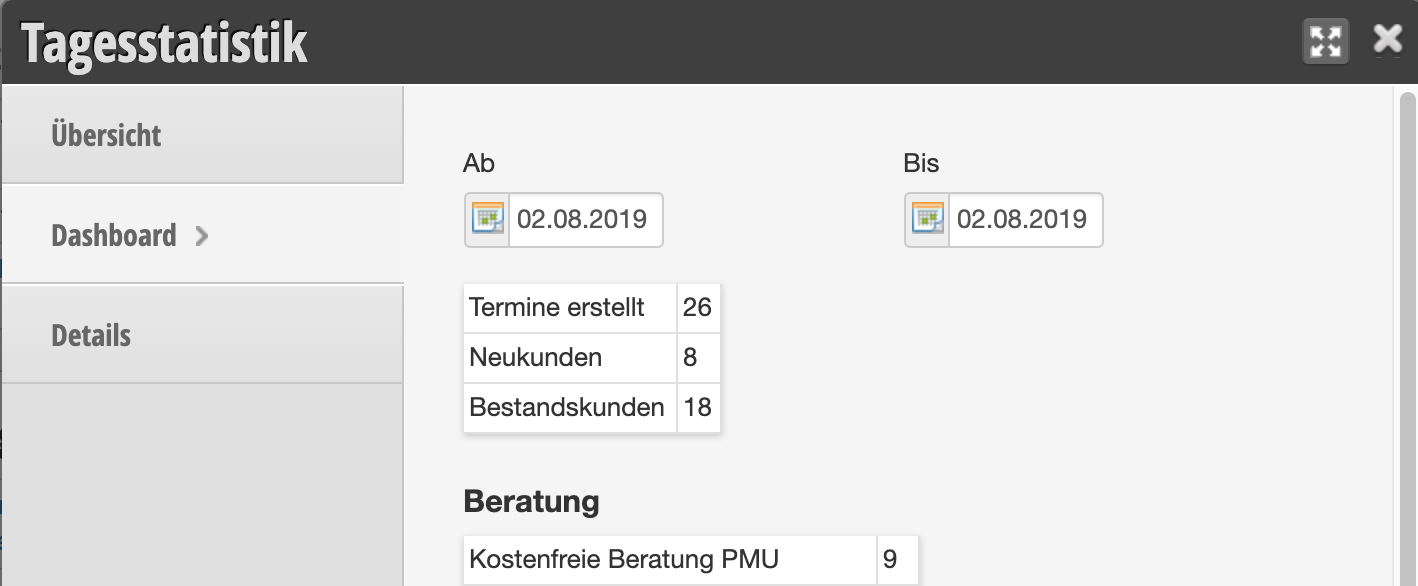
Daily Statistics Dashboard

In the dashboard, you can see the number of entered appointments. Here you can see how many of the appointments were booked by new or existing customers and which services were selected.
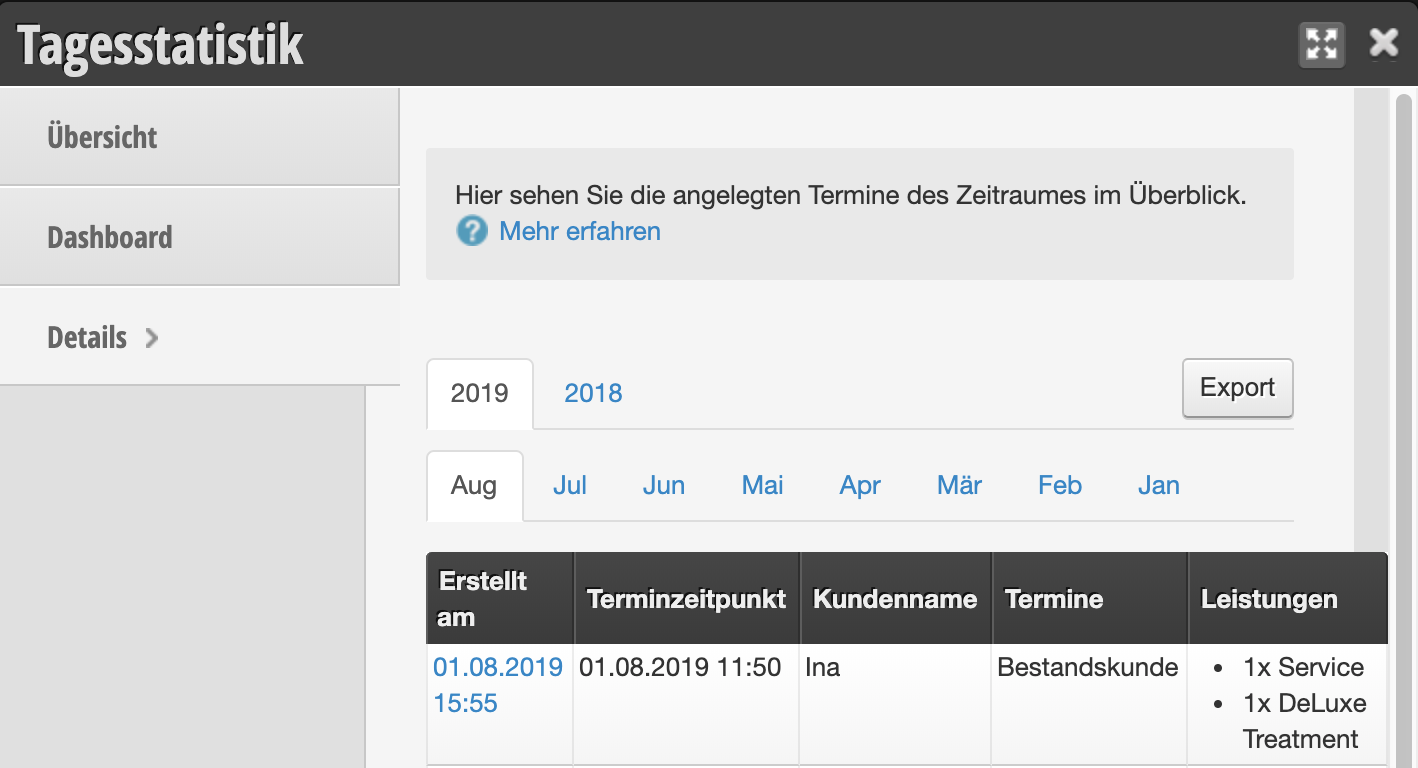
Daily Statistics Details

In the details, you can see which customer booked which service.
Daily Report by Email

In the Settings tab, you will find the option to have a daily summary of bookings sent to you.

Categories: Daily Closing & Reports
This manual is a service by belbo. Legal notice