With the commission calculator function, commissions for employees can be easily managed, calculated and evaluated.
Notes
- Commissions are only calculated for employees who have previously entered a commission rate.
- Credits and cancellations are automatically included in the calculation.
- The function is currently being further developed and will be expanded with additional options in the future.
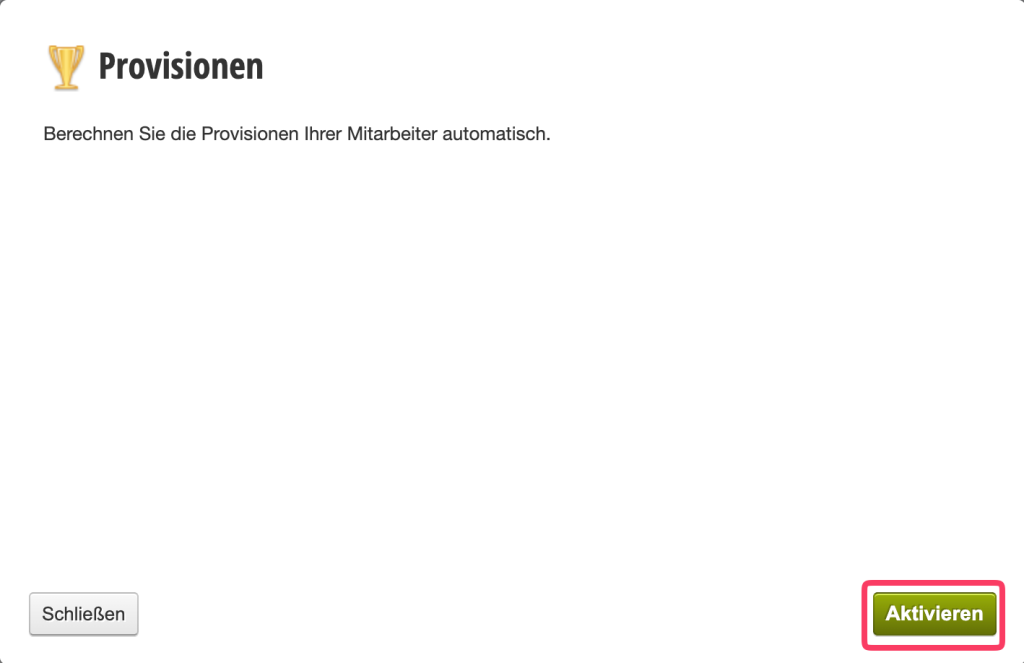
Activating the Commission Function
To use the commission calculator, first activate the function.
To do this, go to Settings in the menu. Check the box for "Commission function" and click Save. Only then will the additional menu items be available.
Viewing Employee Commissions
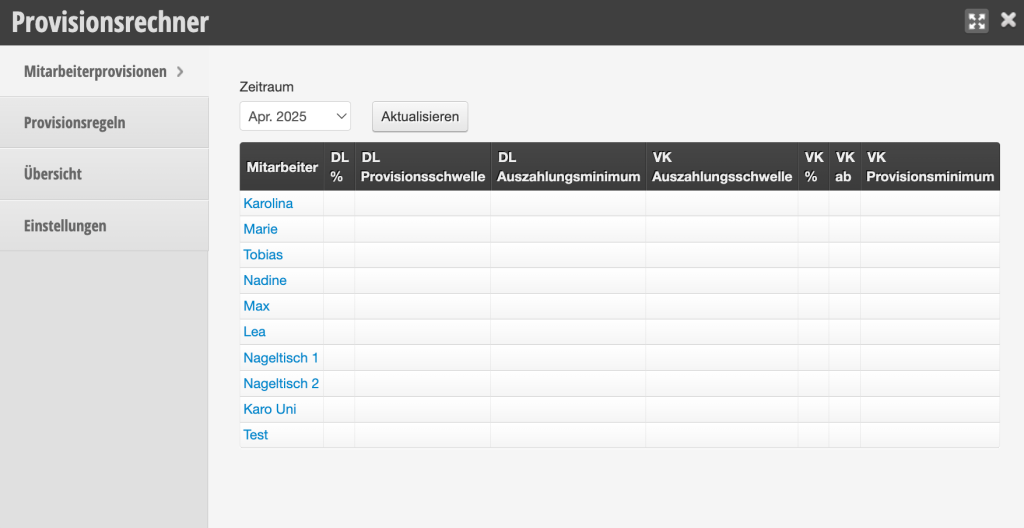
Under Employee Commissions you can see an overview of all employees.
The following is displayed here:
- Percentages for services (DL %)
- Commission thresholds and minimum payouts
- Sales commissions (VK %)
This overview serves as a quick check of the current settings for each employee.
Setting Employee-Specific Commission Rates
To set individual commission rates, click on the employee as follows:
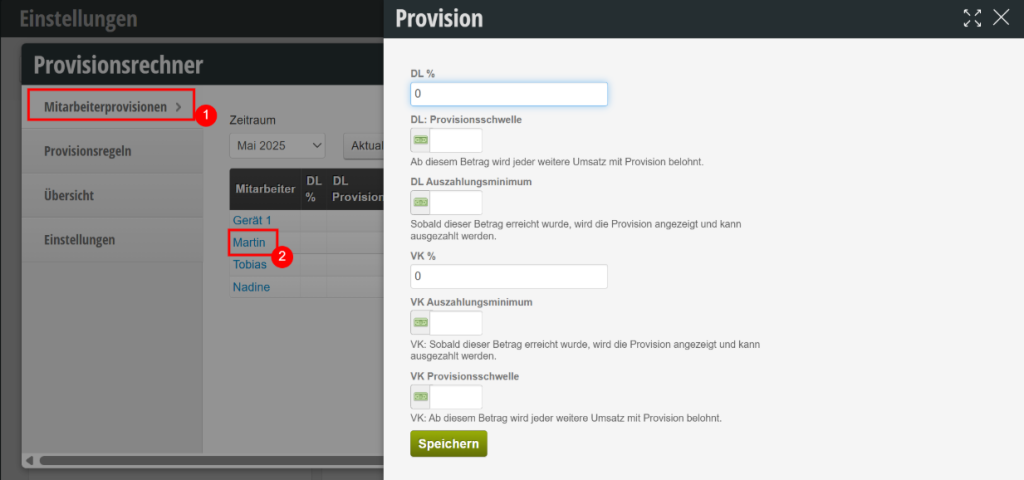
Here you can set the commission rates, commission thresholds and minimum payout.
Here is a brief explanation of the individual fields:
DL %: This percentage is applied to the commission on services.
DL Commission Threshold: From this amount, DL revenue is rewarded with a commission.
DL Minimum Payout: Only when the DL commission amount exceeds this amount will it be displayed and paid out.
VK %: This percentage is applied to the commission on product sales.
VK Minimum Payout: Only when the commission amount in VK exceeds this amount will it be displayed and paid out.
VK Commission Threshold: From this amount, VK revenue is rewarded with a commission.
View and Export Commissions
Under Overview you can retrieve the actual commissions for a specific period.
To do this, select the desired time period (e.g. current month) and click Update.
The table breaks down the commissions per employee by:
- Services
- Sales
- Gift certificate sales
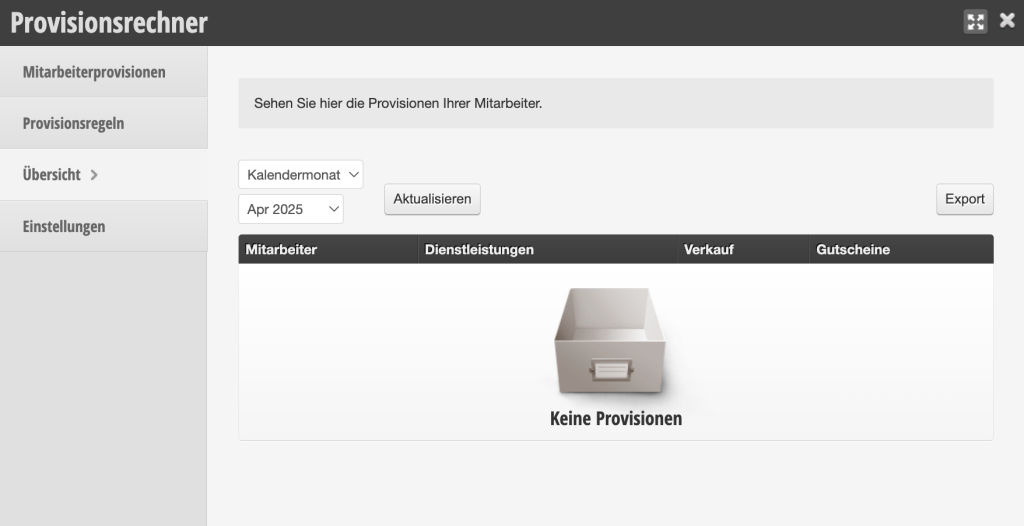
If there are no commissions for the selected time period, the message "No Commissions" will appear.
Setting General Commission Rates (Function Inactive)
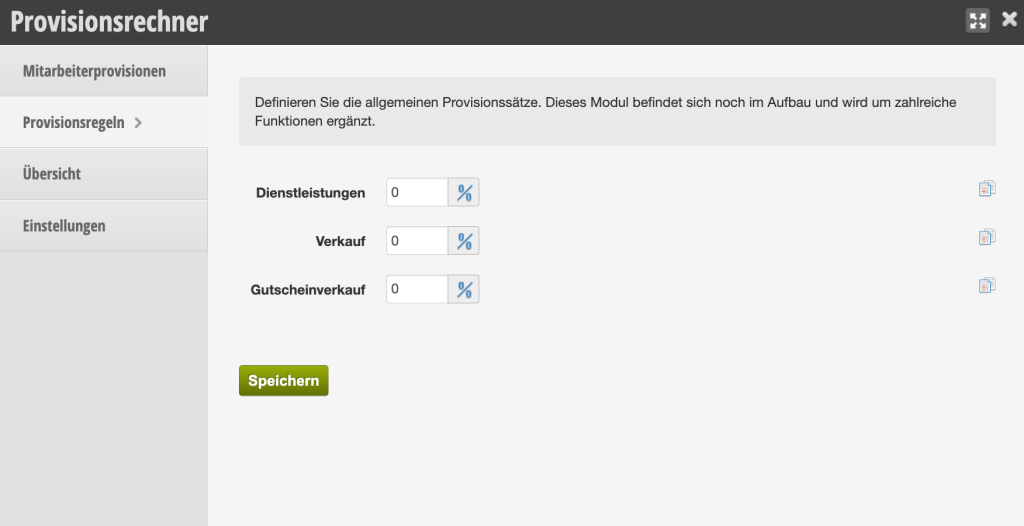
In the Commission Rules section, you can define general commission rates.
Here you have the option to enter different percentages for the following areas:
- Services
- Product sales
- Gift certificate sales
Enter the desired values and save the settings.