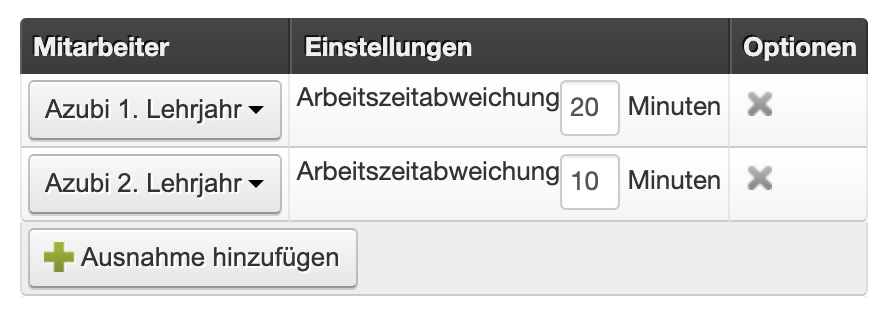
In Belbo you set a duration for each of your services. You can configure that certain employees receive more or less time for individual steps of a service. This is useful, for example, for new employees who need a bit more time or long-time employees who can perform a service faster.
Set Exceptions
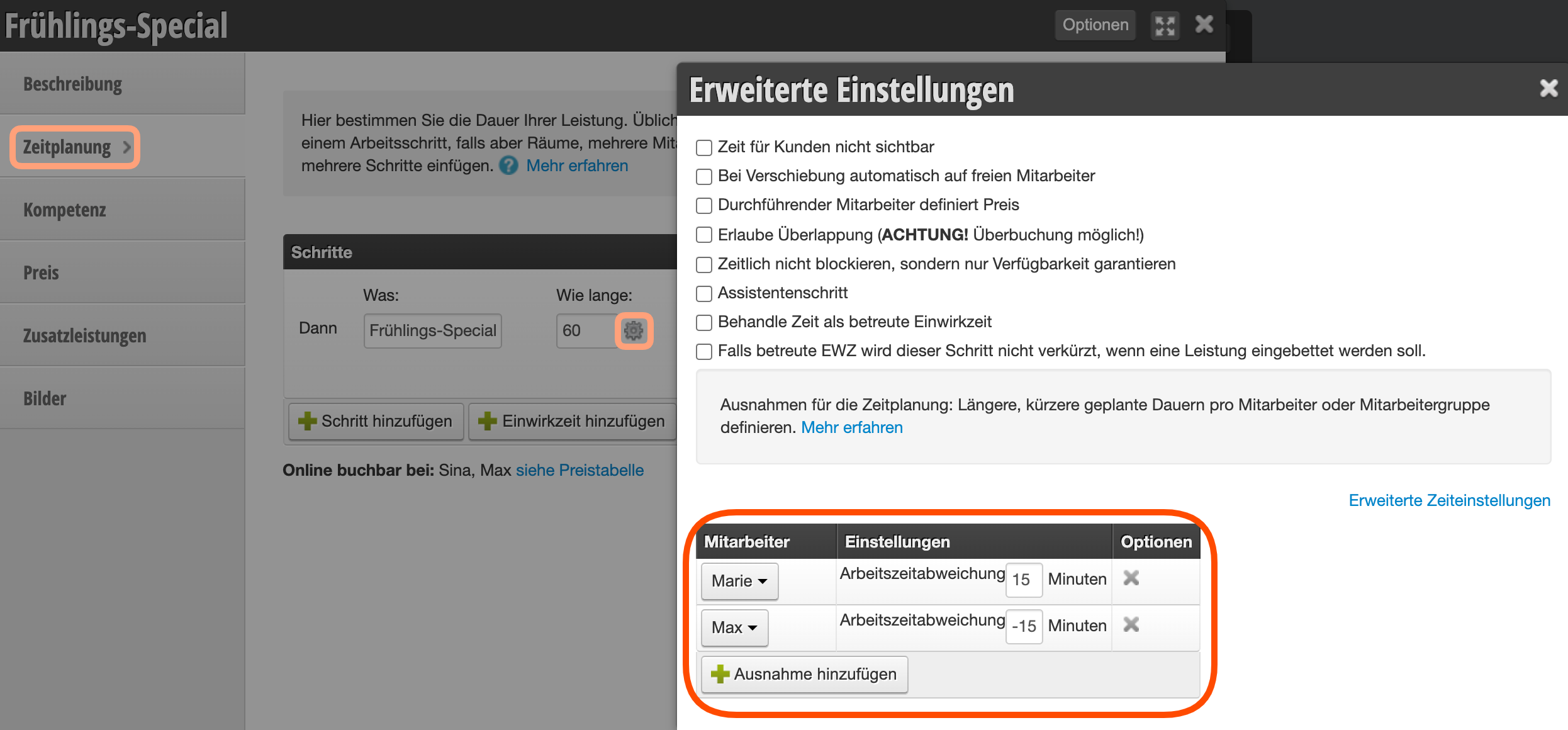
In each service you will find under "Time Planning" the steps that make up the service. For each of these steps you can define exceptions. In most cases, however, services only have one step. To add exceptions, proceed as follows:
- Under Settings > Prices & Competencies select the service for which you want to add exceptions.
- In Time Planning, click on the gear icon next to the duration of the step.
- Add the individual employees or roles and their time deviation here. See examples below.
- From now on, entered appointments will receive the new time settings for the exceptions defined in this way.
Employee-Specific Times
Role-Specific Times
It is also possible to set exceptions for individual employee roles. In this case, roles are selected instead of employee names in the settings: