belbo
  • Overview
    • Getting to know Belbo
    • Location Settings
    • Switch to Belbo
    • Calendar View & Navigation
    • Recurring Appointments & Courses
    • Appointment Entry & Management
    • Logins & Permissions
    • Multiple Locations & Head Office
    • Manage Employees
    • Absences & Holidays
    • General
    • Working Hours
    • Time Tracking
    • Data Protection (GDPR)
    • Customer Communication (Email, SMS)
    • Customer Management & Records
    • Bonus & Loyalty Programs
    • Campaigns (Newsletter & SMS)
    • Marketing Consents (GDPR)
    • Tracking & Analytics
    • Overview
    • Services & Prices
    • Products
    • Service Packages & Subscriptions
    • Vouchers
    • Purchasing & Suppliers
    • Stock & Inventory
    • Scanning & Sales
    • Materials & Costs
    • Design & Texts
    • Setup & Settings
    • Integration (Website, Google, Instagram, Facebook)
    • Online payment
    • Accounting & Exports
    • Cash Register Settings & Hardware
    • Checkout process
    • Daily Closing & Reports
    • TSE & Cash Register Anti-Tampering Ordinance
    • Export Overview
    • Employee Utilization
    • Revenue & Reports
    • Belbo Satellite
    • Printer
    • EC Terminal & Card Payment
    • Troubleshooting Hardware
    • Scanner & POS Devices
    • General Settings
    • API & Integrations
    • Notifications & Emails
    • Contracts & Legal
Skip to content

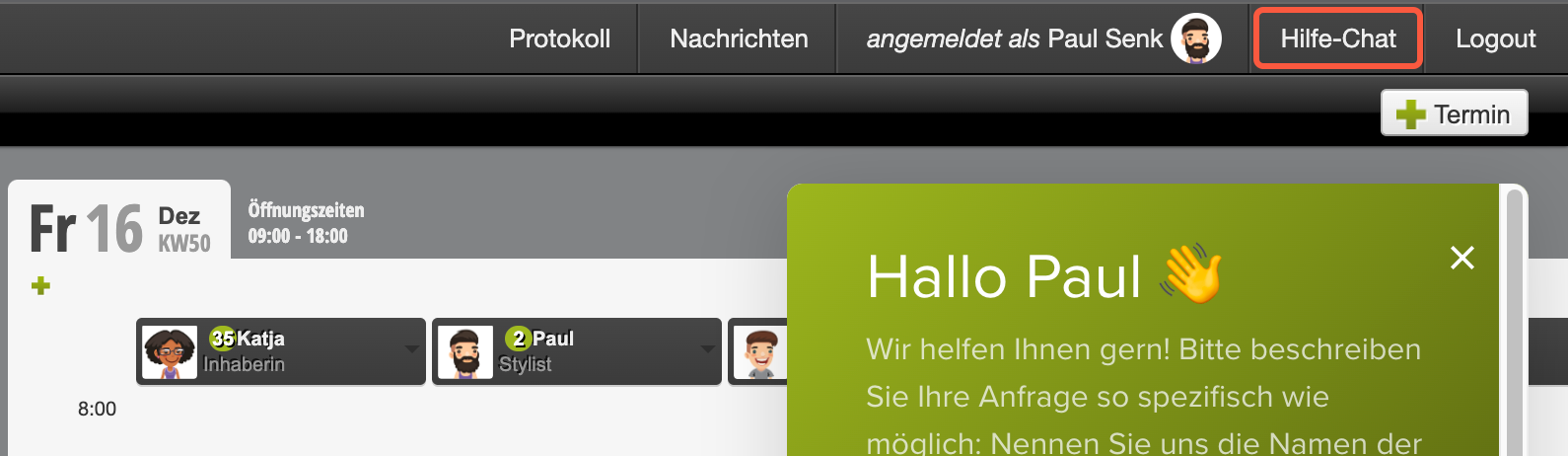
Customer Service Requests in Chat

You can reach Belbo customer service via chat or email at info@belbo.com if you have any questions. To help us process your request as quickly as possible, we have compiled tips here so that our customer service team doesn't have to ask so many follow-up questions to understand your concern.

Helpful Additional Information

In general, we ask you to describe your request as specifically as possible. The following is always helpful:

  • Detailed description of the issue with exact names of customers, services, etc.
  • Take screenshots and attach them to your request
    (Instructions for screenshots: Mac · Windows)
  • If your company has multiple locations, we may need the name of the location in question.

Important: Using the Help Chat

  • One chat or one email conversation per request.
  • Please always send follow-up questions or responses in the respective chat or as a reply to the email conversation.


First, we would ask you to start a "new" chat for each topic. Once a request has been resolved for you, please always start a new chat for a new topic.

If you prefer to resolve your requests via email, try to separate different topics into different emails. Make sure to send follow-up questions or responses to the corresponding email and not write a new email, as this will lose the context of the original question.

This way your support requests stay clearly separated from each other and can be processed faster by us, and you will receive your answers more quickly. Thank you!

Categories: Getting to know Belbo
This manual is a service by belbo. Legal notice