
belbo
  • Overview
    • Getting to know Belbo
    • Location Settings
    • Switch to Belbo
    • Calendar View & Navigation
    • Recurring Appointments & Courses
    • Appointment Entry & Management
    • Tasks
    • Overview
    • Multiple Locations & Head Office
    • Manage Employees
    • Logins
    • Rights
    • Overview
    • Absences & Holidays
    • Working Hours
    • Time Tracking
    • Overview
    • Data Protection (GDPR)
    • Customer Communication (Email, SMS)
    • Customer Management & Records
    • Overview
    • Bonus & Loyalty Programs
    • Campaigns (Newsletter & SMS)
    • Marketing Consents (GDPR)
    • Tracking & Analytics
    • Overview
    • Services & Prices
    • Service Packages & Subscriptions
    • Vouchers
    • Products
    • Purchasing & Suppliers
    • Inventory & Stock Counts
    • Scanning & Sales
    • Cost of Goods & Expenses
    • Overview
    • Design & Texts
    • Setup & Settings
    • Integration (Website, Google, Instagram, Facebook)
    • Online payment
    • Overview
    • Accounting & Exports
    • Cash Register Settings & Hardware
    • Checkout process
    • Daily Closing & Reports
    • TSE & Cash Register Anti-Tampering Ordinance
    • Overview
    • Export Overview
    • Employee Utilization
    • Revenue & Reports
    • Belbo Satellite
    • Printer
    • EC Terminal & Card Payment
    • Troubleshooting Hardware
    • Scanner & POS Devices
    • General Settings
    • API & Integrations
    • Notifications & Emails
    • Contracts & Legal
Skip to content
Cash Register & Accounting›Accounting & Exports

Cash register setup by tax office

In cooperation with your tax office, we can set up your cash register for you.

Chart of Accounts Template as CSV download: Download here.
Please forward the responses from your tax office to info@belbo.com.
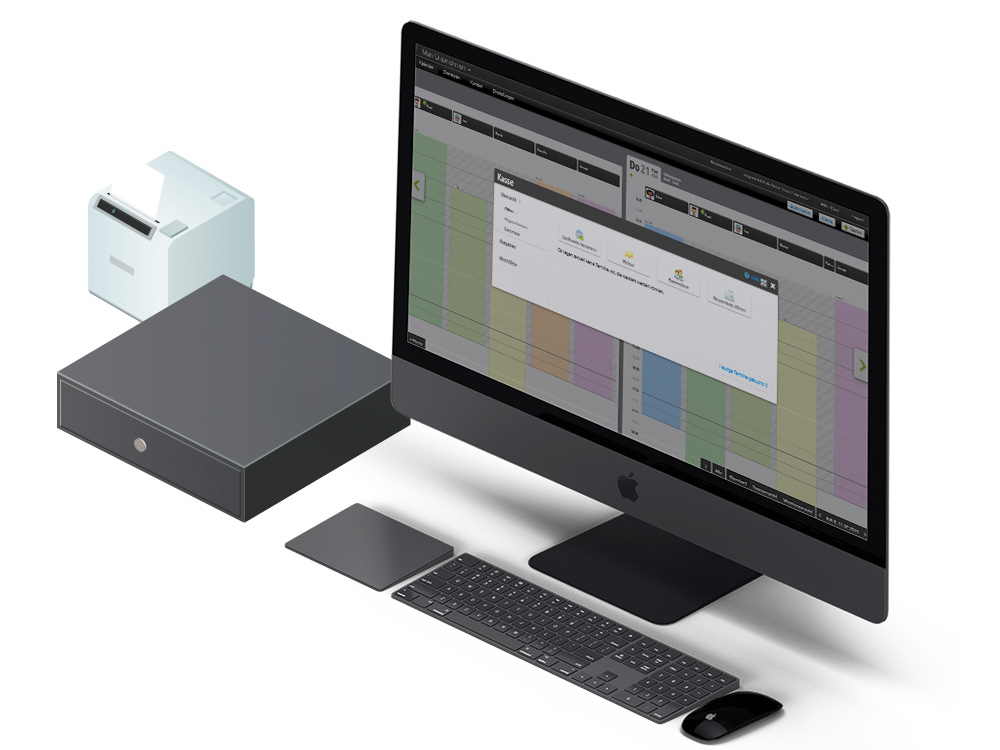
Data for Your Cash Register Setup

To get started with the cash register system, we need the following information from your tax office:

  • Standard chart of accounts
    (SKR 03 or 04)
  • The usual payment methods (cash, debit card, credit card,
    bank transfer, PayPal, etc.) and their accounting account numbers
    (1000, 1361, etc.)
  • regular expense types which are withdrawn from the cash register (advertising costs, cleaning costs, postage costs, etc.) and the corresponding accounting accounts to which these expenses should be posted.
  • If desired, expenses can be provided with a booking key (please note!)
  • Accounts for gift certificate sales and redemption
  • Are gift certificates taxed at the time of sale or at redemption?
  • If service packages ("subscriptions") are offered: Are service packages taxed at the time of sale or at redemption?
  • Email address of the tax office to obtain a separate accounting access
  • Advisor and client number

Please note the following instructions as the business owner:

  • Make sure that you and your employees have read and understood the rules in the Belbo Cash Register Manual.
  • Inform us one day before the planned actual start of the cash register balance at the end of the evening.
  • Discuss with your tax office whether you are required to use a Technical Security Device ("TSE") in your business. This must be ordered from Belbo.
Belbo Kassenhandbuch

Categories: Accounting & Exports

Have a question? Ask it here.

This manual is a service by belbo. Legal notice