If you offer service packages that have different prices depending on the selected components, you can design the checkout process accordingly comfortably.
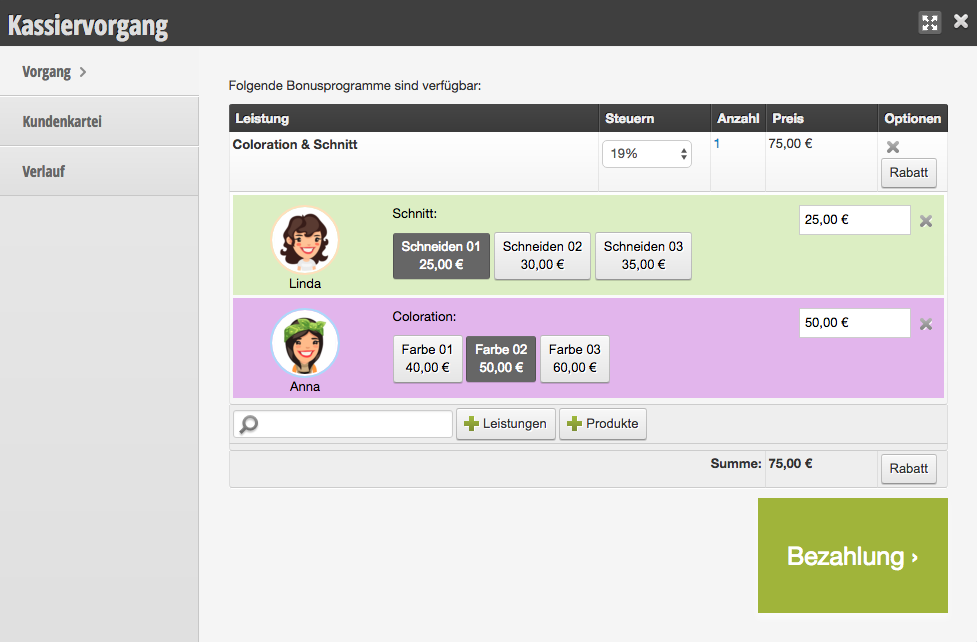
Checkout process with checkout services:
Purpose of the checkout service
You can assign any number of checkout services to each of your services. Through this link, the cashier employee has the option to select between the possible components during the checkout process to determine the correct payment price.
During checkout, buttons are offered for each service component, under which the employee can conveniently select the services used.
This way you can offer your customers simple selectable service packages in online booking, which can then be divided into individual sub-services during checkout.
Working with checkout services
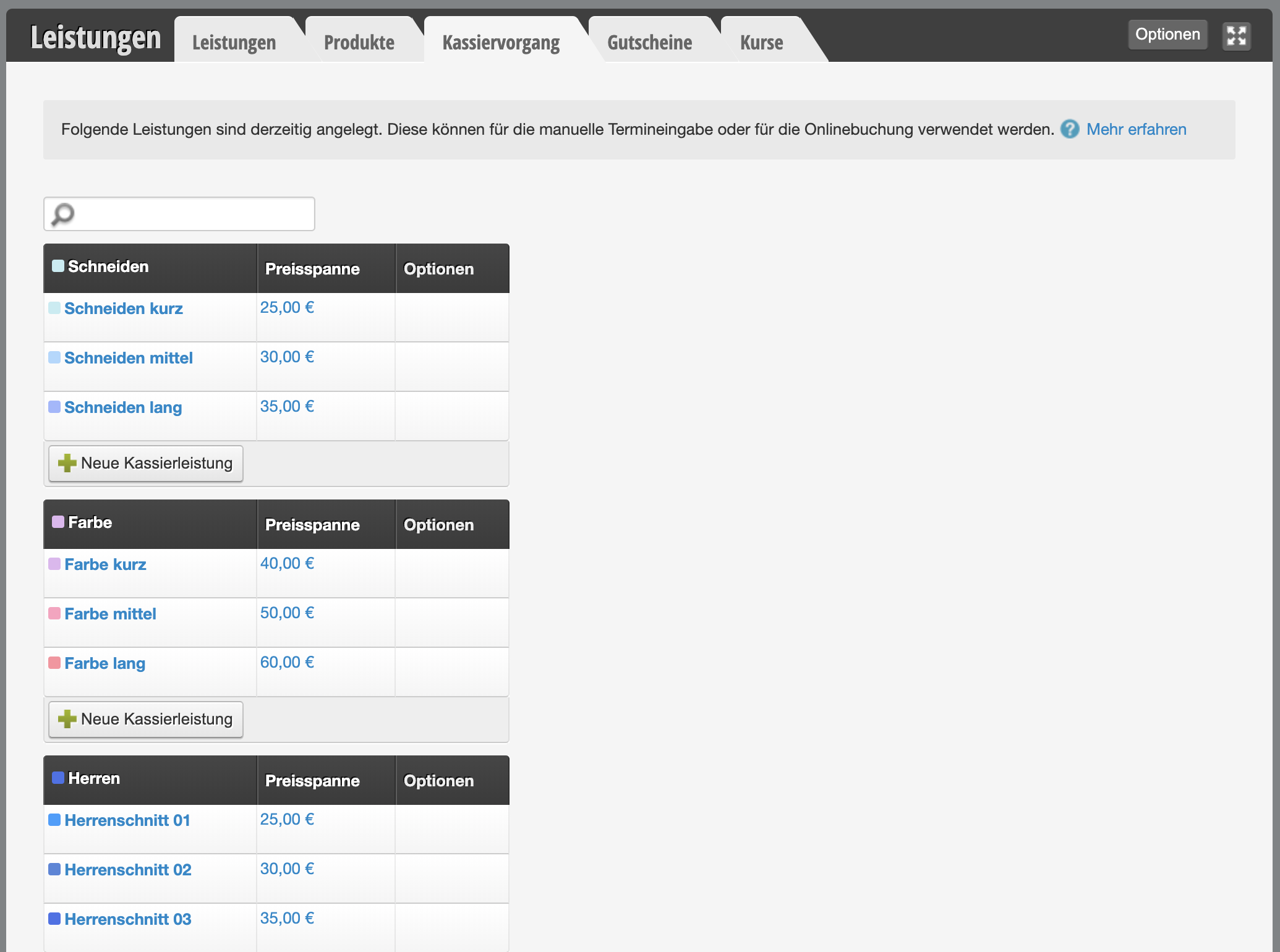
Under Settings > Prices and Skills > Checkout, you can first create the main categories of your checkout services to make it easier to assign them to individual main services later.
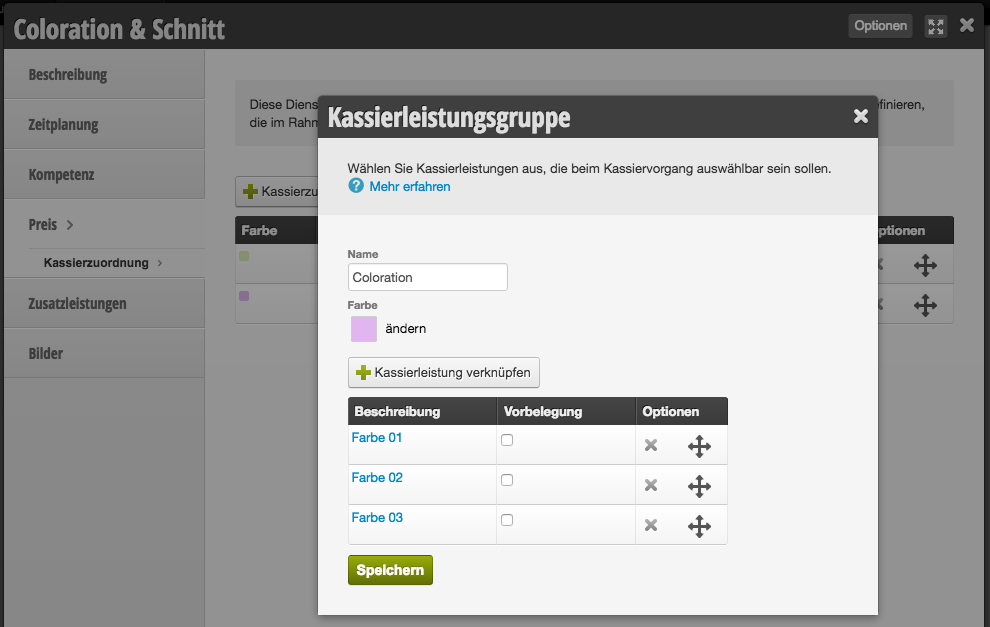
Select the service to which you want to assign your checkout services and go to "Checkout Assignment" under "Price". Here you can first create checkout service groups. For the package "Coloration + Care + Cut", "Coloration", "Care" and "Cut" would be suitable groups. After that, you can assign individual checkout services to the groups, which you can select from the already created checkout services.