It may happen that you want to print or save content or tables as a PDF that do not have their own export function. Here you can use the "Print" function of your browser.
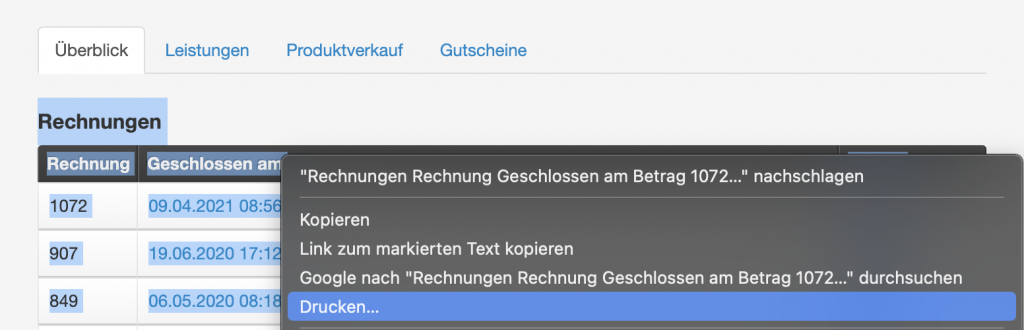
- Select the text to be printed with your mouse.
- Right-click on a selected area.
- Select the "Print..." option.
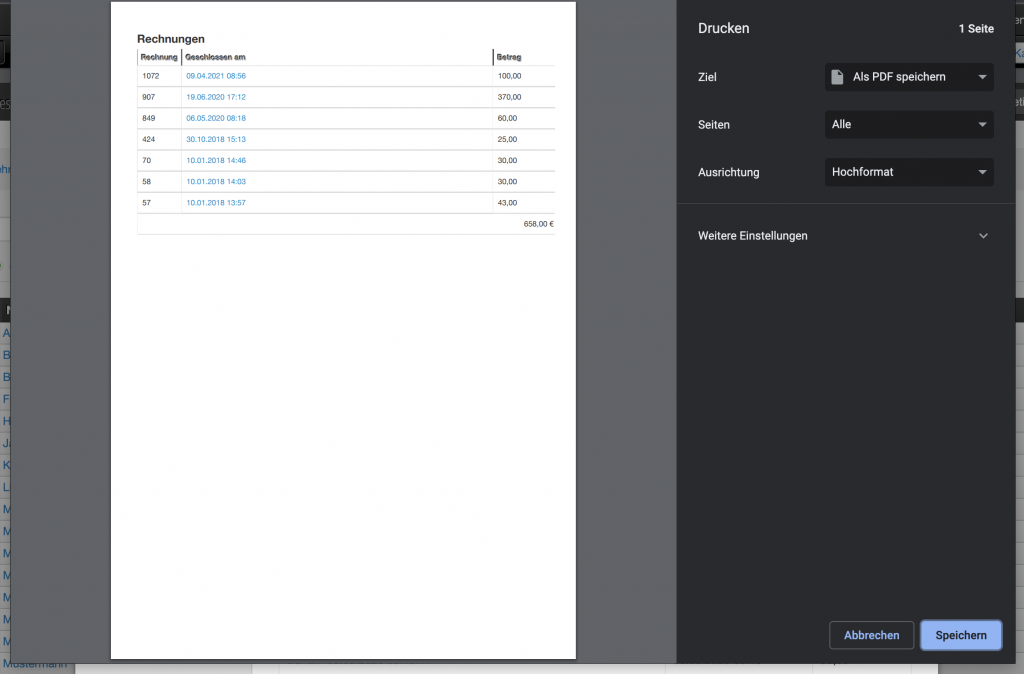
Your browser's print dialog will open, displaying the selected content as a printer-friendly version. You can now either save this data as a PDF (and send it to your customer by email, for example) or select a printer installed on-site on which the page will be printed.